Don't worry! The contents here will appear on the published page.
What Is a General Ledger Report? A Practical Guide

Do San (Justin) Myung
Expert Accountant & Former Consulting CFO
Do San (Justin) Myung
Expert Accountant & Former Consulting CFO
Justin (Do San Myung) is Expert Accountant at DualEntry with 20+ years of hands-on experience managing general ledgers, financial close processes, and ERP implementations for mid-market and enterprise companies. As a former Consulting CFO and Controller, he has personally overseen month-end closes, SOX compliance programs, and multi-entity consolidations across technology, manufacturing, and services industries. Justin specializes in transforming manual accounting workflows into automated, AI-driven processes.
Learn about our editorial policies.
Last updated
October 14, 2026
Reviewed by
Woosung Chun

Woosung Chun
CFO
Woosung Chun is the CFO of DualEntry with experience in corporate finance, accounting, strategy, and acquisitions. He previously grew from scratch and led the M&A and Finance teams at Benitago, where he completed more than 12 acquisitions in 2 years. He graduated with a BS from NYU Stern. At DualEntry, Woosung writes about AI in accounting, revenue recognition, foreign currency accounting, hedge accounting, and ERP modernization for finance teams navigating complex, multi-entity environments.
Learn about our editorial policies.

Summarize this article
The general ledger (GL) is a business’ financial DNA: the official, central record of transactions, capturing assets, liabilities, equity, revenue, and expenses.[1]
Because every transaction feeds into it, the GL is both powerful and essential. It can also quickly get complicated, especially as a business scales up and more sub-ledgers get involved. That’s where, if you need a quick snapshot of what’s going on inside the GL, the general ledger report comes in.
A general ledger report offers a formatted, easy-read view of the GL’s activity and balances for a selected scope (like business unit, fund, or department) and time period.[2] These reports are often used as the basis for balance sheets, revenue/expense summaries, and other statements needed for external reporting and compliance.
In this guide to general ledger reports, you’ll learn more about their components, their different forms, how to read them, and how they connect to trial balances and financial statements.
What is a general ledger report?
Definition and purpose
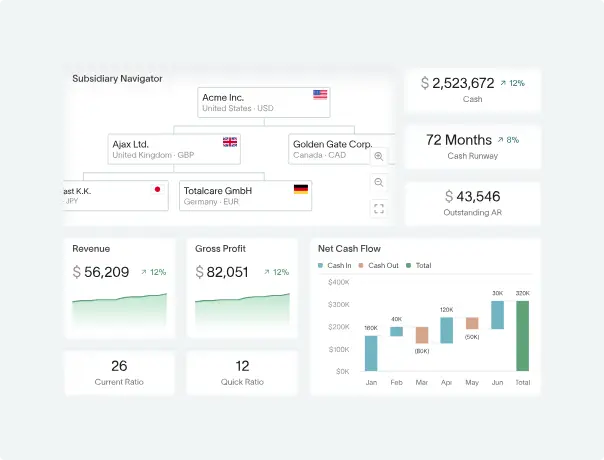
A general ledger report is a snapshot of everything your general ledger knows.
When creating one, you select a time period, filter by department or account, and then have the raw transaction data organized accordingly – resulting in something that’s easier to read and work with than a lengthy chart of accounts. These reports act as a bridge between thousands of individual journal entries and the big-picture financial statements that matter to leadership.
Financial teams use general ledger reports day-to-day to check if spending is on track against budget, to spot errors, and to make sure the books balance. They also provide a paper trail during audits.[3]
General ledger vs. general ledger report
A general ledger is a database that stores every transaction, coded and organized by account, department, fund, and project.
A general ledger report is a specific, structured view that presents the GL’s data more cleanly, with the help of subtotals, totals, and filters.
The simplest way to compare the two: one stores the information, and the other makes it easily readable and useful. In everyday business cases – for example when department heads want to review financial activity – the general ledger report is the go-to, giving a digestible look into what happened over a given timeframe.
The core components of a general ledger report
Structure and layout
General ledger summary reports vary depending on how deeply you want to drill into your finances. Line-activity views show every individual transaction posted, while summary formats roll all activity up into account balances. But in general, you can always expect to see the following:
- Account information (account names, codes, and descriptions)
- Opening balance (where each account stood at the start of the period)
- Transaction information (when each transaction took place, and for what reason)
- Transaction activity (debits and credits posted during the period)
- Closing balance (where each account stands at the end of the period)
- Totals and subtotals (often grouped by department, account or fund type)
These reports typically flow from top to bottom, starting with a header and filtering criteria so you know exactly what you're looking at, then move through each account in a logical order (often following the structure of the chart of accounts). Balances and totals are at the bottom.
Key account categories
GL reports are built around the core accounting equation: Assets = Liabilities + Equity.[4]
Accounts are grouped accordingly. Here are the most common types of accounts you’ll find in a general ledger report:
- Assets: Cash, accounts receivable, prepaid expenses, and anything else the business owns or is owed
- Liabilities: Accounts payable, accrued expenses, deferred revenue, and other obligations the business owes to others
- Equity: The owners' stake in the business, including retained earnings
- Revenue: Sales, service income, and other sources of incoming value
- Expenses: Payroll, rent, supplies, travel, and other operating costs
Filters, periods, and segments
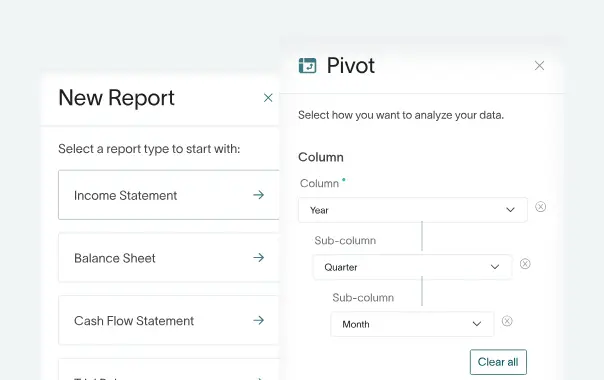
One of the most practical things about a GL report is that you can slice the data to show exactly what you need. Usually, you can filter by date range or accounting period, and by specific parts of the business (e.g. department, cost centre, project, fund). You can also choose between viewing actual posted transactions versus budget figures, which is useful for performance tracking.
Depending on how much detail you need, you can summarize everything at a high level or drill down into more granular breakdowns – all pulling from the same underlying ledger.
How to read a general ledger report, step by step
At first glance, a GL report can look like a wall of numbers, but once you know what you're looking at you’ll see it follows a logical, predictable structure. Here's how to work through one without getting lost.
Step 1: Start with the chart of accounts
Most businesses use a chart of accounts that assigns number ranges to major categories, like assets, liabilities, equity, revenue, and expenses. Once you know these ranges, you can instantly tell what type of account you're looking at on any given line.
The chart of accounts also clarifies which accounts belong to the balance sheet and which relate to day-to-day operational activity.[5]
Step 2: Check the dates and descriptions
First, make sure the report is covering the period you actually want – like the right fiscal year, month or quarter.
Next, scan the transaction descriptions and reference numbers. Each entry should have enough detail to tell you what it is and where it came from. If something looks vague or oddly dated, like an entry that's been backdated without explanation, it’s worth investigating it before moving onto the next step.
Step 3: Work through the debits, credits, and balances
This is a core part of reading a GL report. According to the rule of double-entry accounting, every transaction affects at least two accounts – a debit on one side, a credit on the other – and the two must always balance.[6]
As you move through the report, you can follow how each account's opening balance changes with each posting until you arrive at the closing balance. You should pay attention to adjustments and accruals here too, as these can have an impact on balances.
Comparing related accounts, like revenue alongside receivables or expenses alongside payables, is a good way to sense-check that everything’s been recorded correctly.[7]
Step 4: Look for anomalies and errors
A well-kept GL should balance cleanly and tell a coherent story. Red flags include accounts that don't balance, unexpected negative balances, unusual activity spikes, or transactions that are hard to explain. Issues often come down to entries being posted to the wrong account or period, missing entries, or simple transposition errors (which are more common than you might expect in companies that maintain their books manually).
Catching errors at the GL level is important. Anything that’s missed can cause problems later down the line when they make it into your financial statements.
Types of general ledger report
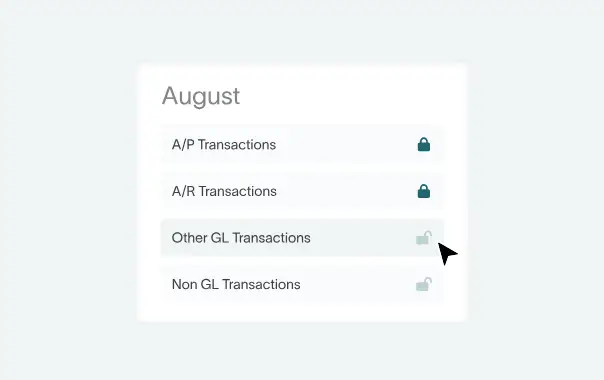
Not all GL reports look the same or serve the same purpose. Here, we’ll go over the main types you'll come across.
Summary vs detail reports
A summary GL report rolls everything up into high-level totals, showing opening balances, activity for the period, and closing balances by account – without listing every individual transaction behind them. It's the kind of view a manager or business owner typically wants for a clean, clear snapshot of where things stand.
A detail report, meanwhile, shows every single line – every journal entry, posting, and adjustment – for a given account, or set of accounts, over a period. As it’s more granular, it’s the go-to for reconciliation and audit prep. If you need to find a specific transaction, it’s the sort of report you need.
Specialized GL reports in accounting software
More advanced accounting systems go beyond just summary and detail views, also covering a range of specialized report templates built for specific tasks.
Some systems offer budget vs actuals reports that sit alongside the GL, combining posted transactions with budget figures so you can see performance at a glance.
How GL reports connect to financial statements
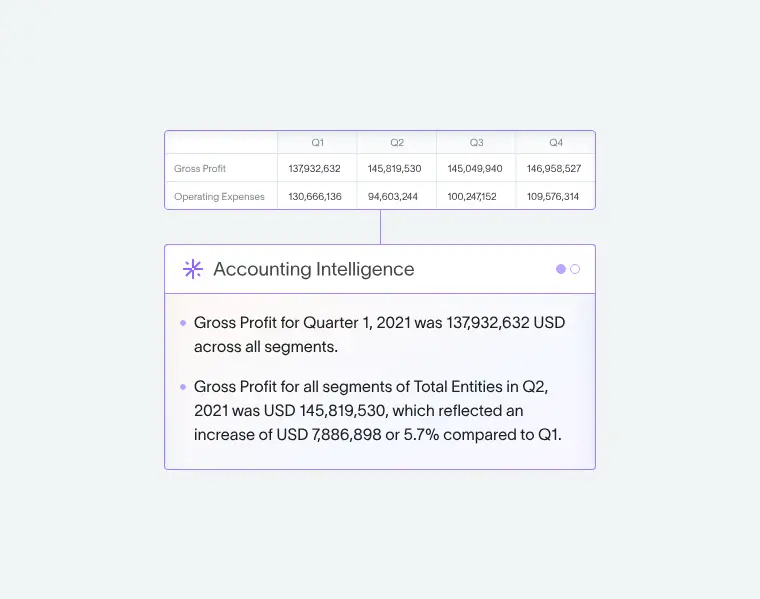
From general ledger to trial balance
Once all transactions for a period have been posted, the first step for creating financial statements involves the trial balance. This is a simple list of every account's closing balance – shown as either a debit or a credit – pulled straight from the ledger.[8] The trial balance’s main job is to check that total debits equal total credits. If they don't, something has been recorded incorrectly and needs to be found before you go any further.
You can think of the trial balance as a checkpoint between raw ledger data and the polished financial statements that come later. For a deeper look at reconciliation workflows, see our guide to account reconciliation best practices.
Feeding the balance sheet and income statement
Once the trial balance checks out, you can use account balances to build the two core financial statements. Asset, liability, and equity accounts connect to the balance sheet, giving a snapshot of what the business owns and owes at a point in time.
Revenue and expense accounts inform the income statement, which shows how the business performed over a given period. The numbers don't change between the GL report and the financial statements; they're just reorganized and presented more formally.
Supporting cash flow and management reports
Because every cash movement – and every non-cash adjustment, like an accrual or a depreciation charge – is recorded in the general ledger, GL data also serves as the basis for preparing the cash flow statement.9
Businesses also use segmented GL reports filtered by department, project, or cost center to prepare internal management reports. This makes it easier to track budget versus actual spending at a more granular level.
A simple example: how transactions flow through a general ledger report
Mini case study: from transactions to GL report
Say you run a small consulting business. A typical month might look like this:
- You complete a project and issue an invoice for $5,000 to a client. This creates a journal entry: debit Accounts Receivable $5,000, credit Revenue $5,000. Both accounts now show activity in the GL.
- The client pays, so you collect the cash. Journal entry: debit Cash $5,000, credit Accounts Receivable $5,000. The receivable clears, and your cash balance increases.
- You receive a supplier bill for $800 for software subscriptions. Journal entry: debit Expenses $800, credit Accounts Payable $800.
- You run payroll for $3,000. Journal entry: debit Payroll Expenses $3,000, credit Cash $3,000.
At the end of the month, your GL detail report shows all of these postings, line by line, under each account. Your GL summary report shows the closing balances: cash up, receivables cleared, revenue and expenses reflecting the month's activity. Those balances then feed directly into the trial balance, and from there into your financial statements.
Following a transaction from journal entry to financial statement
From first entry to final reporting output, see how one transaction moves through the accounting system.
Practical use cases and best practices
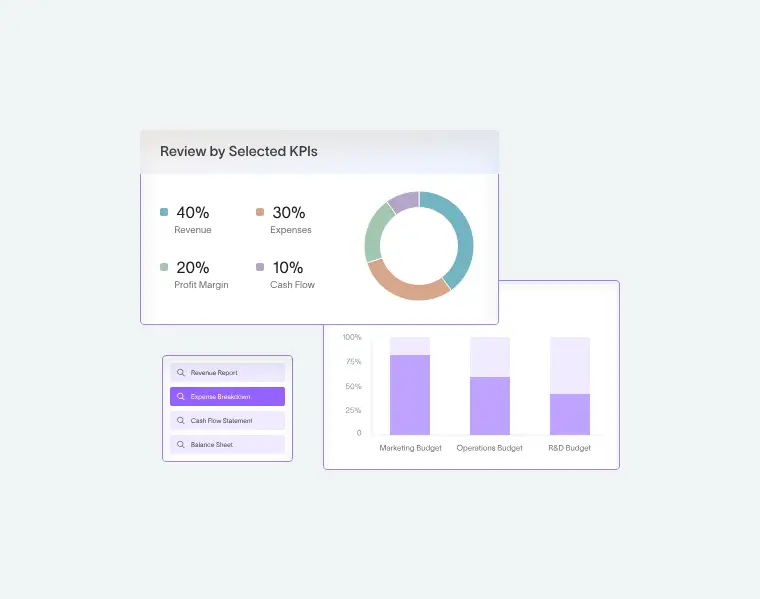
Everyday applications for GL reports
Most finance teams use GL reports on a regular, recurring basis rather than just pulling them when something looks wrong. The most common use cases are month-end and year-end reconciliation: checking that every transaction has arrived in the right account, and that balances look as expected.
Beyond that, GL reports are regularly used to track spending against budget, spot unusual variances early, and confirm that activity in specific departments or projects is being recorded correctly.
For companies managing multiple revenue streams or cost centres, they're also a practical way to monitor financial activity across different parts of the business in one place.
Maintaining accuracy and control
A few simple habits go a long way toward keeping your GL reliable, like:
- Make sure your books balance: If assets don’t equal liabilities + equity, there’s an error. Running a trial balance before period close is a good way to routinely check for this.
- Document journal entries clearly: Keep entries clear and consistent, including reference numbers so anyone reviewing the ledger later – whether your team or an auditor – can easily understand what each one relates to.
- Set consistent cut-off dates for the close: Sticking to a regular schedule prevents late or backdated entries from causing confusion.
Bringing automation into the workflow
Recent advances in AI and automation mean that modern accounting systems can now take a lot of manual effort out of GL reporting.
Rather than leaving you to create reports by hand, high-performing general ledger software like DualEntry let you set up predefined templates and filters, so the same reports can be generated consistently each month, with minimal effort. Reducing the risk of transactions being missed or entered twice, the system unifies all relevant workstreams in one place, in real time.
DualEntry also offers AI-powered anomaly detection that flags up unusual activity automatically – so you can get on top of out-of-balance items before they turn into bigger problems.
How AI improves general ledger reporting
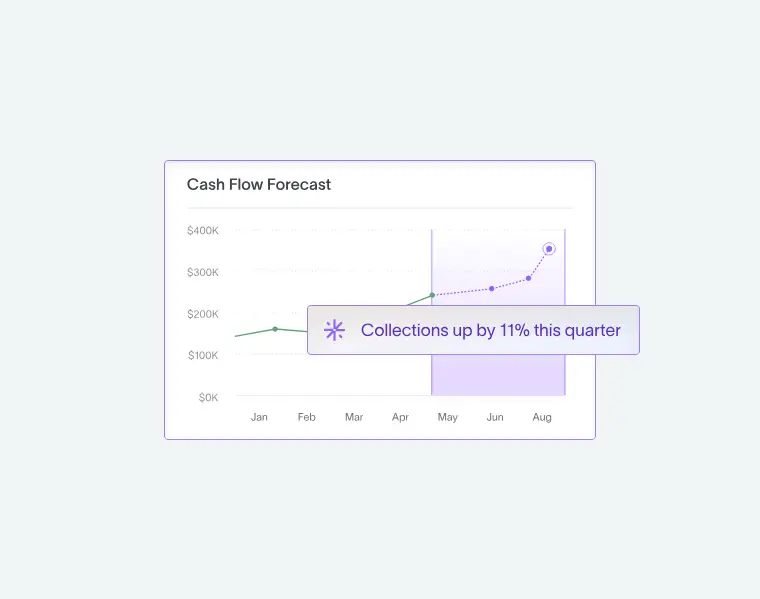
Manual GL reporting still gets the job done – but it's time-consuming and often causes delays, inconsistent reviews, and difficulties in tracing issues across transactions, balances, and reporting periods. AI and automation are changing this, making it faster to reliably generate reports, spot anomalies, and keep the books clean. To understand how AI is reshaping accounting workflows more broadly, see our overview of AI in accounting.
Let’s look at how DualEntry helps teams centralize ledger activity and build more consistent reporting workflows – with the capacity to handle up to 400 billion records per month.
Automating GL report prep and review
DualEntry takes a lot of the heavy lifting out of GL maintenance. Transactions can be bulk imported from Excel, CSV, or zip with AI-assisted import. Once they're in, DualEntry AI automatically categorizes them and suggests reporting categories, so you're not manually sorting through entries one by one.
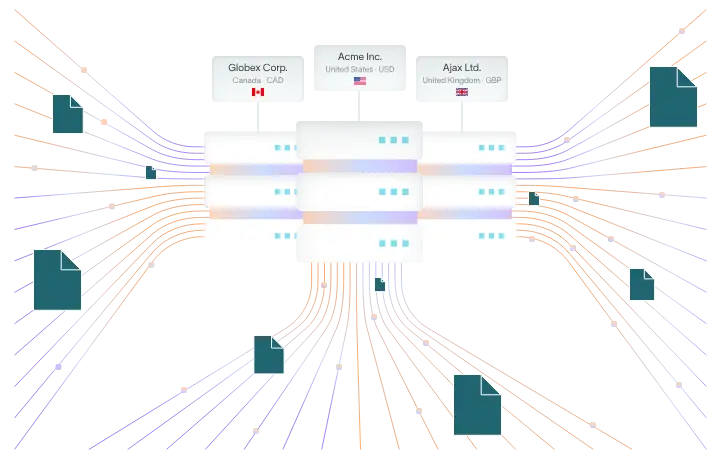
Amortization and depreciation are handled automatically too, so the right formulas are applied without anyone having to set them up from scratch each period. For businesses with multiple entities, inter-entity transactions are automated and financials can be consolidated in real time. The ledger itself is append-only, meaning every change is logged and traceable. You always have a clean, reliable audit trail, without extra manual effort.
Improving reconciliation, controls, and reporting accuracy
Reconciliation is one of the most time-consuming parts of the close process, and one of the areas where DualEntry makes the biggest difference. AI reconciliation automatically matches bank data to transactions and flags anything that doesn't match, so discrepancies can be dealt with quickly instead of being discovered late.
For businesses reporting across multiple frameworks (IFRS, GAAP, tax, cash basis…), multi-book accounting means every transaction can be traced across reporting bases side by side, so there’s less risk of inconsistency between books. Overall, you have a faster, cleaner close and more trustworthy financial statements. For businesses managing multiple entities, see how AI is streamlining intercompany reconciliation.
General Ledger Reports FAQs
What is a general ledger report?
It's a structured view of the transactions and balances held in your general ledger, filtered by account, department, or time period so you can see exactly what's been recorded and when.
What does a general ledger report tell you?
It shows how each account's balance has moved over a given period, like what came in, what went out, and where things currently stand. Most reports show figures for the current period alongside year-to-date totals, so you get both a close-up and a wider view.
How often should you run a general ledger report?
At a minimum, most businesses run GL reports monthly as part of their regular close. Additional runs at quarter-end and year-end are standard, and many finance teams pull reports more frequently when monitoring specific projects or budgets.
What's the difference between a general ledger report and a trial balance?
A GL report shows activity and balances in detail. You can filter by account, period, department, or other dimensions. A trial balance is a little simpler: it just lists every account's closing balance as a debit or credit, and its sole purpose is to confirm the two sides add up equally before you move on to preparing financial statements.
What types of general ledger reports do most accounting systems provide?
Most systems offer at least a summary report and a detail report, plus a trial balance. Beyond that, common options include ledger history reports, closing trial balance reports, and budget vs actuals views, each suited to a different task or stage in the reporting cycle.
In summary…
The general ledger is the backbone of a business's financial records, and GL reports are how you actually make use of it. Whether you're reconciling at month end or preparing for an audit, all the info you need flows through the ledger.
Once you understand the structure – how accounts are organized, how transactions flow through the system, how balances connect to the statements – reading and using GL reports becomes much more intuitive.
If manual processes are slowing your team down, DualEntry is built to help you achieve more with less. With powerful features from AI-assisted imports and automatic categorization to real-time reconciliation and multi-book reporting, you spend less time gathering and sorting data, and more time on understanding what the numbers are telling you.
References
-
 Missouri University of Science and Technology — General Ledger – Accounting and Budget
-
Regents of the University of Michigan — General Ledger Structure – Key Terms & Concepts
-
Southern Illinois University — General Ledger Summary Report
-
Hofstrand, Laura, et al. — Understanding Double Entry Accounting (2025)
-
Regents of the University of Michigan — General Ledger Structure – Key Terms & Concepts
-
Cornell Law School — Double-Entry Accounting
-
The Open University — Balancing off Accounts and Preparing a Trial Balance
-
Penn State World Campus — Unadjusted Trial Balance Preparation
See the full power of DualEntry in 30 minutes
Justin (Do San Myung) is Expert Accountant at DualEntry with 20+ years of hands-on experience managing general ledgers, financial close processes, and ERP implementations for mid-market and enterprise companies. As a former Consulting CFO and Controller, he has personally overseen month-end closes, SOX compliance programs, and multi-entity consolidations across technology, manufacturing, and services industries. Justin specializes in transforming manual accounting workflows into automated, AI-driven processes.