Purchase Order automation Software
Smarter, faster purchase management
Slash processing times, eliminate manual data entry, and have real-time visibility across your entire procure-to-pay cycle.


Work more efficiently,
from procure to pay
%20(1).jpg)
Smart approval workflows
Build PO approval workflows to match your org structure and spend policies using automated approval workflows. Auto-route approvals to budget owners and allow parallel reviews across teams.
%20(1).jpg)
A unified purchasing ecosystem
Put duplicate data entry in the past with an integrated purchasing system that links accounts payable automation, cash controls, and inventory. Instantly access supporting documents, and drag-and-drop to organize your files.
Timely, tracked approvals
Speed up procurement reviews with DualEntry's email and Slack integrations. Leverage notifications, reminders, and notes to keep approvals moving. Built-in approval logs keep your records audit-ready.
%20(1).jpg)
Automate your way to purchasing excellence
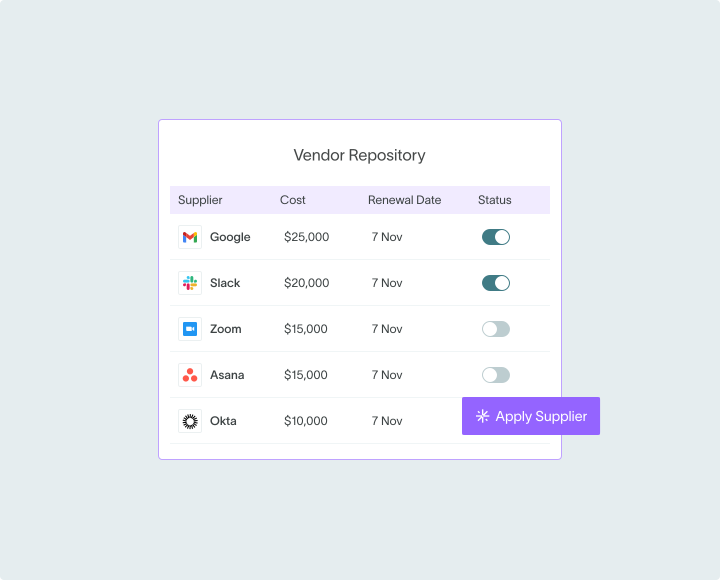
Automatic PO generation
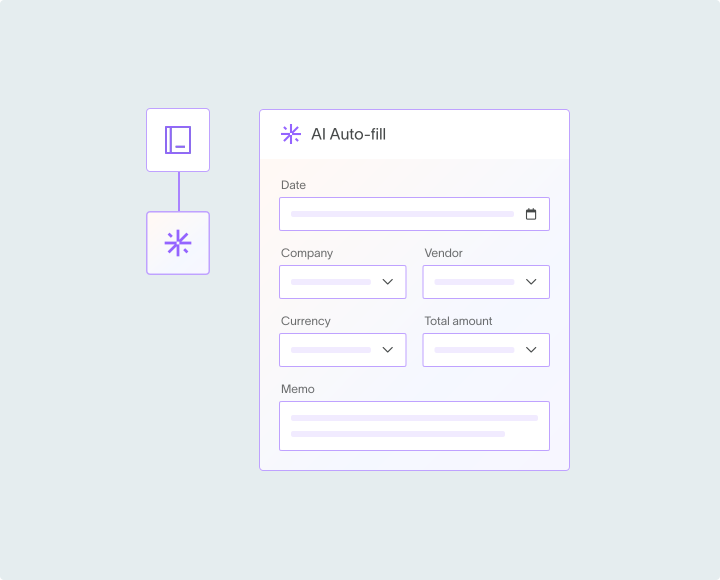
Seamlessly convert approved purchase requests into purchase orders without manual intervention. DualEntry AI also automatically generates POs from approved requisitions, eliminating double data entry and reducing processing time.
Automatic spend categorization
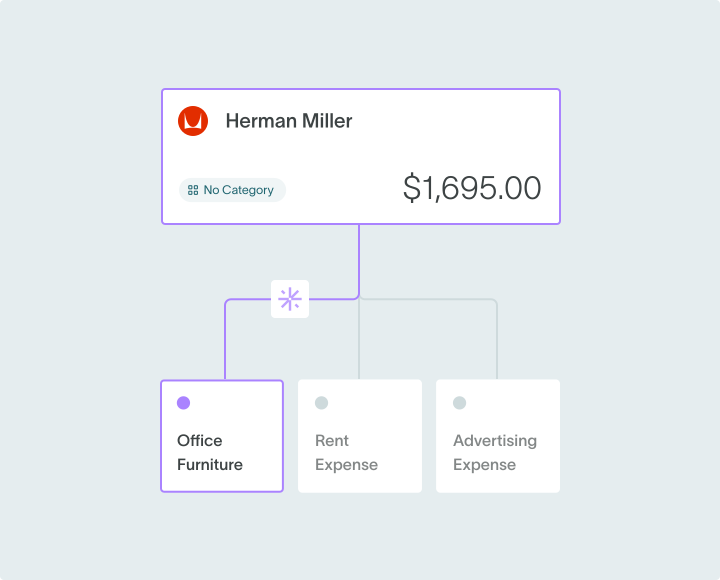
Enhance accuracy with automatic account code assignment. DualEntry AI intelligently categorizes purchases, linking POs to the appropriate account codes for streamlined spend categorization and efficient invoice processing.
Three-way matching
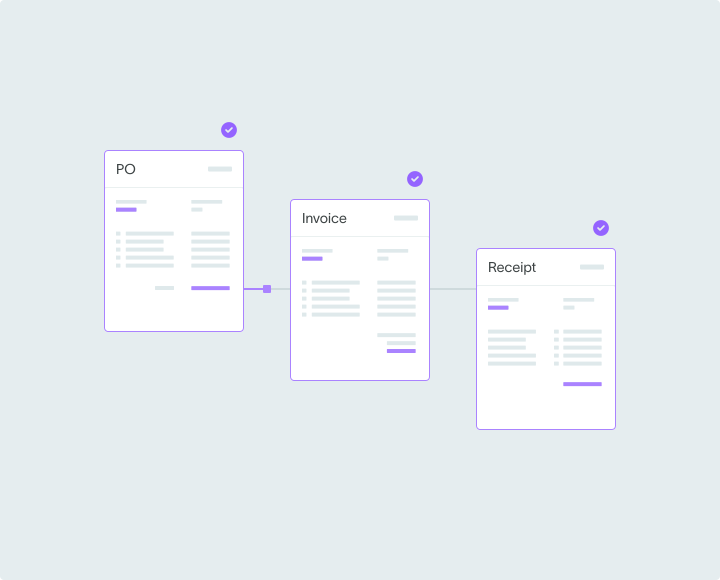
Ensure payment accuracy with automated three-way matching. DualEntry automatically cross-references PO, invoice, and receipt data and flags discrepancies in unit costs and quantities for immediate review.
Auto PO distribution
Simplify your PO distribution process with intelligent automation. DualEntry automatically emails POs to designated suppliers while allowing you to exclude specific vendors, such as utilities, that don't need formal purchase orders.
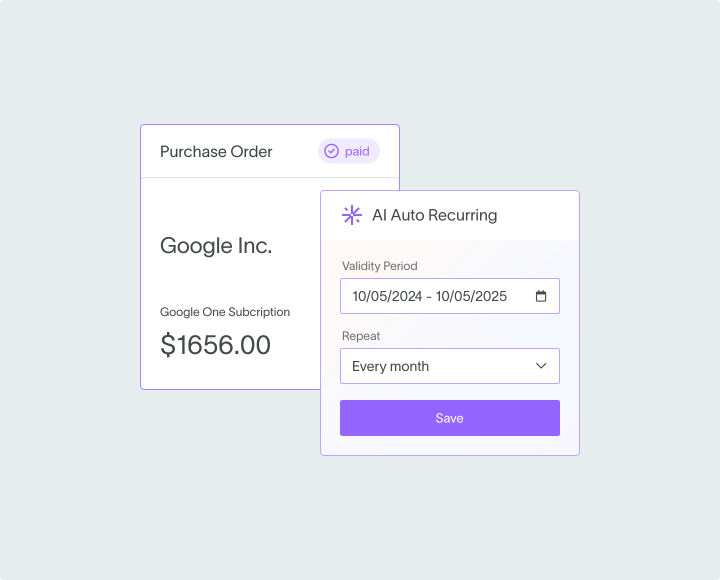
Recurring PO automation
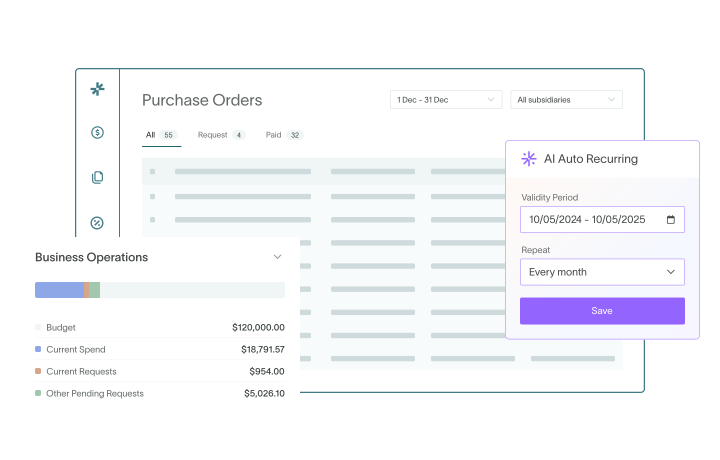
Optimize recurring purchases with automated blanket purchase orders. Set up a single PO for repeatedly required goods or services, cutting down on administrative overhead and streamlining your procurement process for regular suppliers.
See your purchase-management process in real time
%20(1).jpg)
Personalized dashboards
Track budget performance, compare quotes, view price breaks, and monitor actuals through real-time financial reporting.
%20(1).jpg)
Comprehensive audit trails
Keep detailed audit trails for all transactions with built-in across POs, requisitions, quotes, and returns.
Compliance controls
Create tailored workflows and approval processes with centralized financial workflow management to enforce procurement policies. Set spending limits to support budget and procurement-policy compliance across all departments.
%20(1).jpg)
Everything you need from
a purchase order software
without the extra charges
| Feature |  |  |  |  |
|---|---|---|---|---|
| Automatic spend categorization DualEntry AI automatically categorizes purchases, linking POs to the appropriate account codes for streamlined spend categorization and efficient invoice processing | (Not supported natively) | Not available | (Requires SuiteFlow configuration or add-on module) | |
| Automatic PO distribution DualEntry automatically emails POs to designated suppliers while allowing you to exclude specific vendors, such as utilities, that don't need formal purchase orders | Not supported | Not available | (Requires SuiteFlow configuration or add-on module) | |
| Automatic conversion of approved requisition into PO DualEntry AI automatically generates POs from approved requisitions | Not supported | Not available | ||
| Custom approval workflows Custom PO approval workflows to suit your organizatio's structure and spending policies. | 3rd-party add-on needed | Not available | ||
| Auto-routing of approvals DualEntry auto-routes approvals to budget owners in cross-functional teams | Not available | |||
| Streamlined communication All purchasing conversations in one place for clearer audit trails and faster approvals. Email and Slack integrations. | 3rd-party required | |||
| AI three-way matching DualEntry AI automatically cross-references PO, invoice, and receipt data and flags discrepancies in unit costs and quantities for immediate review | 3rd-party required | 3rd-party required | ||
| Role-based dashboards | Not available | |||
| Live insights Track budget performance, compare quotes, view price breaks, and monitor actuals against budgets, all from a centralized interface | Not available | |||
| Automatic PO generation Seamlessly convert approved purchase requests into purchase orders without manual intervention | ||||
| Recurring PO automation Optimize recurring purchases with automated blanket purchase orders. Cut out repetitive manual work by setting up a single PO for repeatedly required goods or services | ||||
| Audit trails Maintain full transparency with detailed audit trails for all transactions |