Cost Allocation Software
Smarter, faster, more accurate allocations
Simplify asset, cost, and revenue allocations while saving time and uncovering fresh insights.
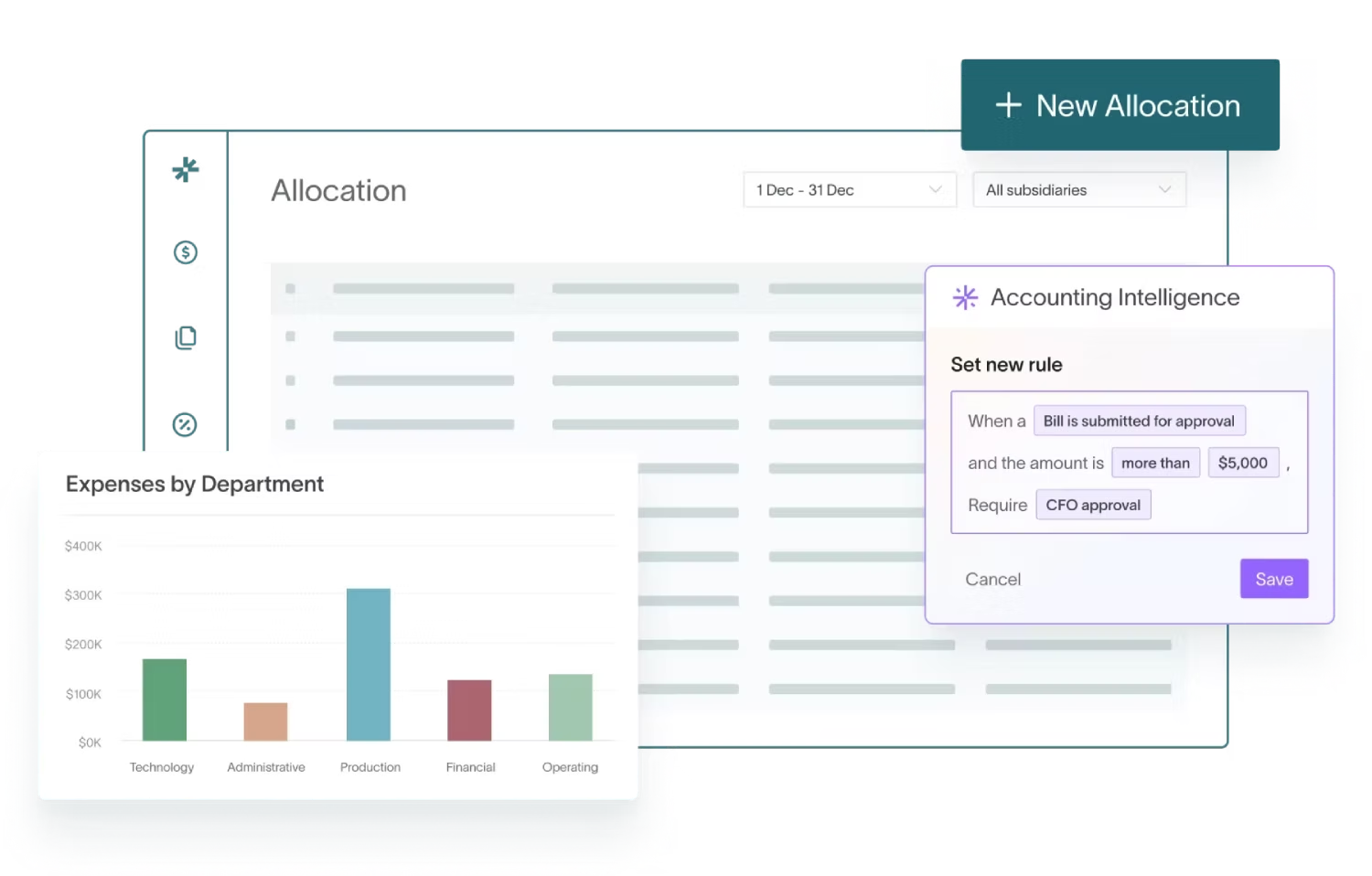


Replace tedious manual corrections and post-period adjustments

Dynamic allocations
Automate cross-entity, cross-dimensional distributions. Get auto-generated journal entries using your chosen calculation methods, ensuring accurate allocations for departments, products, or projects.

AI 3-way matching
Save time with fast 3-way matching of payments, remittances, and invoices. DualEntry pulls details, matches invoices, and posts payments accurately, flagging discrepancies for review.
.avif)
Cross-entity scheduling
Schedule recurring allocations across multiple entities in a few clicks. DualEntry automates intercompany allocations, ensuring timely, accurate distribution of shared costs and revenues.
Recurring allocation templates
Use customizable, automated templates for recurring allocations. Generate them precisely without redefining calculations each time.

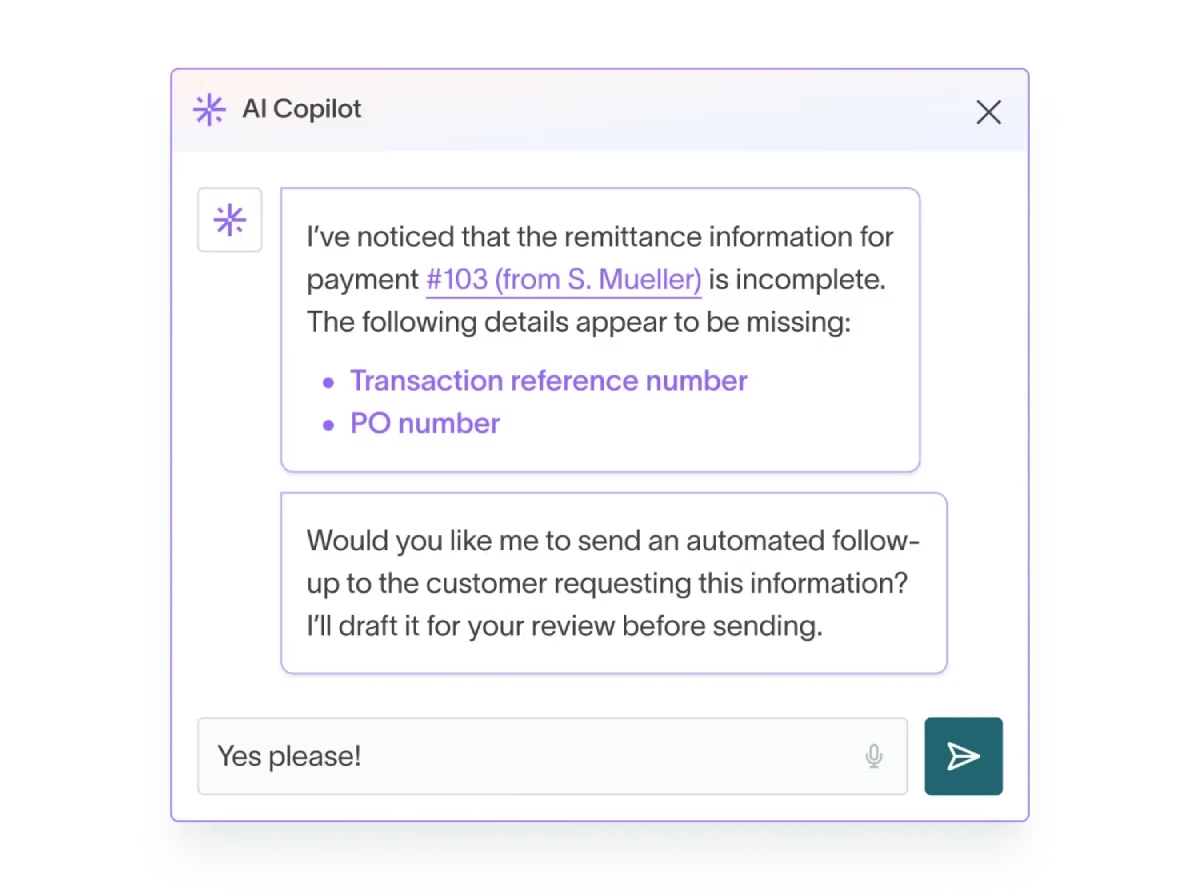
Automated remittance follow-ups
Automate follow-ups for missing details. Your AI Accounting Intelligence will proactively request customer details, freeing up your team for higher-value tasks.
Make data-driven decisions
.avif)
Allocation impact analysis
Compare allocation methods and visualize their effects instantly. Assess the impact of different allocation strategies with before-and-after views. No manual calculations or Excel required.
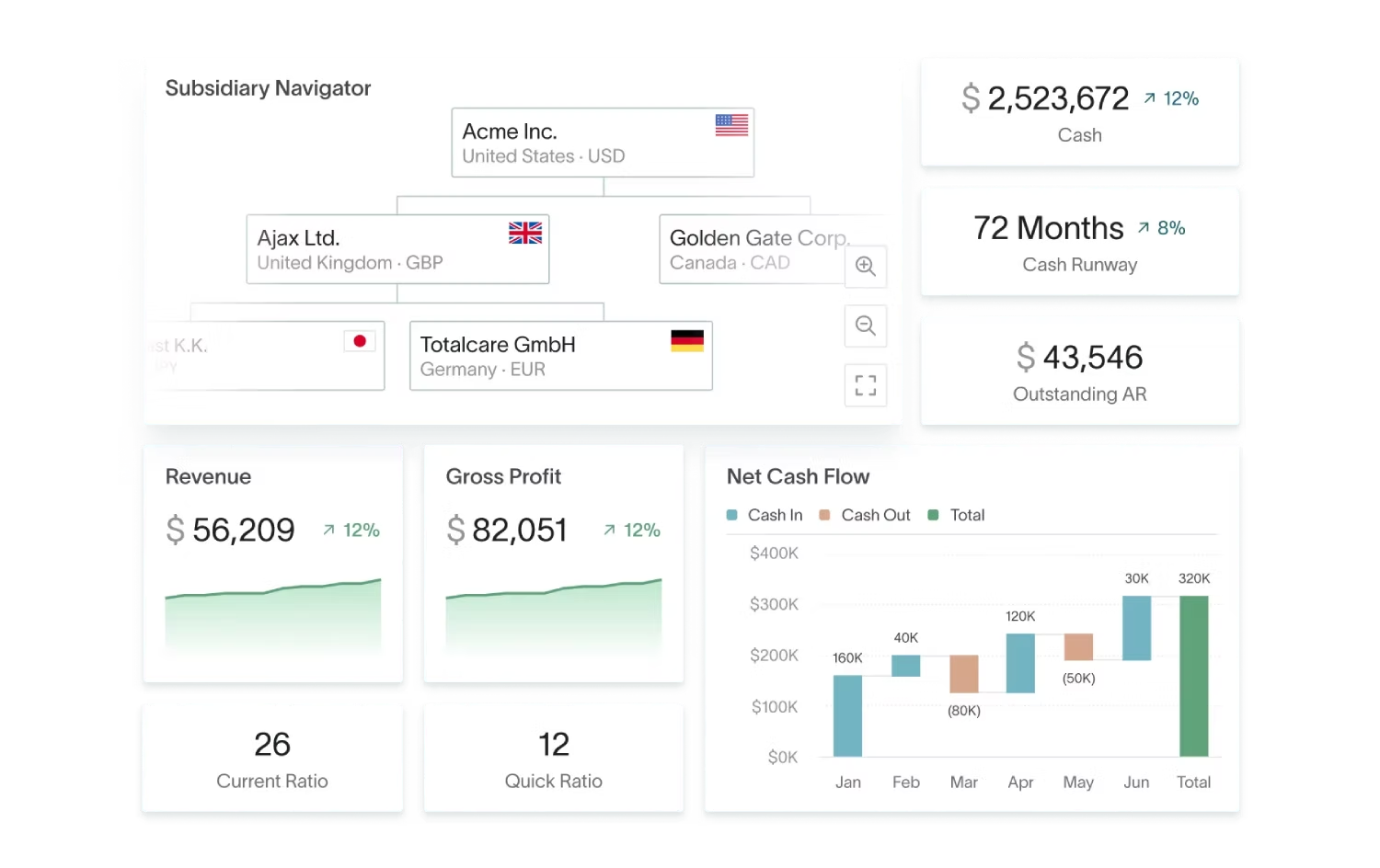
Live, tailored dashboards
Track incoming payments and remittances in real time. Your dashboard's comprehensive, real-time overviews keep you ahead of cash-flow fluctuations.
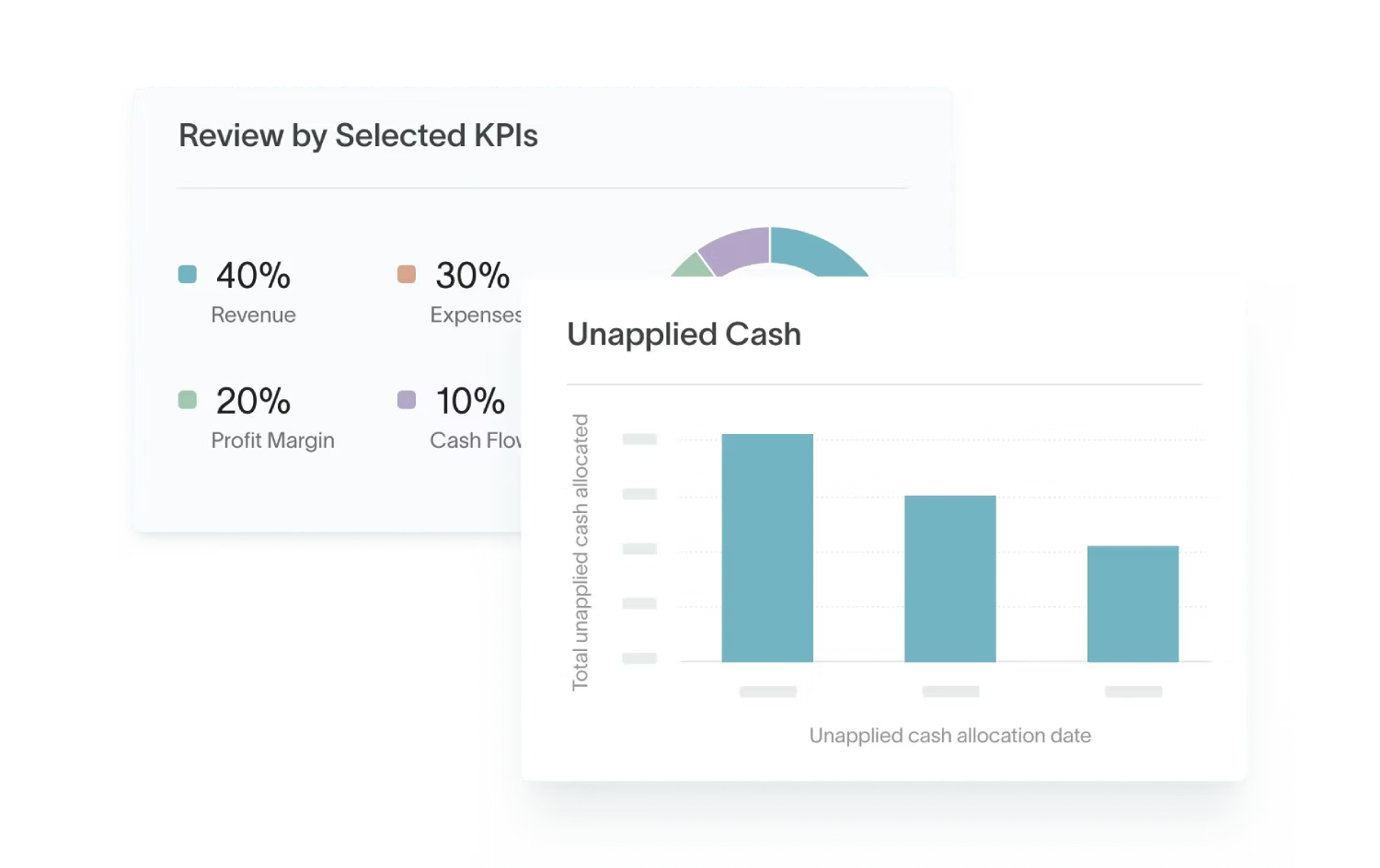
KPI tracking
Track KPIs like auto-allocated payments, unapplied cash, and allocations by user. Monitor and improve cash-allocation performance in real time.
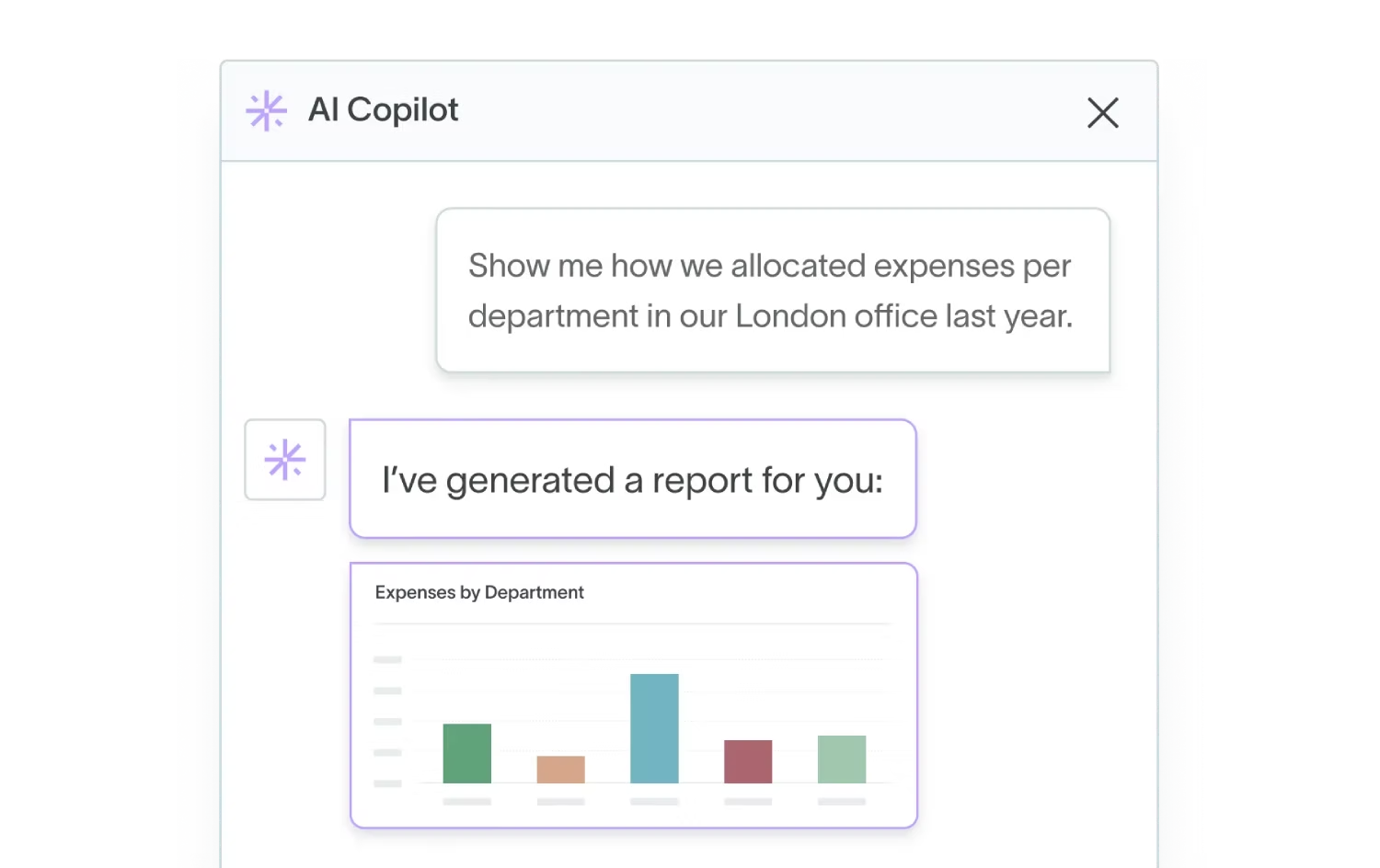
Custom allocation reports
Create shareable reports at any time, tailored to your needs: from standard reports on allocated payments and unapplied cash to fully customized analyses.

Detailed audit trails
Drill down from allocation journal entries to source data effortlessly. For less pain during future audits, trace every allocation back to its origin with a single click.
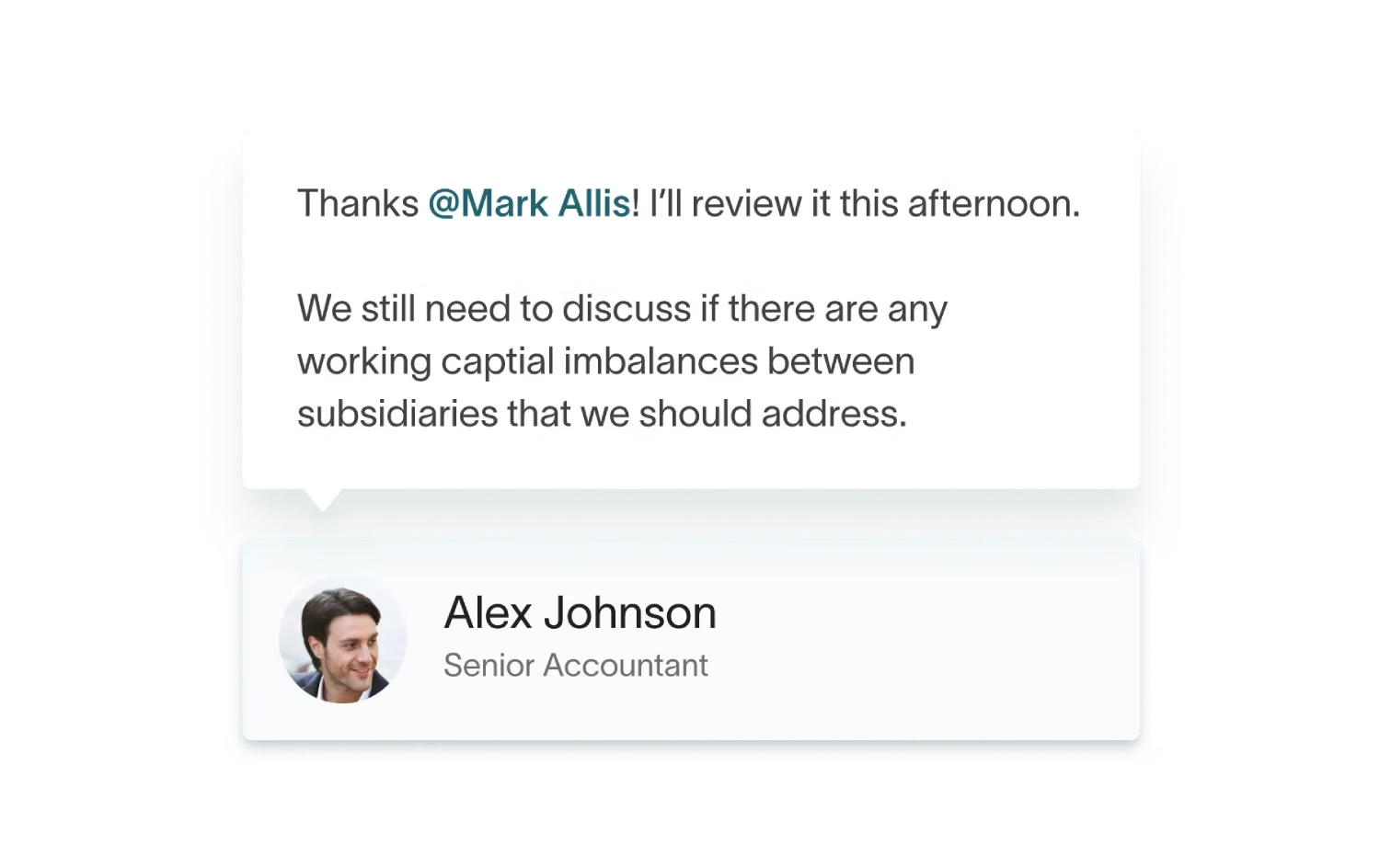
Collaborate with ease
Move discussions directly into allocation forms to break down silos. Keep full conversation records for transparency and smooth workflows.
Everything you need from
a cost allocation software
without the extra charges
| Feature |  |  |  |  |
|---|---|---|---|---|
AI three-way matching | Not supported | Not supported | Via SuiteApp/partner (not native AI) | |
Dynamic allocations | Not supported | Limited via Distribution Rules (fixed %) | Requires Advanced Financials (Allocation Schedules) | |
Cross-entity scheduling | Not supported | Requires Intercompany Integration add-on | OneWorld + Transaction Line Distribution SuiteApp | |
Automated remittance follow-up | Not supported | Via add-on/custom workflow | Via SuiteFlow/partner (AP remittance reminders) | |
Allocation impact analysis | Not supported | Via Crystal/SAC reports | Via SuiteAnalytics / saved searches | |
Recurring allocation templates | Not supported | Requires Advanced Financials (templates/schedules) | ||
Streamlined communication | Not supported | Add-on or manual notes | ||
Custom allocation reporting | Via Excel/ODBC | Via Crystal/SAC | ||
Live dashboard insights | Limited snapshots | Via HANA/SAC cockpit | ||
Real-time KPI monitoring | Limited KPIs only | Via HANA/SAC | ||
Audit trails |




Cost Allocation Software FAQ
What is cost allocation software?
Cost allocation software allows finance teams to track, sum, and assign costs to specific cost objects. In accounting a cost object is any item that the company measures separately like an activity, a department, a product or a service.
How to allocate common costs?
To allocate common costs you should follow a three step process:
- First you need to find the cost objects like departments, products, services or entities the costs will be allocated.
- Then you need to choose the allocation bases. This means finding the criteria used to distribute costs. If its salaries, its working hours, if it's a machine, its hours operated etc.
- Then finally you should calculate and report the allocated costs to your accounting system.
What is the easiest method of cost allocation?
Because the cost allocation process is complex and time consuming the easiest method of cost allocation is using software that automates this process completely. With DualEntry you can set rules on cost objects and it will automatically split and allocate costs between different departments and entities.
How does DualEntry automate cost allocations?
DualEntry uses a technology called dynamic allocations. What this means is that it automates complex distributions across entities and dimensions. It pulls source balances and creates journal entries based on your preferred calculation methods
Can I track and audit all allocations with DualEntry?
Yes you can track and audit all allocation with DualEntry as it keeps detailed logs of all allocation history, system customizations, master-data changes, and modifications to workflows, scripts, and system settings.