Don't worry! The contents here will appear on the published page.
12 Best Account Reconciliation Software Tools in 2026

Woosung Chun
CFO
Woosung Chun
CFO
Woosung Chun is the CFO of DualEntry with experience in corporate finance, accounting, strategy, and acquisitions. He previously grew from scratch and led the M&A and Finance teams at Benitago, where he completed more than 12 acquisitions in 2 years. He graduated with a BS from NYU Stern. At DualEntry, Woosung writes about AI in accounting, revenue recognition, foreign currency accounting, hedge accounting, and ERP modernization for finance teams navigating complex, multi-entity environments.
Learn about our editorial policies.
Last updated
November 19, 2026
Reviewed by
Do San (Justin) Myung

Do San (Justin) Myung
Expert Accountant & Former Consulting CFO
Justin (Do San Myung) is Expert Accountant at DualEntry with 20+ years of hands-on experience managing general ledgers, financial close processes, and ERP implementations for mid-market and enterprise companies. As a former Consulting CFO and Controller, he has personally overseen month-end closes, SOX compliance programs, and multi-entity consolidations across technology, manufacturing, and services industries. Justin specializes in transforming manual accounting workflows into automated, AI-driven processes.
Learn about our editorial policies.

Summarize this article


TL;DR
- Account reconciliation software reduces manual work: It automates transaction matching, exception detection, and review workflows.
- The best tools serve different needs: Some offer reconciliation within an ERP, while others work alongside existing accounting systems.
- Consider the types of reconciliation you need: Bank, balance sheet, intercompany, and transaction reconciliations require different capabilities.
- Prioritize automation, integrations, and audit trails: Choose software that supports your accounting processes and transaction volumes.
- Look beyond the subscription price: Implementation, training, and maintenance also affect the total cost.
Account reconciliation is one of those accounting tasks that seems straightforward until you're dealing with thousands of transactions, multiple entities, and a month-end deadline.
For many finance teams, reconciliation still involves exporting transactions, comparing balances in spreadsheets, and investigating discrepancies. As transaction volumes grow, this manual work becomes harder to manage, especially across multiple accounts and entities.
Reconciliation software helps reduce that workload by automatically matching transactions, flagging discrepancies, and tracking outstanding items1. This allows accountants to spend less time comparing records and more time investigating differences that actually need their attention.
The challenge is choosing one that fits how your finance team actually works. Some tools focus entirely on reconciliation, while others work alongside your existing ERP or offer reconciliation as part of a broader financial management system.
We've reviewed 12 of the best reconciliation software tools for 2026, comparing their features, ideal use cases, and pricing to help you find the right fit.
[tldr]
What is account reconciliation software?
Account reconciliation software helps finance teams compare financial records from different sources, identify discrepancies, and verify that account balances are accurate.
Say a company's general ledger shows $750,000 in cash, but its bank statement reports $735,000. That's a $15,000 difference the accounting team needs to explain.
The discrepancy could come from deposits in transit, outstanding checks, bank charges, or incorrectly recorded transactions. Reconciliation helps accountants identify the cause, distinguish timing differences from actual errors, and make adjustments where necessay2.
Doing this manually can become difficult as transaction volumes grow, particularly when the records come from multiple banks, subsidiaries, or payment systems.
Accounting reconciliation software simplifies the process through several capabilities:
- Automated transaction matching: Compare records from banks, subledgers, and other sources against the general ledger, automatically matching transactions that meet the required criteria.
- Exception management: Flag missing, duplicate, or unmatched transactions so accountants can investigate the differences.
- Reconciliation workflows: Assign accounts to preparers and reviewers, track progress, and manage approvals.
- Audit trails: Record adjustments, supporting evidence, and reviewer sign-offs to help teams demonstrate how balances were verified.
- Supporting documentation: Keep bank statements, invoices, journal entries, and other relevant records linked to the reconciliation.
The exact capabilities vary between products. Some are designed primarily for bank reconciliation, while others handle general ledger reconciliation, balance sheet accounts, intercompany transactions, and complex financial close requirements.
12 best account reconciliation software tools
We've selected 12 tools covering different company sizes, accounting environments, and reconciliation requirements.
Here's a quick comparison before we look at each one:
1. DualEntry
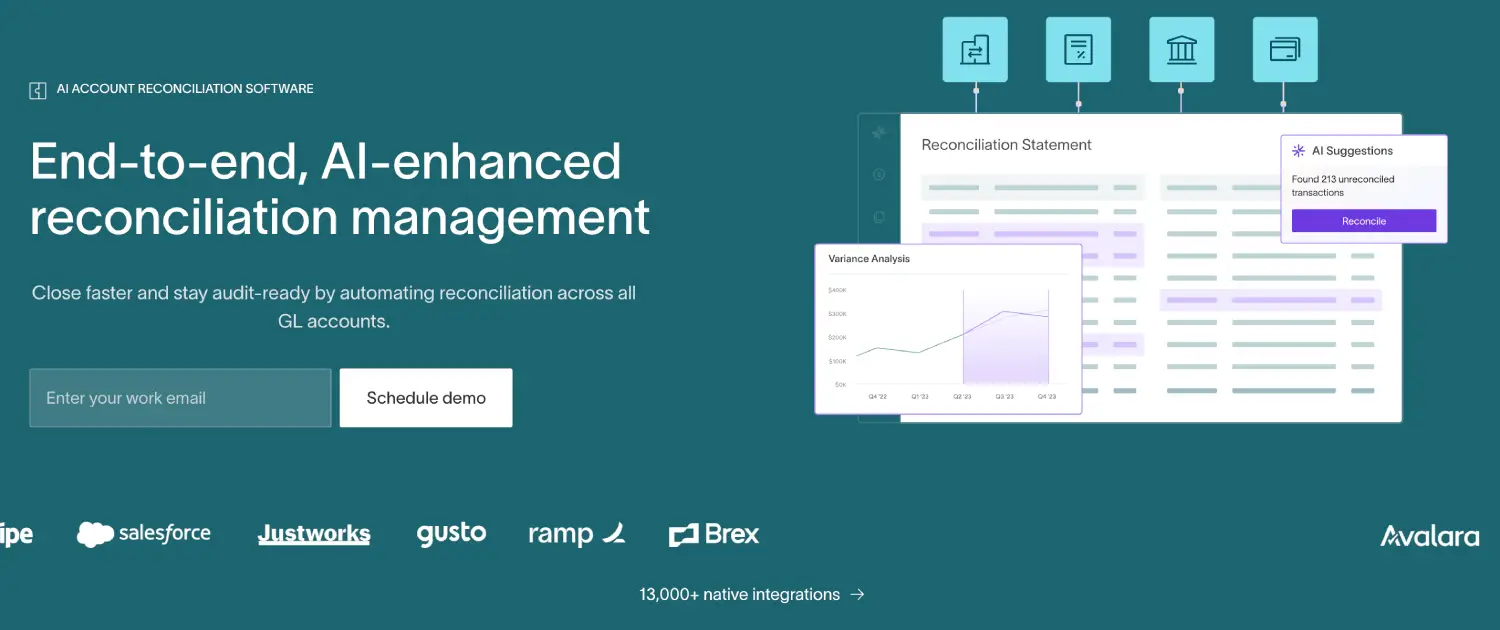
Best for: Growing and multi-entity businesses looking for an agentic ERP with built-in AI account reconciliation software.
DualEntry brings account reconciliation directly into the general ledger, allowing finance teams to manage the process without maintaining a separate reconciliation system.
Its automated matching capabilities support bank accounts, credit cards, subledgers, and intercompany transactions. The platform handles one-to-one, many-to-one, and many-to-many matches, which is particularly useful when payments and accounting entries don't line up neatly.
DualEntry also uses AI to suggest matching rules, identify unusual transactions, and flag exceptions that need an accountant's attention.
For finance teams managing more complex closes, reconciliation connects with DualEntry's broader close management workflows. Preparers and reviewers can track outstanding items, attach supporting documents, and manage approvals within the same system.
Key features
- Automated transaction matching across multiple account types
- AI-assisted matching rules and anomaly detection
- Bank connectivity and automated statement imports
- Balance sheet, intercompany, and subledger reconciliation
- Reconciliation templates, task assignments, and reviewer approvals
- Automated flux analysis and reconciliation roll-forwards
Because DualEntry is a full ERP, it's particularly relevant for businesses evaluating their accounting system alongside their reconciliation process. Companies that only need a standalone tool and plan to retain their existing ERP may prefer a dedicated reconciliation platform.
Pricing: Custom pricing based on business requirements. See DualEntry's pricing page.
2. Oracle NetSuite
Best for: Mid-sized and enterprise businesses that want bank reconciliation within their existing ERP.
Oracle NetSuite offers reconciliation capabilities as part of its broader cloud ERP platform, which covers general ledger accounting, financial reporting, and other financial operations.
Its bank reconciliation functionality lets accounting teams import bank activity, match transactions against ledger records, and investigate outstanding differences.
NetSuite supports configurable matching rules, helping accountants automate routine matches while reviewing transactions that require additional attention.
This makes it a practical option for companies already using NetSuite, particularly when their main requirement is reconciling bank and credit card transactions.
Key features
- Automated bank and credit card transaction matching
- Configurable matching rules
- Bank statement imports and reconciliation reporting
- Multi-subsidiary and multicurrency accounting
- Integration with NetSuite's general ledger
Pricing: Quote-based, depending on users, modules, and implementation requirements.
3. Sage Intacct

Best for: Growing businesses that need cloud accounting with integrated bank reconciliation.
Sage Intacct combines financial management, general ledger accounting, and bank reconciliation within a cloud-based platform.
Its reconciliation capabilities help accountants compare bank transactions against recorded financial activity, with bank feeds and matching rules reducing the need to match every transaction manually.
The platform also supports multi-entity accounting and dimensional reporting, making it relevant for businesses that need more detailed financial visibility as they expand.
Key features
- Bank feeds and automated transaction matching
- General ledger and cash management integration
- Multi-entity and multicurrency accounting
- Financial reporting and dimensional analysis
- Bank reconciliation workflows
Pricing: Custom quotes based on modules, users, and business requirements.
4. BlackLine
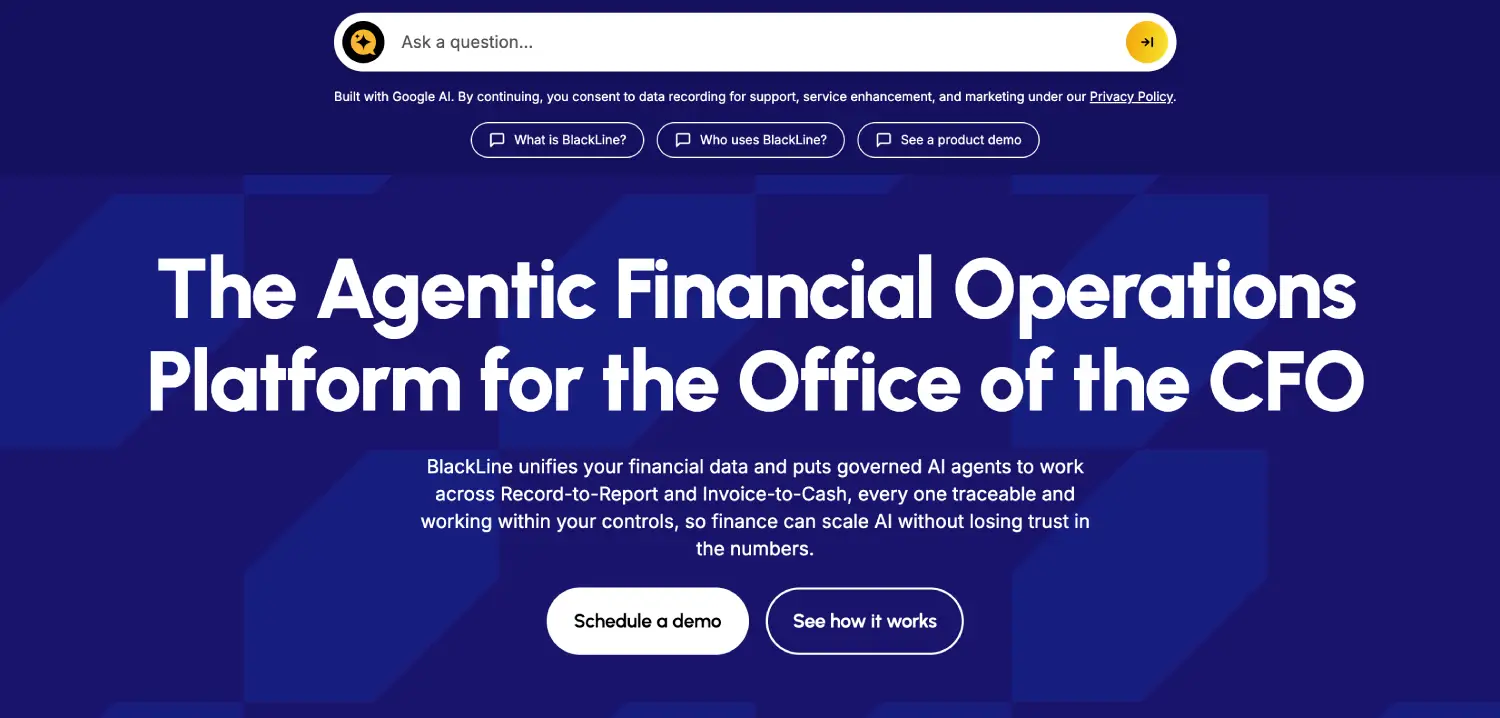
Best for: Large organizations managing complex account reconciliations and financial close processes.
BlackLine is a financial close automation platform designed to help accounting teams manage reconciliation, journal entries, and other close activities across multiple systems.
Its account reconciliation software supports standardized templates, automated matching, exception monitoring, and structured approval workflows.
For large organizations, one of BlackLine's main strengths is the ability to manage reconciliations across different entities and accounting systems while maintaining consistent controls.
Key features
- Standardized reconciliation templates
- Exception monitoring and investigation
- Preparer and reviewer workflows
- Audit trails and supporting documentation
- Integration with major ERP systems
Pricing: Custom enterprise pricing.
5. FloQast
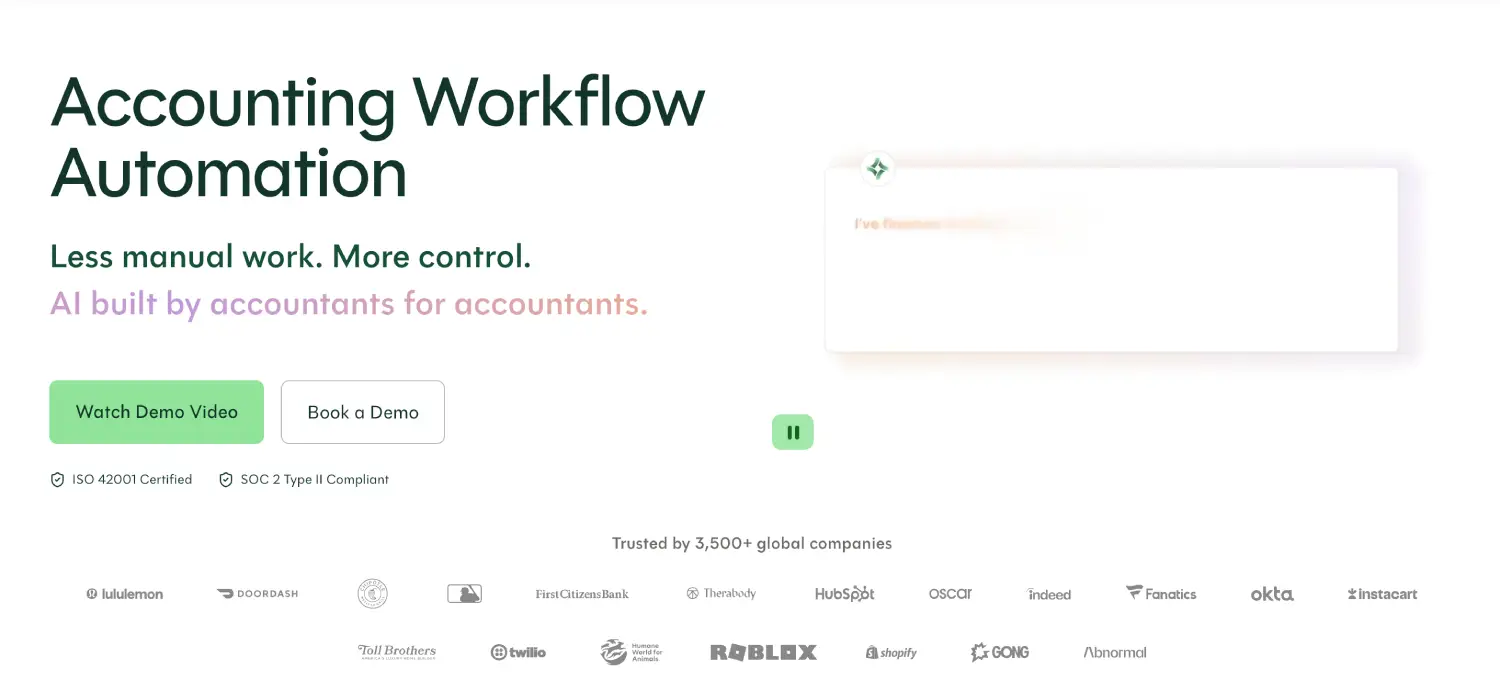
Best for: Accounting teams that want to improve reconciliation and close management without replacing their existing ERP.
FloQast helps finance teams organize account reconciliations, close tasks, and supporting documentation around their existing accounting systems.
The platform connects with ERP data while allowing teams to continue using familiar workpapers and spreadsheet-based processes where appropriate.
It also provides visibility into reconciliation status, helping controllers track which accounts have been prepared, reviewed, or left outstanding.
Key features
- Account reconciliation and balance monitoring
- Reconciliation workpapers and supporting documentation
- Close checklists and task assignments
- Review workflows and audit trails
- Automated reconciliation capabilities
Pricing: Custom quotes based on selected capabilities and business requirements.
6. Trintech
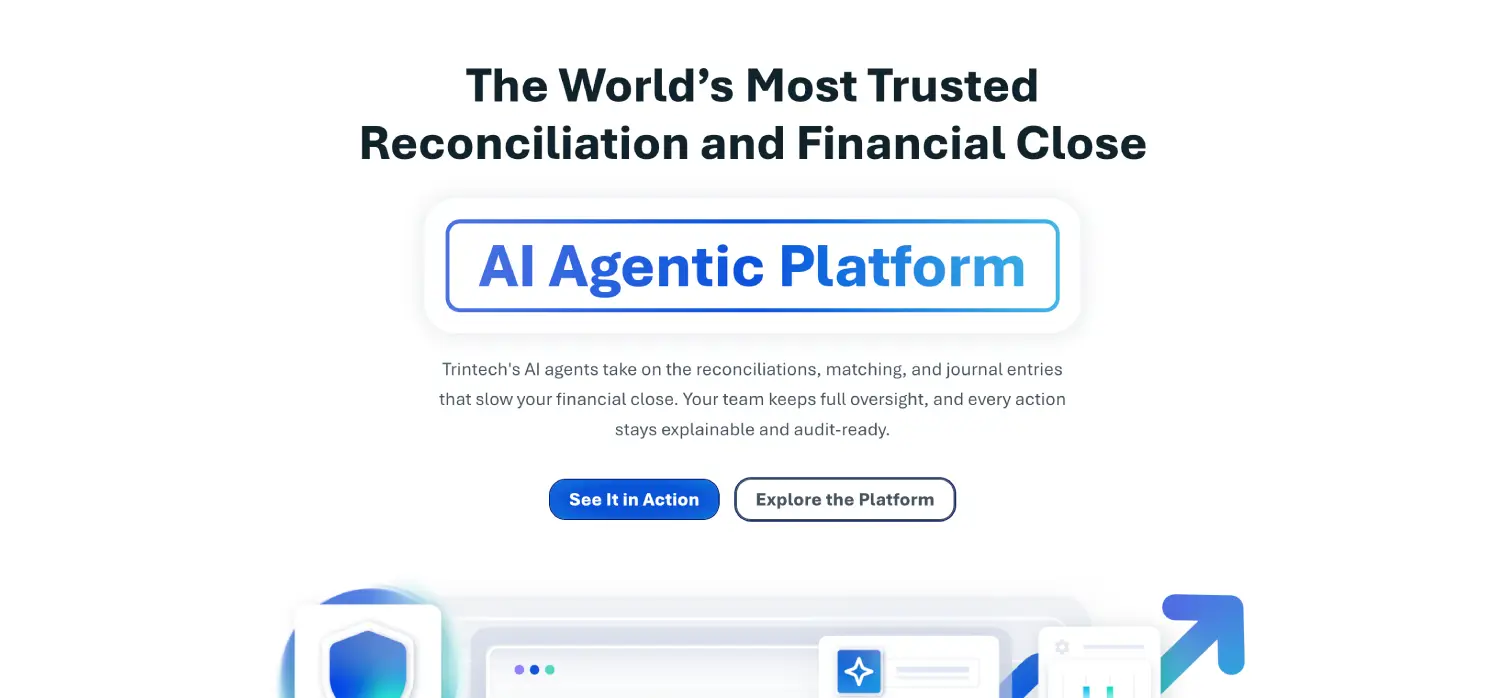
Best for: Mid-market and enterprise businesses with complex reconciliation and financial close requirements.
Trintech offers reconciliation and financial close software through products including Cadency and Adra.
Cadency is designed for larger organizations with more complex record-to-report processes, while Adra serves accounting teams looking to improve reconciliation and close management without the same level of enterprise complexity.
Both product lines help accountants standardize reviews, identify exceptions, and manage reconciliations across reporting periods.
Key features
- Transaction matching and exception handling
- Reconciliation workflows and approvals
- Journal entry management
- Financial close task tracking
- ERP integration capabilities
Pricing: Quote-based, with costs depending on the product, modules, and implementation scope.
7. Numeric
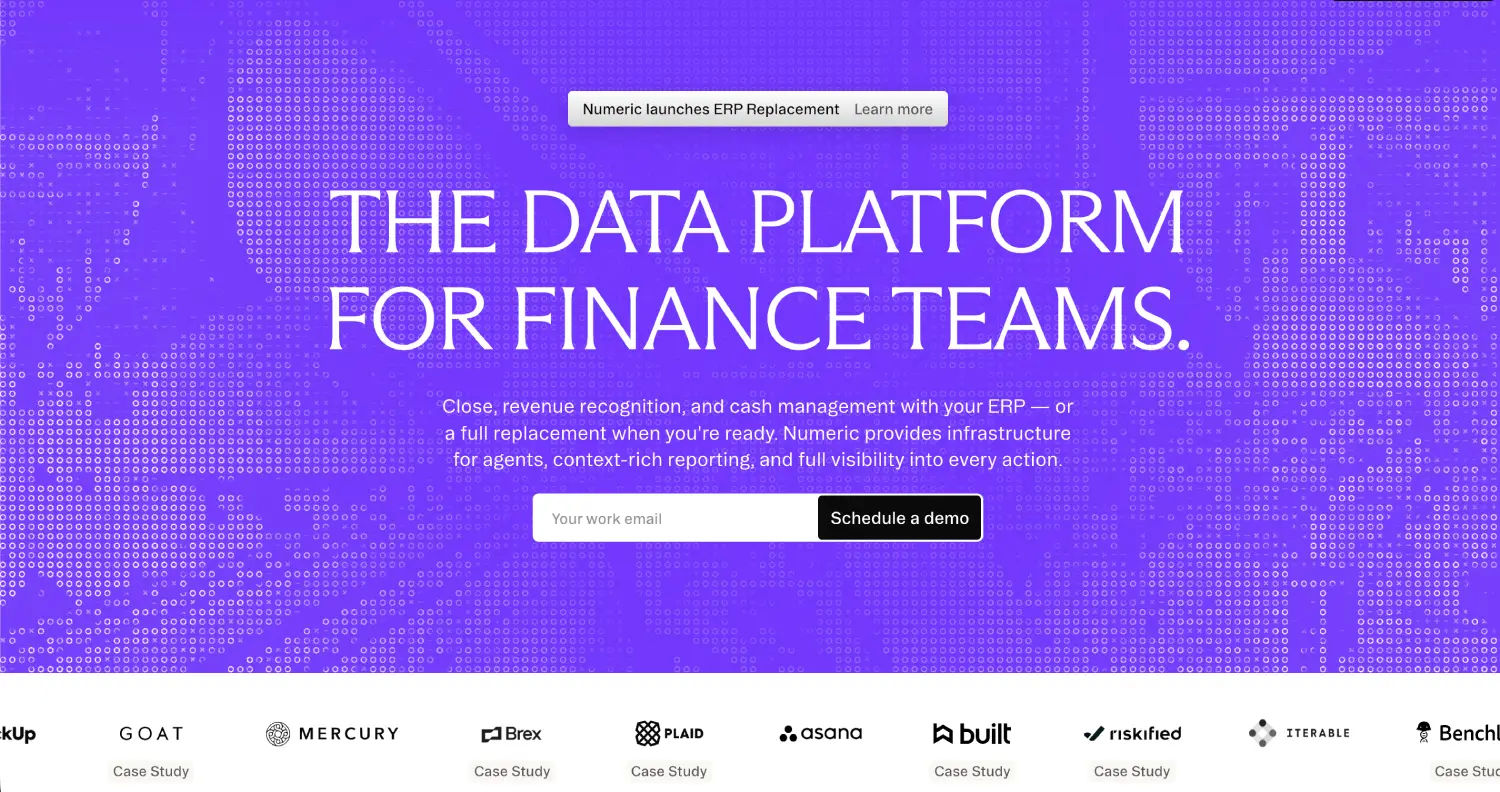
Best for: Finance teams seeking automated reconciliation and close management alongside their existing accounting systems.
Numeric provides reconciliation, financial close, and other finance capabilities designed to reduce manual accounting work.
Its reconciliation software connects with the general ledger and monitors account activity, helping teams identify changes that could affect previously completed reconciliations.
For example, if a transaction is posted to an account after its reconciliation has been completed, Numeric can highlight the activity so accountants know the balance may need another review.
The platform also supports connected workpapers and the automatic submission of reconciliations that meet predefined criteria.
Key features
- General ledger transaction synchronization
- Automated reconciliation monitoring
- Exception detection and account-level drill-downs
- Materiality-based reconciliation automation
- Close management and AI-assisted financial analysis
Pricing: Customized based on factors including transaction volume, user requirements, and selected products.
8. HighRadius
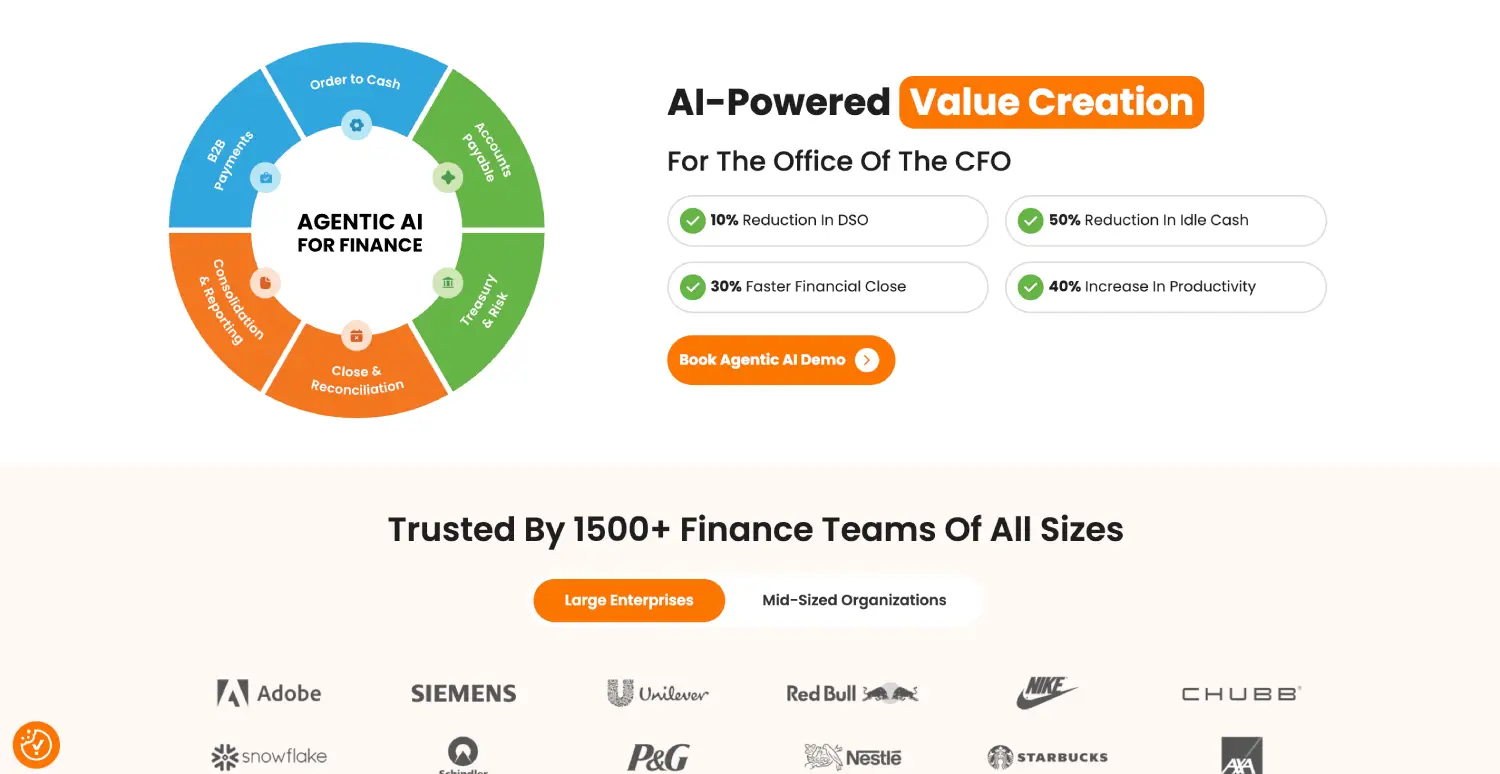
Best for: Businesses seeking automation across account reconciliation and broader record-to-report processes.
HighRadius provides finance automation software covering areas such as account reconciliation, transaction matching, and financial close management.
Its reconciliation capabilities are particularly relevant for larger companies dealing with high transaction volumes and financial data spread across multiple systems.
The platform helps accounting teams match transactions, identify exceptions, and manage reconciliations through standardized workflows.
Key features
- Automated transaction matching
- Account reconciliation and exception management
- AI-assisted reconciliation capabilities
- Journal entry and close process automation
- Reconciliation dashboards and reporting
Pricing: Custom quotes based on selected solutions and implementation requirements.
9. Lineos
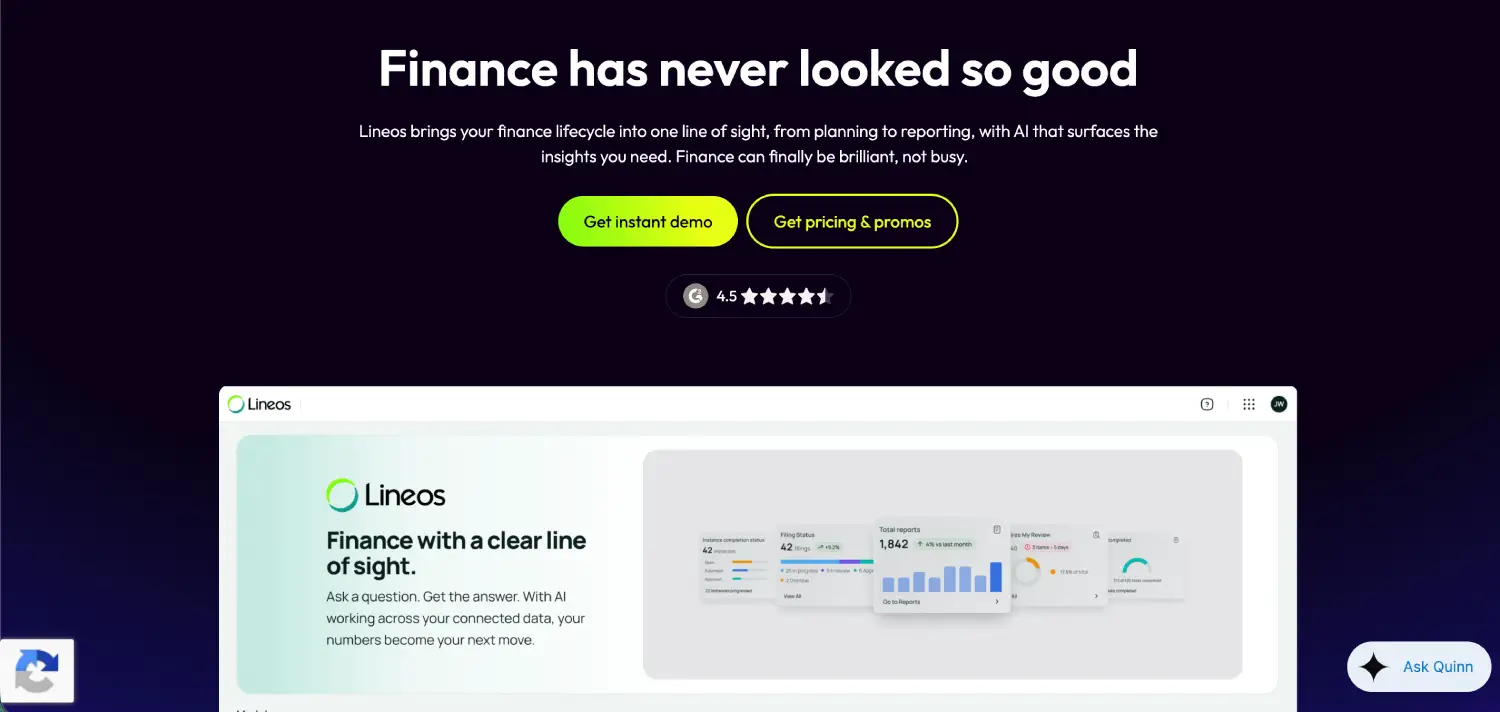
Best for: Finance teams looking for AI-driven reconciliation and connected financial operations.
Lineos, from insightsoftware, provides account reconciliation capabilities alongside other financial close and reporting functions.
Its reconciliation software handles bank transactions, intercompany balances, and accounts payable and receivable activity.
The platform uses automated matching and exception handling to reduce routine reconciliation work, while providing confidence scores and audit trails that help accountants review the results.
Key features
- Intercompany transaction matching
- Accounts payable and receivable reconciliation
- AI-assisted exception management
- Confidence scoring and audit trails
- Month-end close checklists and aging reports
Pricing: Lineos offers a free tier with up to 20 reconciliations per month using Excel or CSV uploads. Its Professional plan is advertised at $20 per GL account per month, while Enterprise pricing is customized.
10. ReconArt
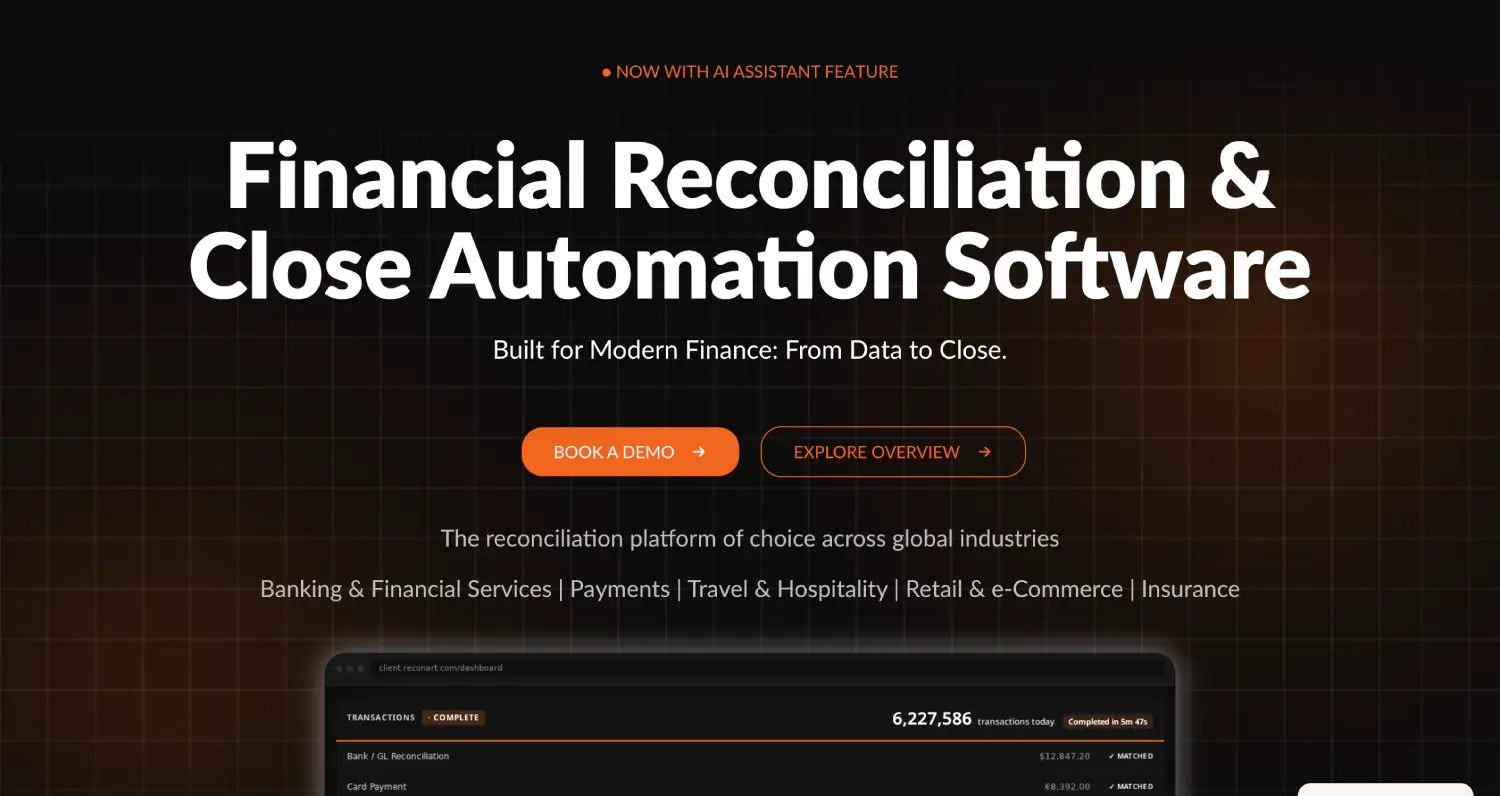
Best for: Businesses needing configurable reconciliation across banks, accounts, and high-volume transaction data.
ReconArt focuses specifically on reconciliation, making it relevant for finance teams whose requirements extend beyond basic bank statement matching.
Its platform supports automated matching rules, exception management, and reconciliation workflows across different data sources.
This flexibility is useful when a business needs to compare records that don't always have identical transaction references, formats, or timing.
Key features
- Configurable transaction matching rules
- Exception investigation and resolution
- Reconciliation approvals and audit trails
- Support for multiple financial data sources
- ERP and banking integrations
Pricing: Custom pricing based on reconciliation requirements.
11. SolveXia

Best for: Businesses that process large transaction volumes and need flexible financial data automation.
SolveXia provides reconciliation and finance automation capabilities for companies dealing with large amounts of financial data from different sources.
The platform is particularly relevant in industries such as payments, insurance, and financial services, where matching transactions can involve multiple files, systems, and settlement processes.
Rather than concentrating only on the monthly close, SolveXia helps automate the broader work of collecting, transforming, matching, and reporting financial data.
Key features
- High-volume transaction reconciliation
- Automated data collection and transformation
- Configurable matching rules
- Exception reporting and investigation
- Workflow automation
- Financial reporting and data processing
Pricing: Quote-based, depending on workflow complexity and business requirements.
12. OneStream
Best for: Large organizations that want reconciliation connected to financial consolidation, close, and reporting.
OneStream is a corporate performance management platform that brings together financial consolidation, reporting, planning, and account reconciliation.
Its reconciliation capabilities allow finance teams to review account balances, identify exceptions, maintain supporting documentation, and manage approvals within a broader financial close environment.
OneStream also provides AI-assisted anomaly detection within its account reconciliation workflows, helping accounting teams identify irregularities in reconciliation data and prioritize items that may require further investigation.
Key features
- AI-assisted anomaly detection
- Reconciliation workflows and approvals
- Supporting documentation and audit trails
- Multi-entity financial consolidation
- Integration with financial reporting and close processes
Pricing: Custom enterprise pricing.
Types of account reconciliation software
Account reconciliation software covers several related processes, and the capabilities you need will depend on which accounts and transactions your finance team handles.
Here are the four main categories:
Many platforms support more than one type, although the depth of functionality can vary considerably.
For instance, a business processing thousands of daily card payments may need sophisticated many-to-many matching and exception handling. A growing SaaS company might place greater importance on balance sheet reconciliations, deferred revenue, and month-end approvals.
Another important consideration is whether the software operates independently or forms part of your ERP.
Standalone reconciliation platforms connect to existing accounting systems and add specialized functionality. They're useful when the ERP is already working well but the reconciliation process needs improvement.
ERP-native reconciliation keeps the process closer to the general ledger, reducing the need to transfer account data between separate systems.
Neither approach is automatically better. The right choice depends on your existing accounting setup, the complexity of your reconciliations, and whether you're planning broader changes to your finance technology.
How to choose the best account reconciliation software
The right reconciliation software depends on your accounting processes, transaction volumes, and existing systems.
Before comparing tools, identify what's slowing your team down, whether that's manual matching, investigating discrepancies, or managing reviews and approvals. Understanding what a good reconciliation process looks like can also help you decide which features matter most.
Once you know where the bottlenecks are, evaluate these five areas:
1. Automation and transaction matching capabilities
Automated matching saves time, but not every system works the same way. Basic tools match amounts and reference numbers, while more advanced platforms handle partial payments, one-to-many and many-to-many matches, and currency differences.
Ask vendors to demonstrate how their software handles your transactions, particularly exceptions. If accountants still have to dig through spreadsheets to resolve discrepancies, much of the time saved through automation could disappear.
2. Integration with existing accounting systems
Even the best matching engine won't help much if accountants spend hours preparing data. Your software should connect reliably to the general ledger, banks, payment platforms, and relevant subledgers 3.
When evaluating integrations, ask:
- Does it support your ERP and banking systems?
- How often is transaction data updated?
- Can accountants access the original records?
- Can adjustments be recorded directly in the ERP?
- What happens when integrations fail or data changes?
These details matter, particularly for businesses working across multiple entities or accounting systems.
3. Reconciliation workflows and audit trails
Matching transactions is only half the job. Someone still needs to investigate differences, review the results, and approve the final balances4.
Look for clear preparer and reviewer assignments, exception tracking, and approval workflows. Supporting documents and review histories should also be easy to find, especially during audits5.
4. Scalability and multi-entity support
A process that works for one company can become harder to manage after an acquisition or international expansion.
If you operate across multiple entities, check support for intercompany transactions, different currencies, permissions, and consolidated reporting6. Also consider whether the platform can handle growing transaction volumes without slowing down.
5. Pricing and implementation costs
Subscription pricing is important, but it rarely tells you the full cost of implementing reconciliation software. Vendors may charge by users, modules, accounts, or transaction volumes, with additional costs for implementation and training.
Ask what the first year will actually cost, including integrations, matching rule configuration, and ongoing maintenance. A cheaper tool isn't much of a bargain if it creates more work than it removes.
How much does account reconciliation software cost?
There's no standard price for account reconciliation software. Many providers of automated reconciliation software, including BlackLine, FloQast, and Trintech, use custom pricing. Lineos, meanwhile, offers a free tier and advertises a Professional plan starting at $20 per GL account per month.
Pricing also depends on the type of software. Standalone platforms may charge by users or modules, while ERP-native reconciliation might be included in a broader subscription. High-volume tools can also charge based on transaction activity.
Whatever the pricing model, consider the total cost over three years. Include implementation, integrations, training, maintenance, and any additional modules you'll need.
Automate account reconciliation with DualEntry
Reconciliation becomes harder when accountants have to pull records from different systems, match transactions in spreadsheets, and track approvals separately.
DualEntry's account reconciliation software brings that work into the ERP, allowing accountants to match transactions, investigate exceptions, and manage reviews using the same general ledger data.
Here's how DualEntry helps:
- Automated transaction matching: Reconcile bank, credit card, intercompany, and subledger transactions, including more complex one-to-many and many-to-many matches.
- AI-assisted matching rules: Identify recurring transaction patterns and generate suggested matching rules that accountants can review and approve.
- Exception and anomaly detection: Flag unmatched transactions and unusual activity so teams can focus on items requiring investigation.
- Automated reconciliation workflows: Assign preparers and reviewers, track outstanding tasks, and manage approvals with supporting documentation.
- Connected financial close: Manage reconciliation alongside journal entries, general ledger reconciliation, and other activities within the month-end close process.
Because reconciliation stays connected to the general ledger, accountants can investigate discrepancies without constantly moving between systems. DualEntry handles routine matching and monitoring while finance teams focus on resolving exceptions and approving balances.
Best account reconciliation software FAQs
What is the best account reconciliation software?
The best account reconciliation software depends on your company's needs. DualEntry is worth considering if you're looking for an agentic ERP with built-in reconciliation, automated transaction matching, and AI-assisted workflows that reduce manual accounting work.
What is the difference between bank reconciliation and account reconciliation software?
Bank reconciliation software compares bank statements with accounting records. Account reconciliation software covers a wider range of accounts, including balance sheet, intercompany, and subledger accounts, often with matching, approval workflows, and audit trails.
Can account reconciliation be fully automated?
Much of the work can be. Software can import transactions, match records, flag discrepancies, and prepare reconciliation schedules. However, unusual transactions and accounting adjustments may still require professional judgment.
What is the difference between transaction matching and account reconciliation?
Transaction matching finds corresponding entries across financial records, such as bank statements and the general ledger. Account reconciliation goes further by investigating differences and verifying that account balances are accurate and supported.
How often should accounts be reconciled?
Most companies reconcile key accounts monthly as part of the financial close. Higher-risk or high-volume accounts, such as cash and payment clearing accounts, may need daily or weekly reconciliation.
What features should account reconciliation software have?
At a minimum, look for automated matching, exception management, ERP integrations, approval workflows, and audit trails. Businesses managing multiple entities or currencies may also need intercompany reconciliation and more advanced matching capabilities.
Can account reconciliation software help with audits?
Yes, reconciliation software can make audit preparation easier by keeping supporting documents, account balances, adjustments, and approval records together. This gives auditors a clear record of how each account was reconciled, including any discrepancies and how they were resolved.
See the full power of DualEntry in 30 minutes
Woosung Chun is the CFO of DualEntry with experience in corporate finance, accounting, strategy, and acquisitions. He previously grew from scratch and led the M&A and Finance teams at Benitago, where he completed more than 12 acquisitions in 2 years. He graduated with a BS from NYU Stern. At DualEntry, Woosung writes about AI in accounting, revenue recognition, foreign currency accounting, hedge accounting, and ERP modernization for finance teams navigating complex, multi-entity environments.