Don't worry! The contents here will appear on the published page.
15 Best Accounts Receivable Automation Software Tools in 2026

Woosung Chun
CFO
Woosung Chun
CFO
Woosung Chun is the CFO of DualEntry with experience in corporate finance, accounting, strategy, and acquisitions. He previously grew from scratch and led the M&A and Finance teams at Benitago, where he completed more than 12 acquisitions in 2 years. He graduated with a BS from NYU Stern. At DualEntry, Woosung writes about AI in accounting, revenue recognition, foreign currency accounting, hedge accounting, and ERP modernization for finance teams navigating complex, multi-entity environments.
Learn about our editorial policies.
Last updated
November 20, 2026
Reviewed by
Do San (Justin) Myung

Do San (Justin) Myung
Expert Accountant & Former Consulting CFO
Justin (Do San Myung) is Expert Accountant at DualEntry with 20+ years of hands-on experience managing general ledgers, financial close processes, and ERP implementations for mid-market and enterprise companies. As a former Consulting CFO and Controller, he has personally overseen month-end closes, SOX compliance programs, and multi-entity consolidations across technology, manufacturing, and services industries. Justin specializes in transforming manual accounting workflows into automated, AI-driven processes.
Learn about our editorial policies.

Summarize this article


TL;DR
- Accounts receivable automation software reduces manual AR work: It helps finance teams manage invoicing, payment reminders, collections, cash application, and receivables reporting.
- Different tools solve different AR problems: Some focus on collecting overdue invoices, others specialize in matching payments, while ERP-based platforms manage receivables alongside financial accounting.
- ERP-based solutions bring AR and accounting together: Platforms like DualEntry, NetSuite, and Sage Intacct connect customer invoices, payments, and receivables reporting with the general ledger.
- The best software depends on where your team spends the most time: Consider payment matching, collections, invoice disputes, reporting, and integrations with your existing systems.
- Pricing varies by platform: Compare subscription fees, transaction costs, implementation, and any additional modules before choosing a solution.
A customer pays $25,000 against five outstanding invoices but doesn't include any remittance details. The money is in the bank, yet your accountant still has to work out which invoices to close.
Now imagine that happening across hundreds of customers, alongside overdue invoices, payment disputes, and collection reminders.
Accounts receivable software is supposed to make this work easier [1]. But the tools available today solve different problems. Some specialize in collecting overdue payments, others automate cash application, and some manage receivables directly within the ERP.
That makes choosing the right software less straightforward than comparing feature lists. A business struggling with unmatched payments needs something different from one whose customers consistently pay late.
To help you find the best accounts receivable automation software in 2026, we've compared 15 platforms based on their features, pricing, integrations, and suitability for different business needs.
[tldr]
What is accounts receivable automation software?
Accounts receivable automation software helps businesses manage customer invoices, collect payments, and record receivables without manually handling every transaction.
Traditionally, AR teams spend considerable time generating invoices, sending reminders, reviewing aging reports, and matching customer payments against outstanding balances.
Automated accounts receivable software can handle much of this work, including:
- Automated invoicing: Generate invoices from sales orders, contracts, or subscription billing schedules.
- Collections management: Send reminders, prioritize overdue accounts, and organize customer follow-ups.
- Customer payment portals: Allow customers to view invoices, submit payments, and raise billing questions.
- Cash application: Match incoming payments to invoices, including partial payments and transfers covering multiple invoices.
- AR reporting: Track outstanding balances, payment trends, and metrics such as DSO.
Some platforms specialize in collections or payment processing. Others integrate these capabilities directly into the general ledger.
The right choice depends on where your team spends the most time and whether you need to improve an existing accounting system or replace it.
15 best accounts receivable automation software tools
The top accounts receivable automation software options serve different needs, from managing collections and cash application to bringing receivables directly into the ERP.
1. DualEntry
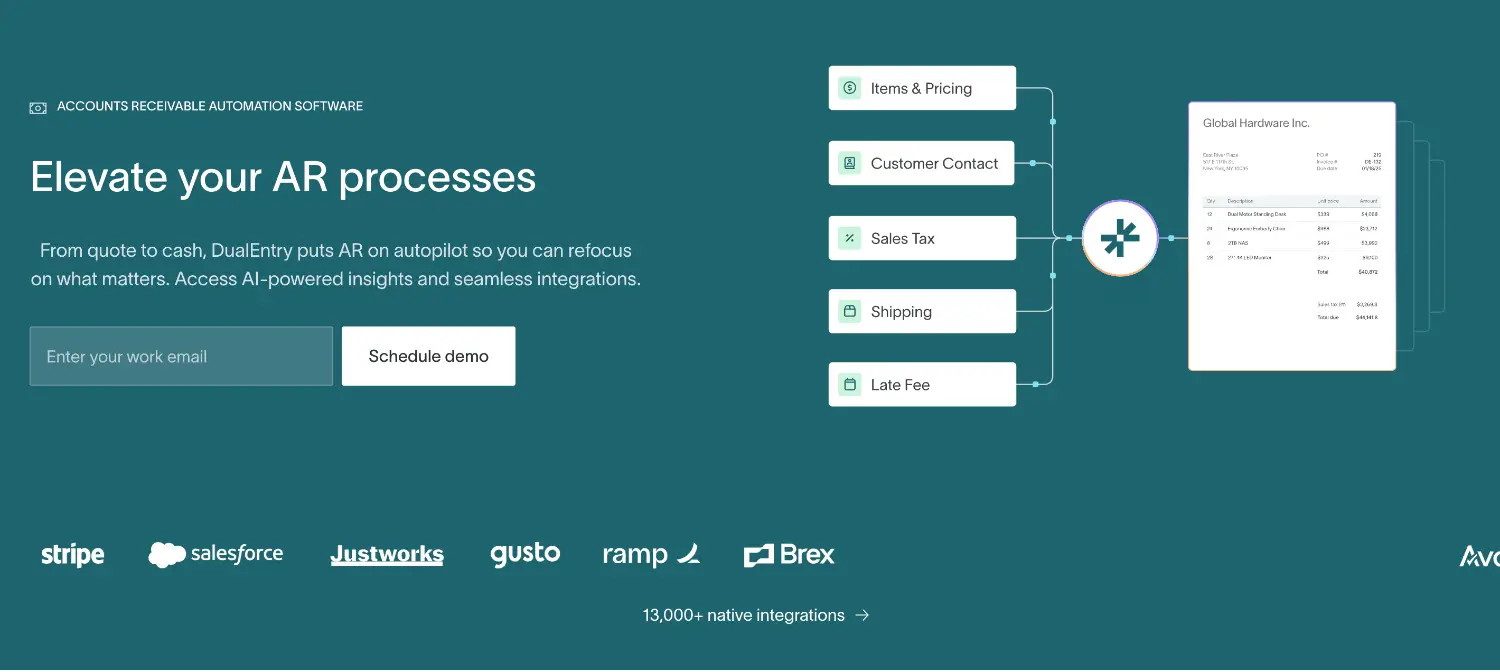
Best for: Growing and multi-entity businesses looking for an agentic ERP with built-in AR automation.
DualEntry connects invoicing, payment application, receivables reporting, and financial accounting within the same ERP.
Its automated invoicing workflows convert sales orders into invoices, calculate taxes, apply credit limits, and post transactions to the general ledger. The platform also supports subscription management, including recurring and usage-based billing.
For cash application, DualEntry uses AI-assisted matching to identify which invoices incoming payments belong to. Accountants can review partial payments, overpayments, and discrepancies that need further investigation.
Key features
- Automated and recurring invoicing
- AI-assisted payment matching
- AR aging reports and dashboards
- Multicurrency and multi-entity accounting
- CRM and payment integrations
DualEntry makes sense when disconnected billing and accounting systems are creating reconciliation work. Businesses that want to retain their existing ERP and only need collections automation may prefer a standalone platform.
Pricing: Custom pricing based on business requirements.
2. Oracle NetSuite
Best for: Mid-market and enterprise businesses managing receivables within an ERP.
Oracle NetSuite includes customer invoicing, payment application, collections, and AR reporting within its cloud ERP.
Finance teams can monitor outstanding balances alongside the general ledger, financial reporting, and other business operations. Multi-subsidiary and multicurrency capabilities also support companies operating across different entities.
Key features
- Customer invoicing and payment application
- AR aging and collections reporting
- Dunning and payment reminders
- Multi-subsidiary accounting
- General ledger integration
Advanced billing and collections functionality may require additional modules or configuration.
For companies already using NetSuite, expanding existing AR workflows may be simpler than introducing another platform. If you’re considering switching to a different ERP, you can also explore our NetSuite alternatives comparison.
Pricing: Custom quotes based on users, modules, and implementation requirements.
3. Sage Intacct

Best for: Growing businesses needing cloud accounting with integrated receivables management.
Sage Intacct combines customer invoicing, payment tracking, and financial reporting within a cloud accounting platform.
Its dimensional reporting allows finance teams to analyze receivables by entity, department, location, or other reporting categories without maintaining separate spreadsheets.
Key features
- Customer invoicing and payment tracking
- AR aging reports
- Multi-entity accounting
- Dimensional reporting
- General ledger integration
Pricing: Custom pricing through Sage or its partners.
4. HighRadius
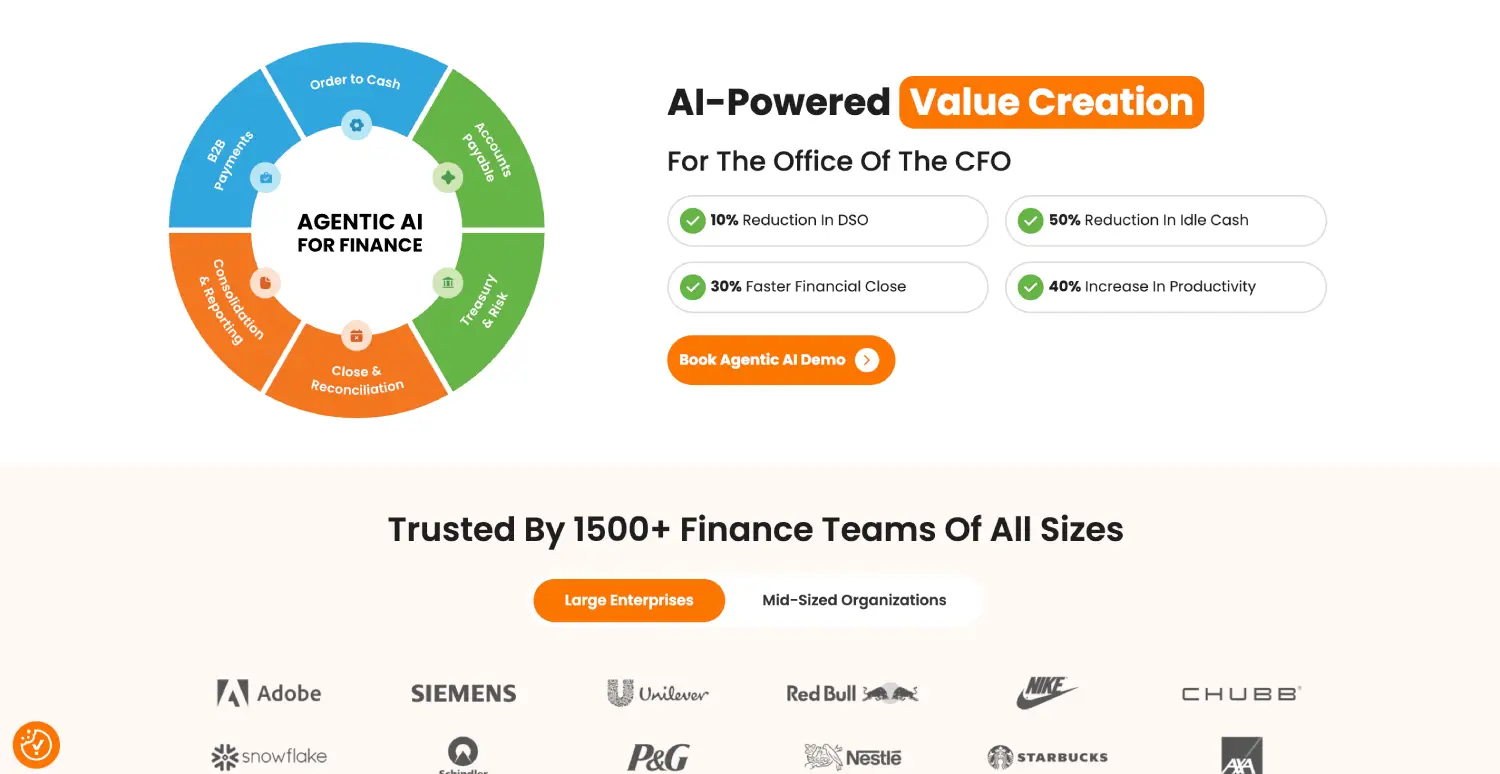
Best for: Enterprises managing high transaction volumes and complex collections.
HighRadius provides AR automation covering cash application, collections, credit management, and deductions.
For example, a distributor might receive one customer payment covering dozens of invoices, with deductions for damaged goods or pricing disputes. HighRadius helps identify the invoices being settled and route outstanding differences for investigation.
Key features
- Automated cash application
- Collections prioritization
- Credit management
- Deductions and dispute workflows
- AR analytics
Pricing: Custom enterprise pricing.
5. Billtrust
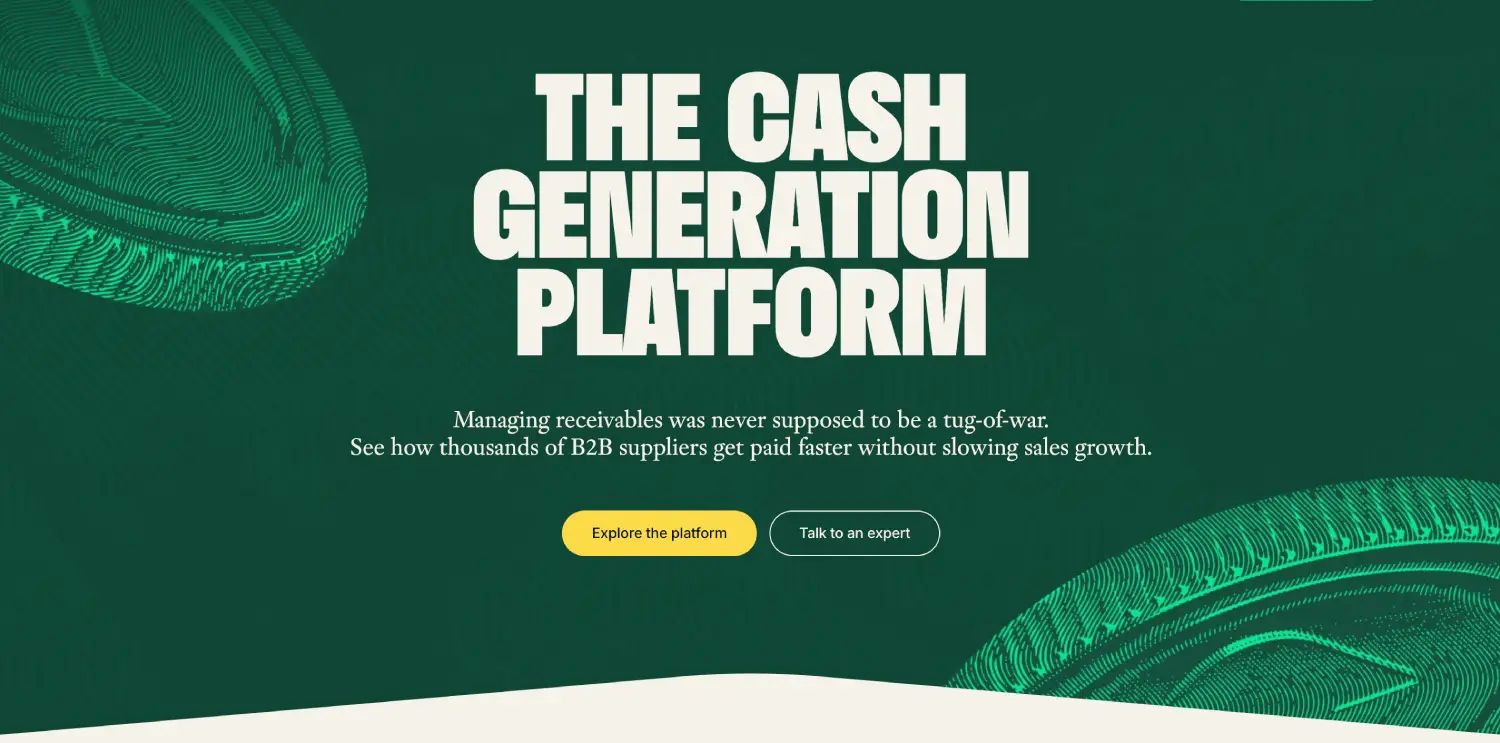
Best for: B2B businesses handling large volumes of invoices and customer payments.
Billtrust combines electronic invoicing, payment acceptance, collections, and cash application.
Its business payments network helps suppliers manage payment and remittance information across customers, reducing the manual work involved in identifying incoming payments.
Key features
- Electronic invoice delivery
- B2B payment acceptance
- Automated cash application
- Customer payment portals
- Collections management
Pricing: Custom quotes based on selected products and requirements.
6. Versapay
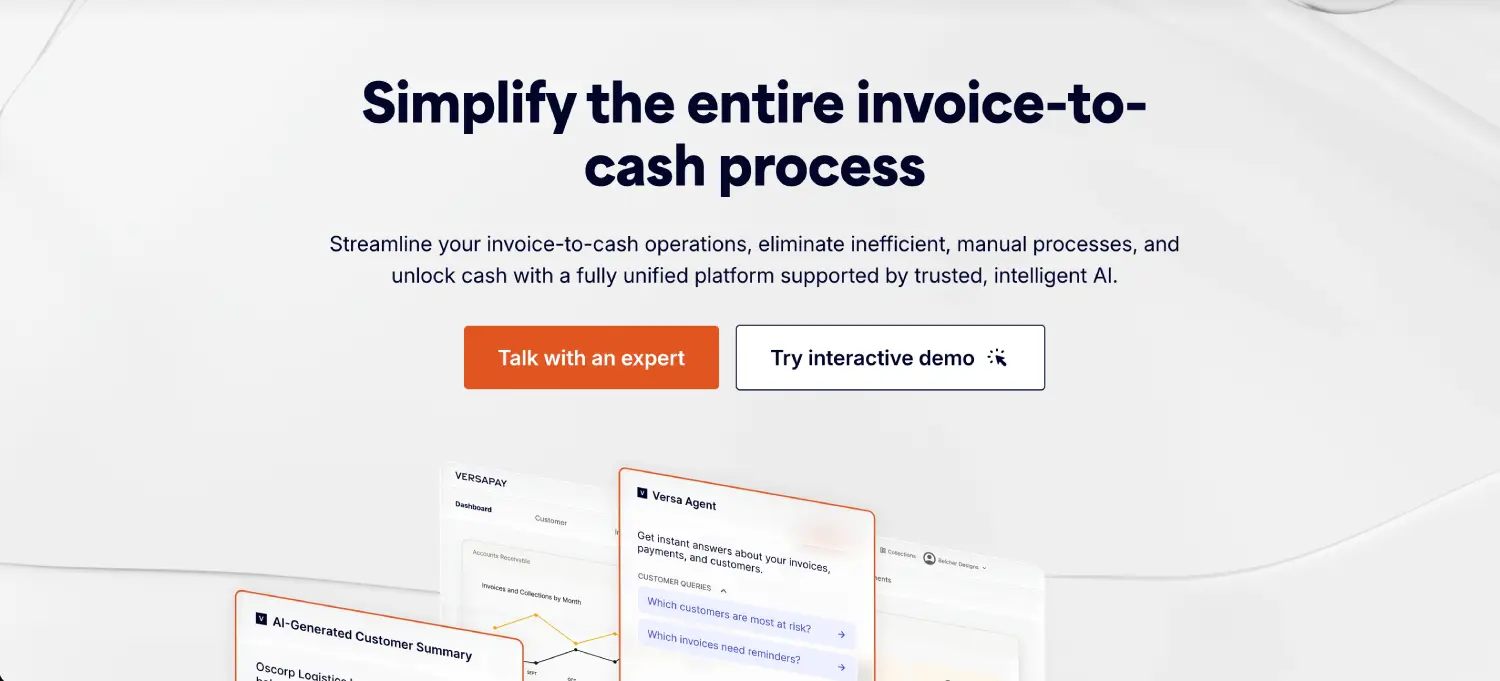
Best for: Businesses managing frequent invoice disputes and customer payment questions.
Versapay emphasizes collaboration between finance teams and their customers.
A disputed invoice can quickly turn into a long email chain involving AR, sales, and the customer. Versapay provides customer-facing tools that keep billing conversations and supporting information closer to the invoices being discussed.
Key features
- Collaborative customer portals
- Invoice and dispute management
- Automated reminders
- Payment processing and cash application
- ERP integrations
Pricing: Custom quotes.
7. Esker
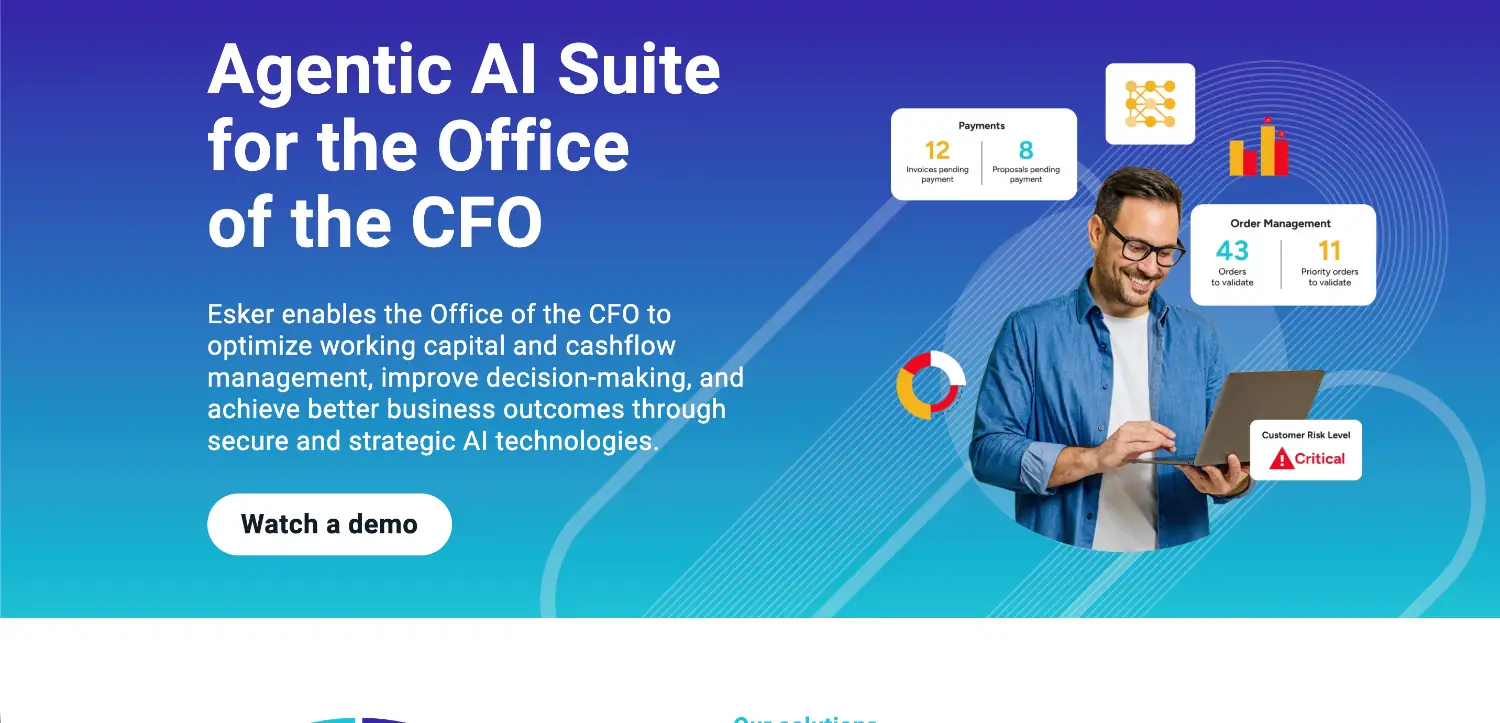
Best for: International businesses managing complex invoicing and collections processes.
Esker provides finance automation software covering electronic invoicing, collections, credit management, and cash application.
Its support for financial workflows across different markets is relevant to companies dealing with multiple ERP systems and varying electronic invoicing requirements [2].
Key features
- Electronic invoicing
- Automated collections
- Cash application
- Credit management
- ERP integrations and reporting
Pricing: Custom enterprise pricing.
8. Quadient AR
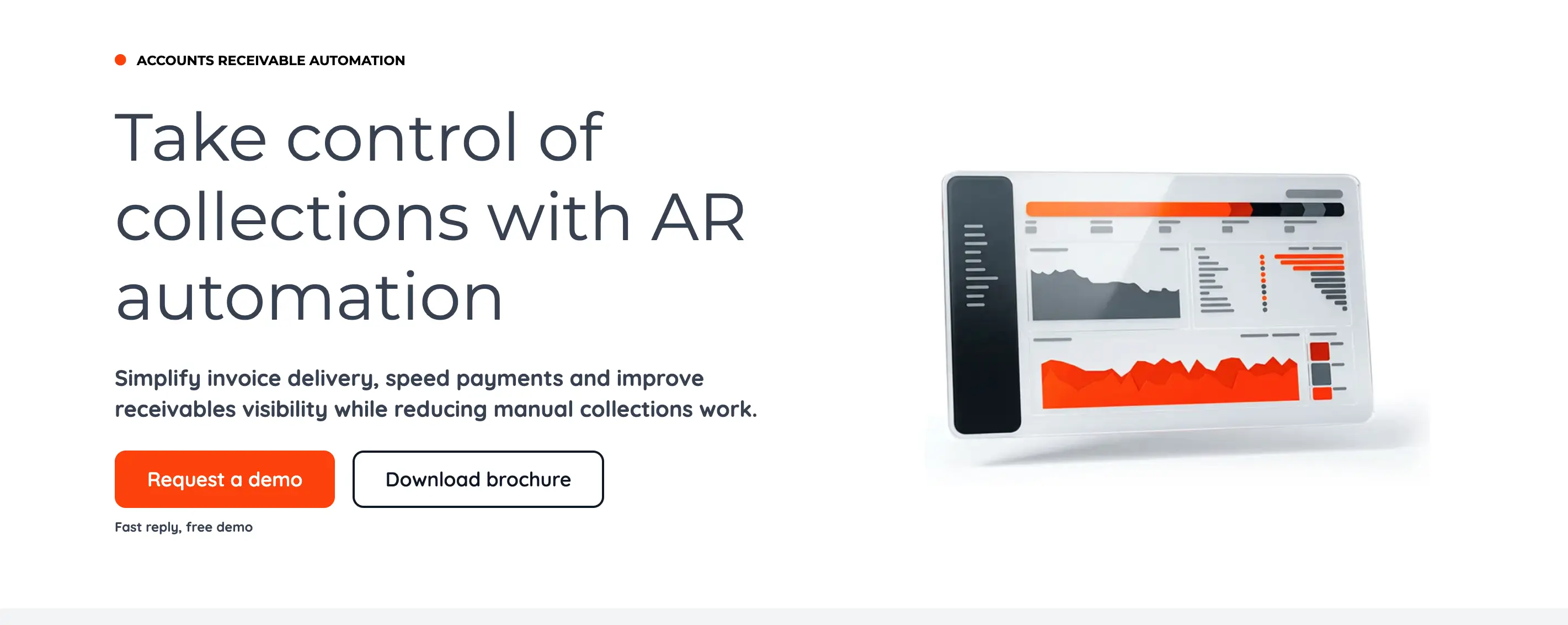
Best for: Finance teams looking to automate collections and improve overdue receivables visibility.
Quadient AR, formerly YayPay, provides collections, credit management, dispute handling, and cash application capabilities.
Its workflows help teams prioritize overdue accounts, automate reminders, and track customer communication.
Key features
- Collections workflow management
- AR aging and analytics
- Credit and dispute management
- Automated cash application
- ERP integrations
Pricing: Custom quotes.
9. Invoiced by Flywire
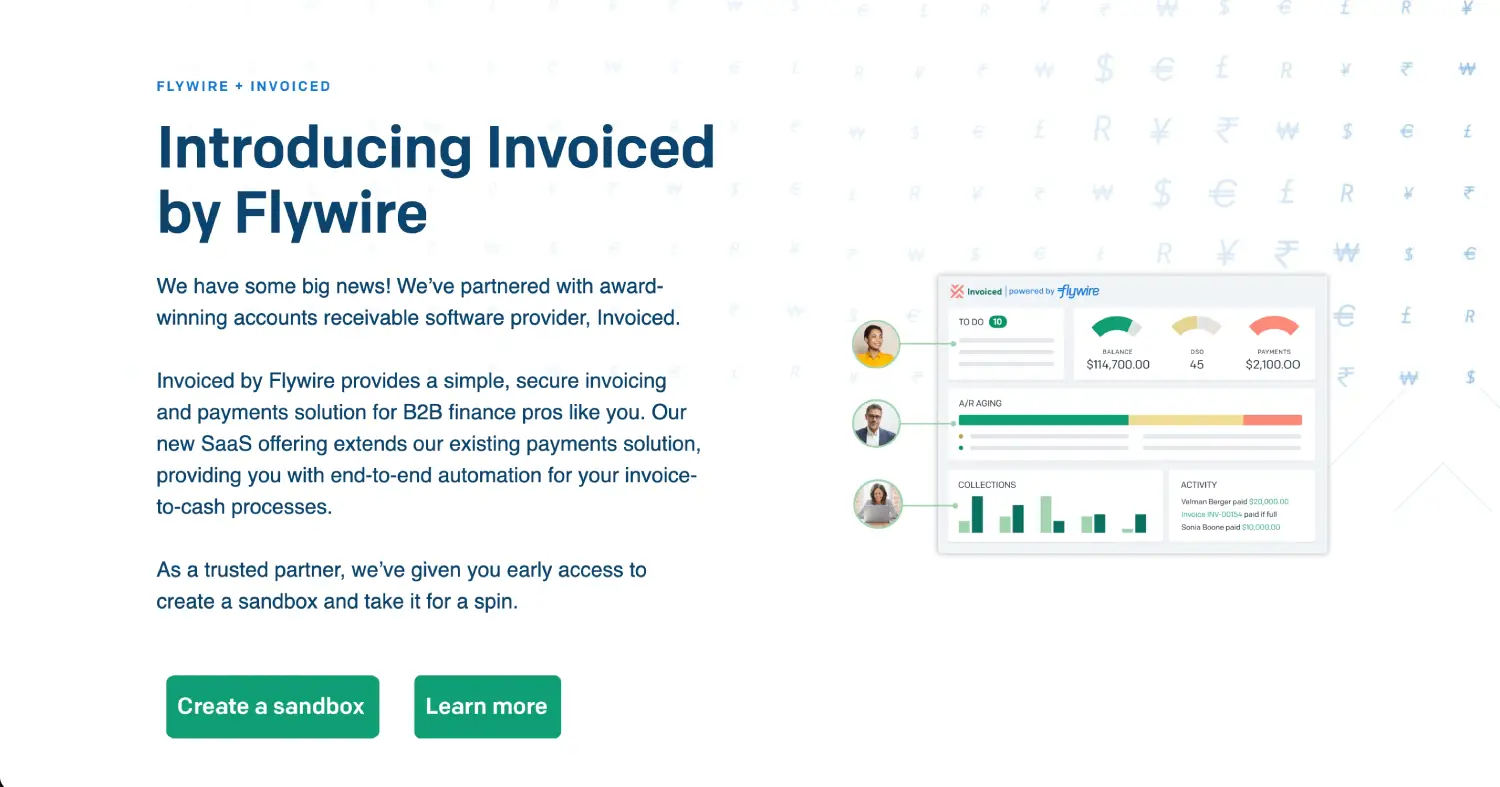
Best for: Businesses automating invoice delivery, recurring billing, and payment collection.
Invoiced provides tools for generating invoices, accepting online payments, and managing collections.
The platform supports recurring billing, payment portals, reminders, and accounting integrations, making it relevant to businesses with regular customer billing.
Flywire acquired Invoiced in 2024, bringing its AR capabilities into a broader payments business with cross-border payment infrastructure.
Key features
- Automated and recurring invoicing
- Customer payment portals
- Collections reminders
- Online payment acceptance
- Accounting integrations
Pricing: Contact the provider for current pricing.
10. BILL
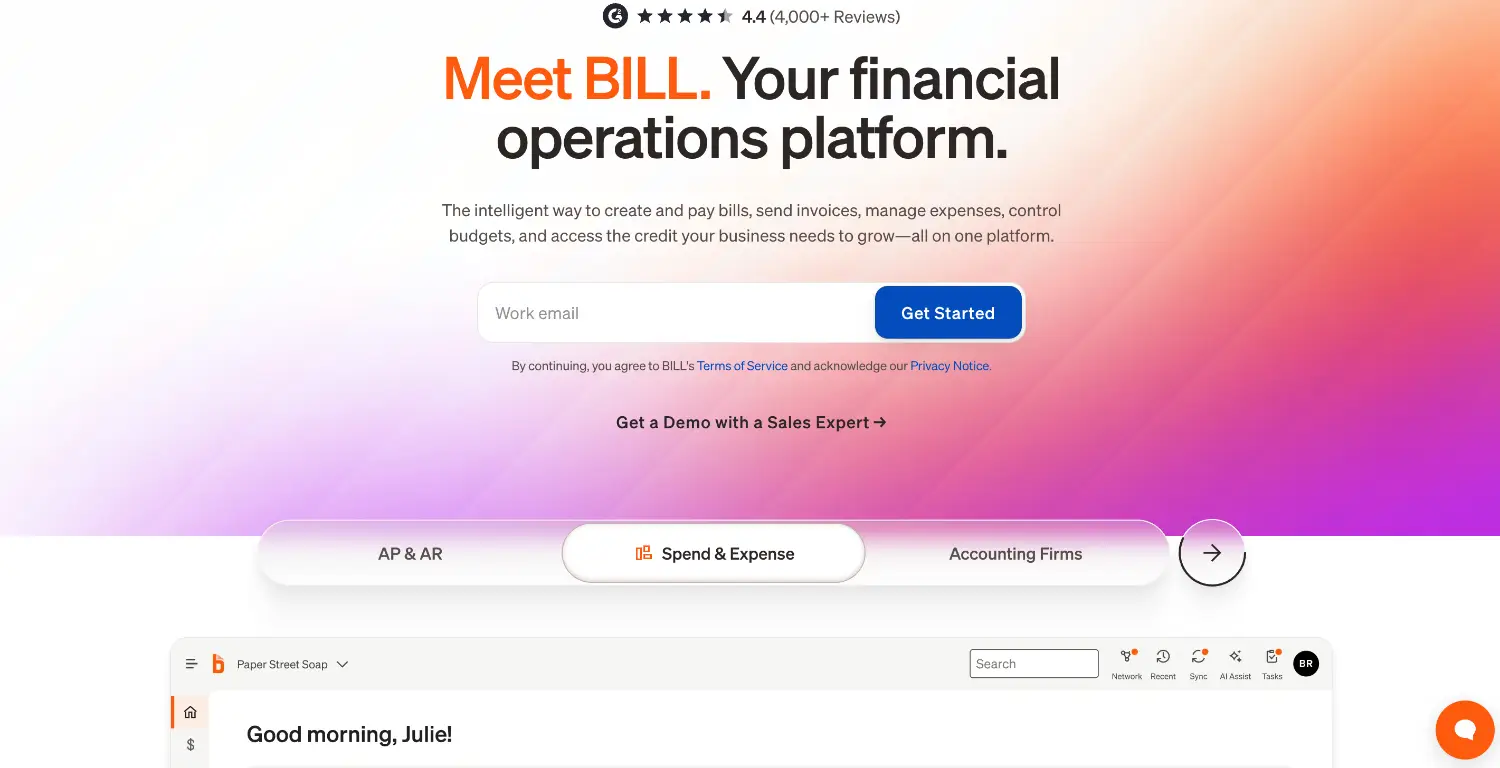
Best for: Small businesses managing invoicing and payments alongside accounts payable.
BILL allows businesses to create invoices, accept ACH and card payments, monitor balances, and automate payment reminders.
It also provides AP functionality, which can be useful for smaller finance teams managing both supplier and customer payments.
Key features
- Invoice creation and delivery
- Payment acceptance
- Automated reminders
- AP automation
- Accounting integrations
Pricing: Essentials starts at $49 per user/month, Team at $65, and Corporate at $89. Enterprise pricing is custom. Additional transaction fees may apply.
11. Upflow
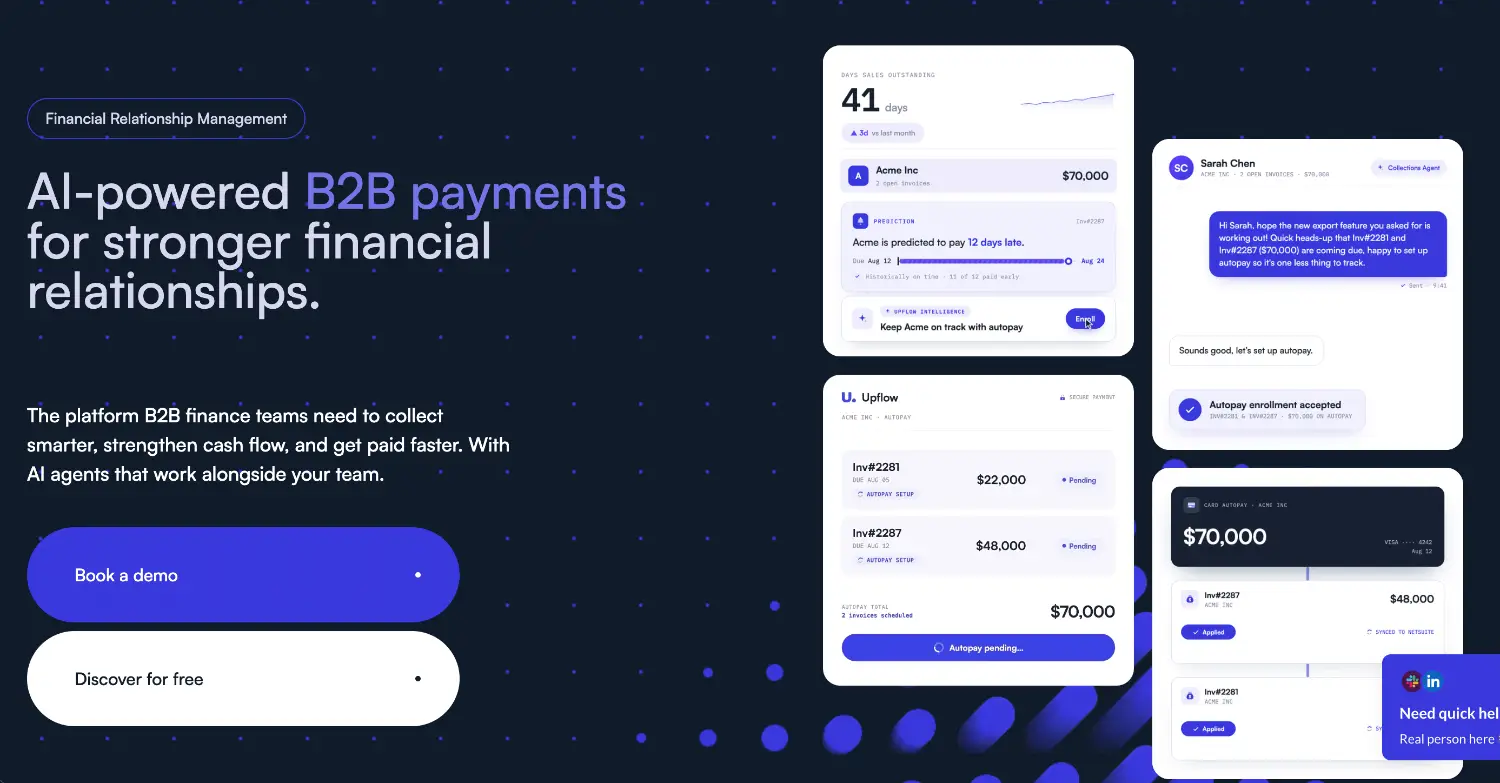
Best for: B2B finance teams improving collections and customer payment management.
Upflow connects with accounting and billing systems to provide visibility into overdue balances and organize collections.
Teams can automate routine reminders while assigning disputed or sensitive accounts to collectors for direct follow-up.
Key features
- Automated collections
- Customer payment portals
- AR aging and analytics
- Accounting integrations
- AI-assisted collections features on eligible plans
Pricing: Paid plans require quotes and vary by GIV and capabilities.
12. Tesorio
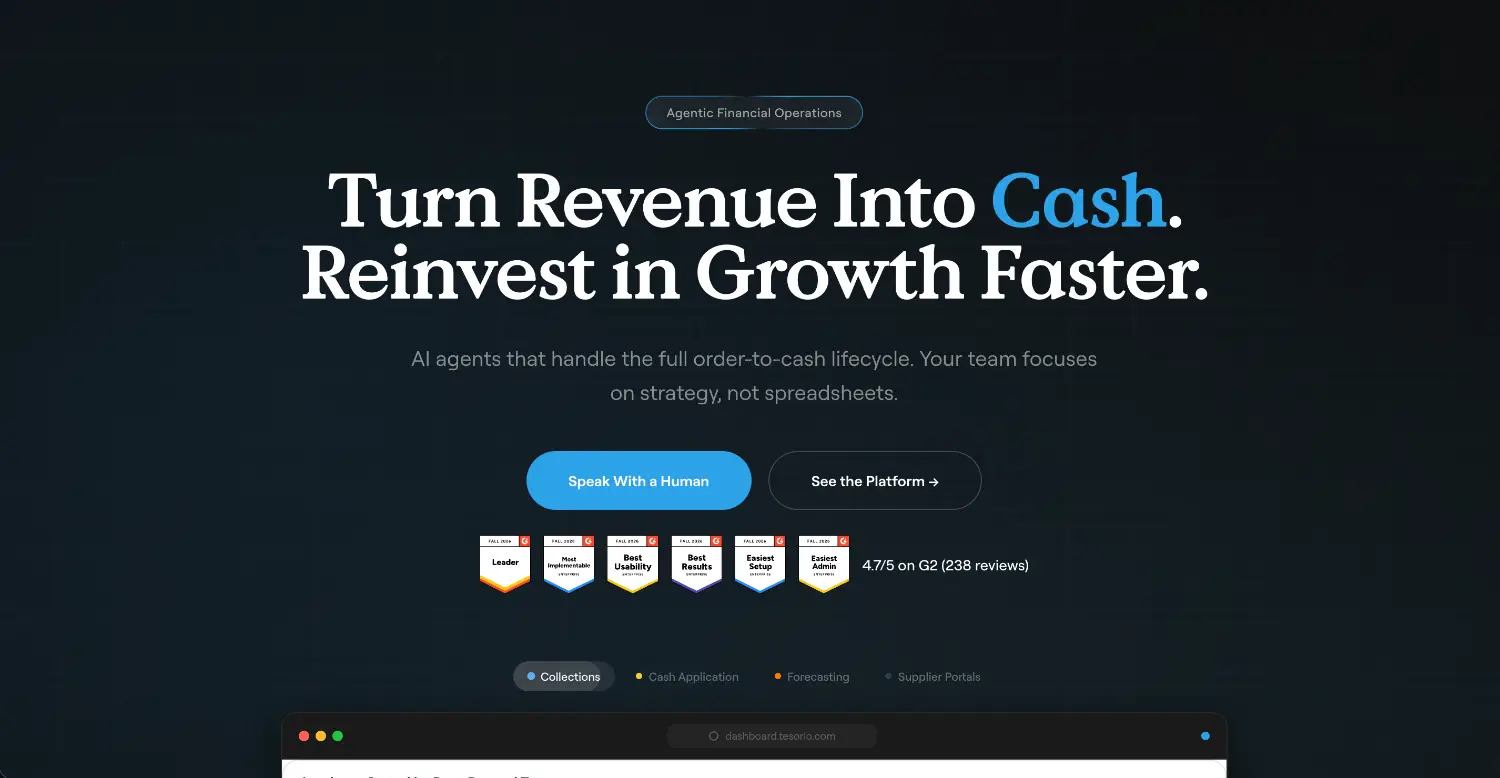
Best for: Finance teams connecting collections with cash flow forecasting.
Tesorio combines collections management with cash visibility and forecasting.
A company might have $500,000 in outstanding receivables, but the amount alone doesn't indicate when that cash will arrive. Tesorio helps teams monitor customer payment behavior and expected collections.
Key features
- Automated collections workflows
- AR aging and monitoring
- Cash forecasting
- Collections prioritization
- Accounting integrations
Pricing: Custom quotes.
13. Chaser
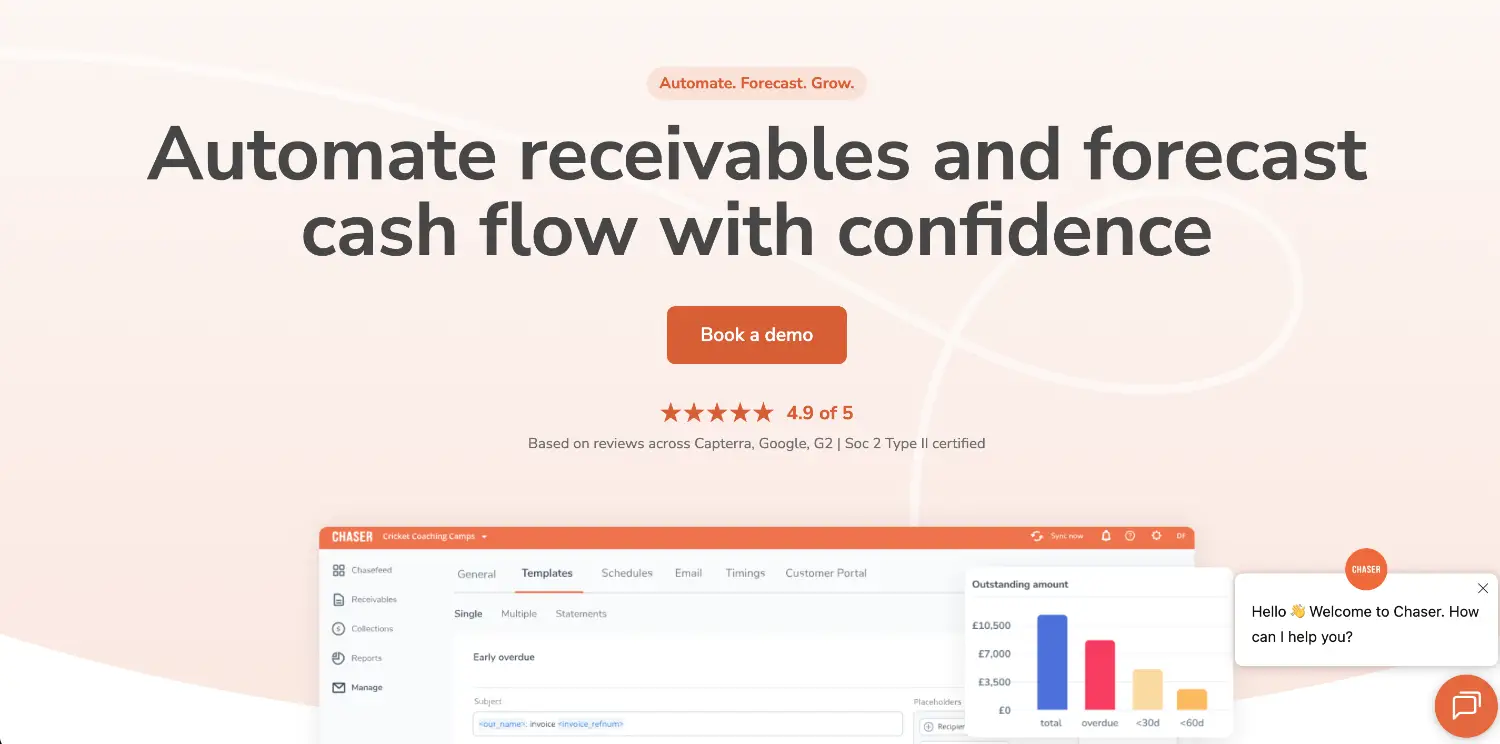
Best for: Small and mid-sized businesses automating payment reminders.
Chaser connects to accounting systems such as Xero and QuickBooks to manage overdue invoices, reminder schedules, and collections follow-ups.
It provides a structured way to chase outstanding payments without accountants manually contacting every customer.
Key features
- Automated reminders
- Collections schedules
- Customer communication tracking
- Overdue invoice reporting
- Accounting integrations
Pricing: Compact starts at $259/month, Core at $779, and Complete at $1,169 on monthly US-dollar billing. Annual billing offers a 10% discount.
14. Paystand
Best for: B2B businesses looking to automate digital payment collection.
Paystand combines payment processing infrastructure with receivables automation and reconciliation.
Its B2B payment network supports eligible zero-transaction-fee payments, alongside other payment methods and subscription-based pricing.
Key features
- Digital B2B payments
- Bank-to-bank payment network
- Automated reconciliation
- Payment collection workflows
- ERP integrations
Pricing: Custom subscription-based pricing.
15. Stripe Invoicing
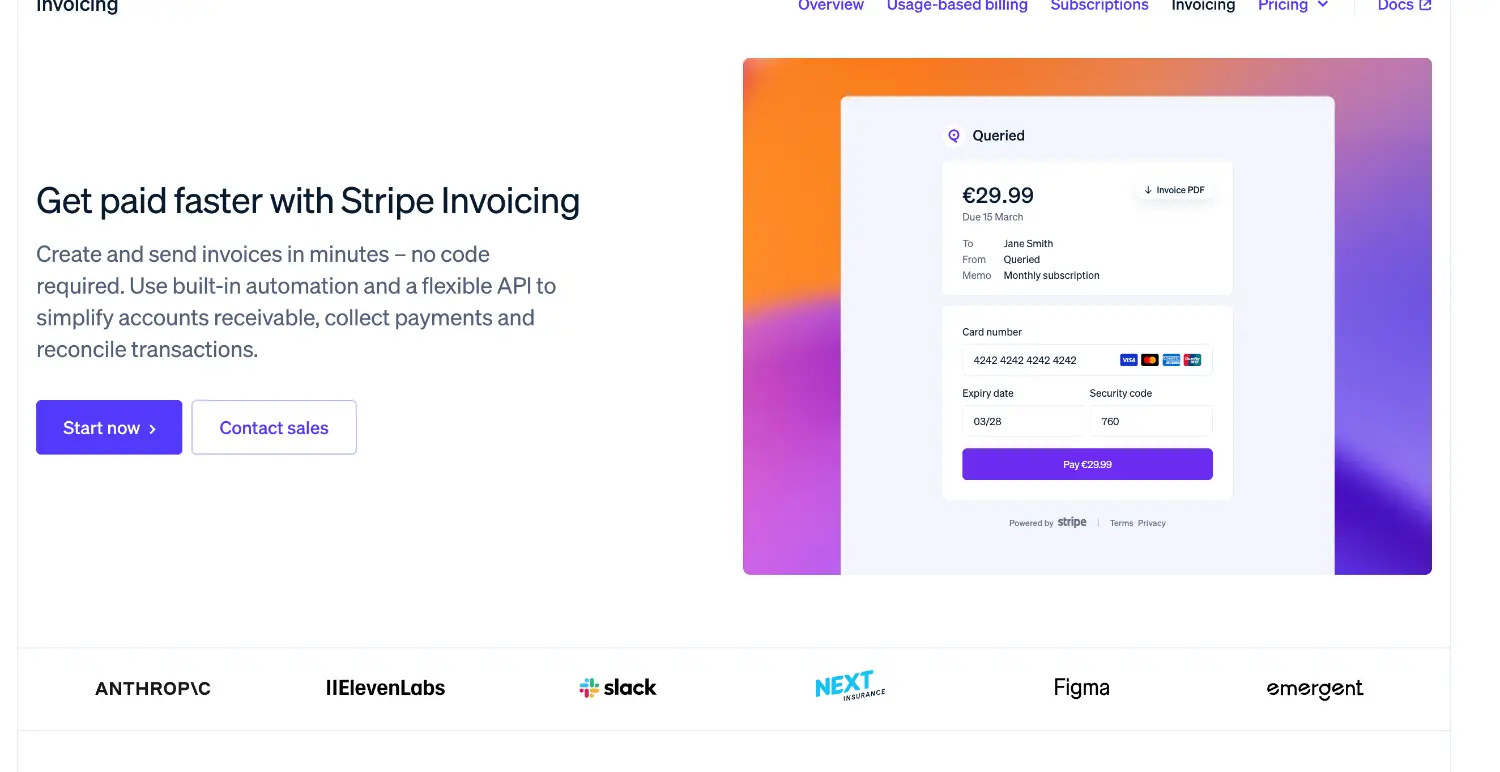
Best for: Businesses already using Stripe for billing and payments.
Stripe Invoicing lets companies generate invoices, accept online payments, and send automated reminders through Stripe's payment infrastructure.
Hosted invoice pages and integration with Stripe Payments make it practical for businesses handling straightforward digital billing.
Key features
- Invoice creation and delivery
- Hosted payment pages
- Automated reminders
- Card and bank payments
- Stripe Payments and Billing integration
Pricing: Stripe Invoicing Starter costs 0.4% per paid invoice, while Invoicing Plus costs 0.5%.
Types of accounts receivable automation software
The best AR automation software depends partly on which part of the receivables process needs improvement:
A business with reliable invoicing and accounting systems may only need better collections management. Another might collect payments promptly but struggle to match them to the correct invoices.
Standalone platforms generally integrate with an existing accounting system. ERP-based solutions bring receivables and financial accounting into one environment.
How to choose the best accounts receivable automation software
Before comparing vendors, identify what's slowing your AR team down. These five areas are worth looking at:
1. Invoicing and collections automation
Look at how the software creates invoices, sends reminders, and handles overdue balances.
The best collections software for your business should also accommodate disputes and exceptions. Can reminders be paused while a customer questions an invoice? Can the team assign ownership and track resolution?
2. ERP and accounting integrations
Check whether the platform connects with your general ledger, billing system, CRM, and payment providers.
Pay attention to synchronization timing. If a customer pays an invoice, the collections system should reflect that payment promptly enough to avoid unnecessary reminders.
3. Payment processing and cash application
Ask vendors to demonstrate how their software handles partial payments, overpayments, and transfers covering multiple invoices.
For example, have the vendor allocate a $10,000 payment against three invoices totaling $10,200, with $200 disputed.
The demonstration should show how the payment is allocated, how the disputed $200 remains outstanding, and how the exception is flagged for review.
4. Reporting and AR analytics
Look beyond basic aging reports. Useful metrics include days sales outstanding (DSO), collection effectiveness index (CEI), average days delinquent, and overdue balances by customer [3].
DualEntry's DSO calculator can help you measure how long customers take to pay. Tracking these metrics over time can also help you identify collection bottlenecks and understand where your team needs to improve.
5. Scalability and implementation
Consider whether the software can support higher transaction volumes, additional entities, and foreign currencies [4].
For subscription businesses, confirm that invoicing works with the company's billing and ASC 606 revenue recognition requirements. Billing and revenue recognition are related workflows, but they aren't interchangeable [5].
Ask what implementation involves, including migration, configuration, integration work, and ongoing support [6].
How much does accounts receivable automation software cost?
AR automation pricing varies by product type, transaction volume, and business requirements.
Common models include:
- Per-user subscriptions: Monthly fees based on users, features, or plan tiers.
- Invoice-based fees: Charges linked to the number or value of invoices processed.
- Payment processing fees: Additional card, bank transfer, or transaction charges.
- Enterprise licensing: Custom pricing based on modules, users, entities, and integrations.
- Implementation costs: Setup, migration, configuration, training, and support.
For example, BILL and Chaser publish subscription prices, while HighRadius and Billtrust use custom quotes. Stripe Invoicing charges a percentage per paid invoice, excluding payment processing.
Compare the expected three-year cost, including the internal work that will remain manual. A lower subscription price isn't necessarily cheaper if payment fees or implementation requirements are substantially higher.
Simplify accounts receivable automation with DualEntry
When billing, collections, and accounting operate across disconnected systems, finance teams spend time reconciling customer activity that should already be reflected in their financial records.
DualEntry's accounts receivable automation software connects invoicing, payment application, and reporting directly with the general ledger.
Finance teams can automate invoicing, use AI-assisted payment matching, monitor overdue balances, and manage receivables across multiple currencies and entities.
DualEntry also connects with payment platforms through integrations such as Stripe, bringing customer payments, payouts, processing fees, and other relevant activity into the accounting system.
For recurring-revenue businesses, subscription billing and financial accounting can also operate within the same ERP.
If you're evaluating a broader finance system upgrade, our comparison of the best AI accounting software covers additional options.
With receivables connected to the ledger, accountants can spend less time transferring and reconciling records and more time investigating discrepancies that require their attention.
Accounts receivable automation software FAQs
What is the best accounts receivable automation software?
The best accounts receivable automation software depends on your business size, accounting system, and the processes you need to automate. DualEntry is a strong option for growing businesses that want to manage invoicing, payment matching, collections, and receivables reporting within the same ERP.
Can AR automation software integrate with an existing ERP?
Yes. Many AR automation platforms integrate with existing ERPs and accounting systems to sync customer invoices, payments, and outstanding balances. This allows finance teams to automate collections and payment matching without replacing their existing accounting software.
How does automated cash application work?
Automated cash application matches incoming customer payments to outstanding invoices using information such as payment references, remittance advice, customer details, and transaction amounts.
Can AR automation software handle partial payments and disputes?
Many platforms support partial payments, deductions, and invoice disputes, but the level of automation varies. A customer might pay $9,500 against a $10,000 invoice because they dispute a $500 charge. The software should record the payment, preserve the outstanding $500, and allow the team to investigate the difference without incorrectly marking the invoice as fully paid.
What's the difference between AR automation and subscription billing software?
Subscription billing software manages recurring charges, billing schedules, and subscription changes. AR automation focuses on collecting those charges, applying payments, managing overdue invoices, and updating receivables.
Can automated collections replace manual follow-ups?
Software can handle routine reminders, schedule follow-ups, and prioritize overdue accounts. However, disputes, payment negotiations, and sensitive customer relationships may still require direct involvement from collections teams.
How can you tell whether AR automation software is working?
Track performance before and after implementation using metrics such as days sales outstanding (DSO), overdue balances, collection effectiveness, automatic cash matching rates, and the time spent resolving exceptions.
See the full power of DualEntry in 30 minutes
Woosung Chun is the CFO of DualEntry with experience in corporate finance, accounting, strategy, and acquisitions. He previously grew from scratch and led the M&A and Finance teams at Benitago, where he completed more than 12 acquisitions in 2 years. He graduated with a BS from NYU Stern. At DualEntry, Woosung writes about AI in accounting, revenue recognition, foreign currency accounting, hedge accounting, and ERP modernization for finance teams navigating complex, multi-entity environments.