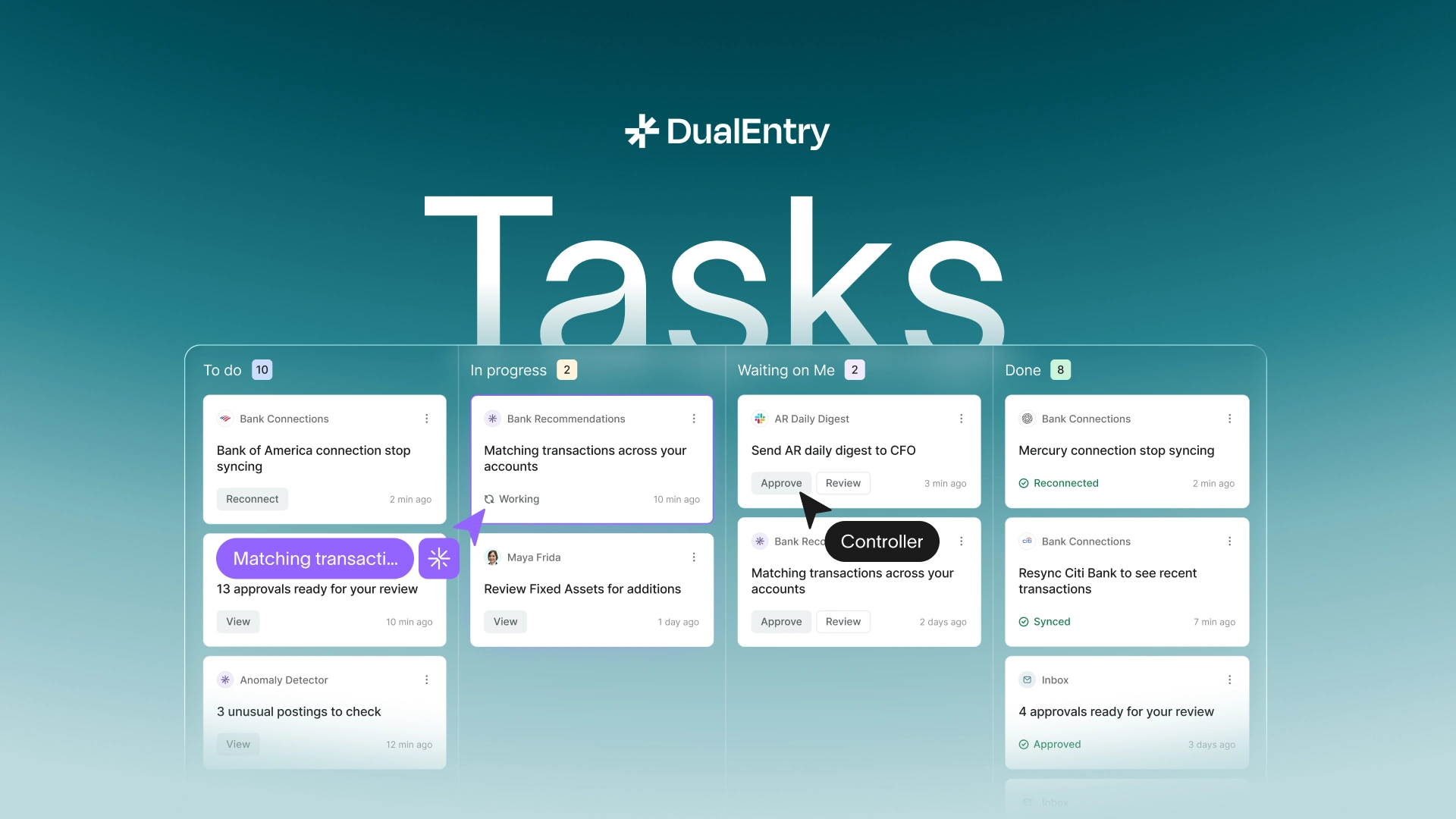
Don't worry! The contents here will appear on the published page.
Best AI Accounting Software 2026: Reviews, Features & Pricing

Woosung Chun
CFO, DualEntry
Woosung Chun
CFO, DualEntry
Woosung Chun is the CFO of DualEntry with experience in corporate finance, accounting, strategy, and acquisitions. He previously grew from scratch and led the M&A and Finance teams at Benitago, where he completed more than 12 acquisitions in 2 years. He graduated with a BS from NYU Stern. At DualEntry, Woosung writes about AI in accounting, revenue recognition, foreign currency accounting, hedge accounting, and ERP modernization for finance teams navigating complex, multi-entity environments.
Learn about our editorial policies.
Last updated
September 2, 2026
Reviewed by
Do San (Justin) Myung

Do San (Justin) Myung
Expert Accountant & Former Consulting CFO | DualEntry
Justin (Do San Myung) is Expert Accountant at DualEntry with 20+ years of hands-on experience managing general ledgers, financial close processes, and ERP implementations for mid-market and enterprise companies. As a former Consulting CFO and Controller, he has personally overseen month-end closes, SOX compliance programs, and multi-entity consolidations across technology, manufacturing, and services industries. Justin specializes in transforming manual accounting workflows into automated, AI-driven processes.
Learn about our editorial policies.

Summarize this article
80% faster bookkeeping. 90% less manual data entry.¹ Lightning-fast closes. Reports coming in from businesses of all sizes are proving that, in finance at least, AI is not just hype. 52% of AP professionals now spend <10 hours a week processing invoices, freeing up time for higher-value work.² Automation’s efficiency gains are very much real.
In this guide, we’re looking at the AI accounting platforms in the lead right now. We’ve focused on how they support core workflows like AP, AR, bank reconciliation, and financial reporting – and what business types they’re best suited for, from startups to global orgs. Each platform is assessed on automation depth, integration quality, CPA-validated features, recent product updates, and pricing transparency. They’re all SOC 2 compliant and backed by verified G2 ratings.
This comprehensive guide evaluates the leading AI accounting software platforms for 2026. The analysis focuses on accounts receivable automation, accounts payable optimization, bank reconciliations, and financial reporting capabilities. Every type of business will discover appropriate solutions among these platforms, whether they operate as a startup or manage global operations.
We assessed each platform using multiple criteria. The evaluation examines automation capabilities, how well systems integrate with existing software, features that CPAs have validated, recent 2026 functionality updates, and transparent pricing structures.
Quick Comparison table
Why is AI accounting software essential in 2026?
Finance is complex, but it’s long been run on manual processes. As companies grow, so do their needs. Working in spreadsheets – or an outdated, clunky ERP – isn’t scalable. Modern AI accounting platforms, then, are long overdue: handling multi-entity structures, intercompany transactions, currency conversions, and consolidated reporting automatically. Finally, global businesses can close the books faster – all with fewer errors and without adding to their headcount.
AI is also changing planning and compliance. Predictive analytics help forecast cash flow, spot cost-saving opportunities, and optimize working capital. At the same time, built-in controls, audit trails, and automatic updates for standards like IFRS 16 and ASC 842 reduce compliance risk. The productivity impact is measurable: automation can reduce errors by up to 90% and speed up processes by 85x.³ Finance teams can focus on analysis instead of data processing.
There’s no wonder more and more companies are rolling out automation in their accounting departments. Nearly 85% of financial institutions now use AI or machine-learning techniques in their operations.³ Integration between AI and ERP systems has become the standard, especially for enterprises.
The key features to look out for
The strongest AI accounting platforms share a few core capabilities. OCR and document capture should cut out manual data entry by pulling data directly from invoices, receipts, and purchase orders. Anomaly detection should continuously monitor transactions and flag unusual activity before it becomes a problem.
User experience matters, too. AI copilots and workflow automation make systems easier to use (even for non-accountants), while integrations with ERPs, banks, and payment platforms ensure data flows automatically. Finally, security and compliance aren’t optional – SOC 2 certification, GDPR compliance, and full audit trails are baseline needs for handling financial data safely.
How AI improves financial statements and tax compliance
AI keeps financial statements updated in real time by continuously processing transactions and applying the correct accounting treatment. Profit and loss statements, trial balances, and reports are always current. No more month-end rush. Errors are caught sooner, and close cycles go from weeks to days.
Tax workflows benefit in the same way. AI extracts data from tax documents with high accuracy, applies current rules automatically, and manages multi-state or international obligations at the same time. Businesses using AI close faster, reduce the amount of tedious rework, and support more clients without sacrificing accuracy. Overall there’s a shift in focus from processing to advisory work.
Did you know:
- AI can cut 7.5 days off the monthly close ⁴
- Companies automating their financial close with AI work 32% faster (compared to companies doing it manually) ⁵
- Accountants can support 55% more clients per week when using AI ⁴
The top 10 best AI accounting software for 2026
1. DualEntry
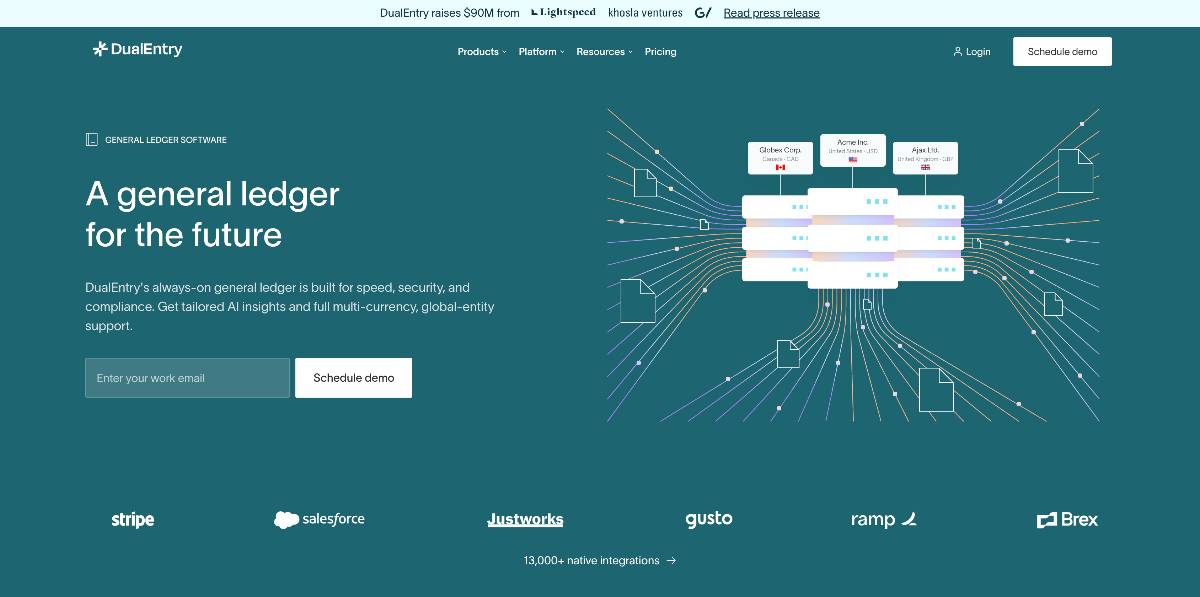
G2 rating: 4.9/5 (122)
DualEntry is an AI-native ERP designed for mid-market firms with complex financial operations. It automates 90% of traditional workflows through intelligent general ledger management and multi-entity consolidation, without relying on legacy architecture.
DualEntry cuts down on the delays of batch processing by handling transactions in real time. OCR technology scans invoices and receipts, pulling data accurately to create journal entries automatically. Every action leaves a detailed audit trail. With connections to 13,000+ banks worldwide, transactions import directly into the system without any manual work needed.
The platform excels at multi-entity management. Intercompany transactions eliminate automatically during consolidation, and currency conversions update in real-time. Many companies cut their month-end close time dramatically – often going from multiple weeks to just a few days.
Customers love how DualEntry manages complex accounting without needing a complicated setup. They also note that the system gets better at categorization over time, learning from your data patterns and transaction history.
Key features:
- Workflow automation with AI-native architecture
- OCR invoice scanning with automatic journal entry posting
- Integration with global 13,000+ banking institutions
- Multi-entity consolidation with automatic eliminations
- Real-time transaction categorization and matching
- SOC 2 Type II certified with bank-level encryption
- Continuous reconciliation instead of batch processing
- Custom general-ledger configurations without coding
Pros:
- Reduces manual journal entries by up to 90% (according to user reports)
- Handles complex multi-entity consolidations automatically
- Real-time processing eliminates month-end bottlenecks
- G2 rating of 4.9 indicates exceptional user satisfaction
- No legacy system limitations or patch-based compliance
Cons:
- Starting price of $500/month may exceed small business budgets
- Advanced features may not be needed by smaller businesses
- Learning curve for users switching from traditional systems
Pricing: Custom pricing you can book a demo to learn more.
For a side-by-side with the legacy market leader, see our full DualEntry vs NetSuite comparison.
2. QuickBooks Online
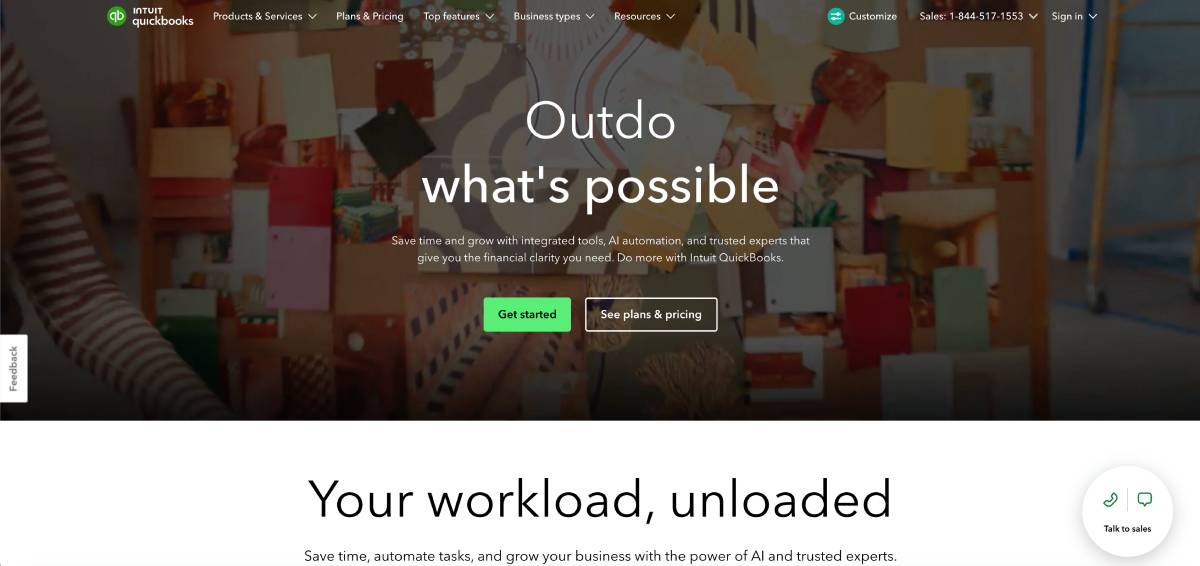
G2 rating: 4/5 (3,654)
QuickBooks Online uses Intuit Assist AI to make automation accessible for small businesses. Its machine learning automatically categorizes transactions, flags anomalies, and streamlines payroll processing, all at price points that make sense for growing companies.
It continuously monitors transaction patterns and highlights anything unusual that needs review. Bank transactions flow in daily, and AI matching improves over time as you correct or confirm entries. QuickBooks also suggests categorizations based on vendor behavior and transaction descriptions.
Payroll taxes are calculated automatically across states and jurisdictions, with paychecks generated and required government forms filed on your behalf. Sales tax is calculated and remitted on schedule. With 650+ app integrations available, businesses can extend functionality while staying within the QuickBooks ecosystem.
Small business owners find the software strikes the right balance – powerful enough to handle “real” accounting but simple enough to use without being tech savvy. The mobile app lets you manage everything from your phone. When you need help, live support’s available, plus there's extensive documentation to guide new users.
Key features:
- Intuit Assist AI for intelligent categorization and anomaly detection
- Automated payroll with tax calculations and filing
- 650+ app integrations through the marketplace
- Real-time financial reporting and dashboards
- Mobile app with full functionality
- Automated sales tax calculation and filing
- Bank-feed imports with AI matching
- Recurring transaction automation
Pros:
- Affordable pricing from $30 to $200 monthly fits small business budgets
- Extensive 3rd-party integration ecosystem
- Strong brand recognition and user community
- Mobile functionality enables management from anywhere
- Live support available during business hours
- Automated sales tax compliance across jurisdictions
Cons:
- Advanced features require higher-tier plans
- Some users report occasional sync issues with bank feeds
- Limited customization compared to enterprise platforms
Pricing: $30/month (Simple Start), $60/month (Essentials), $90/month (Plus), $200/month (Advanced)
3. Netgain
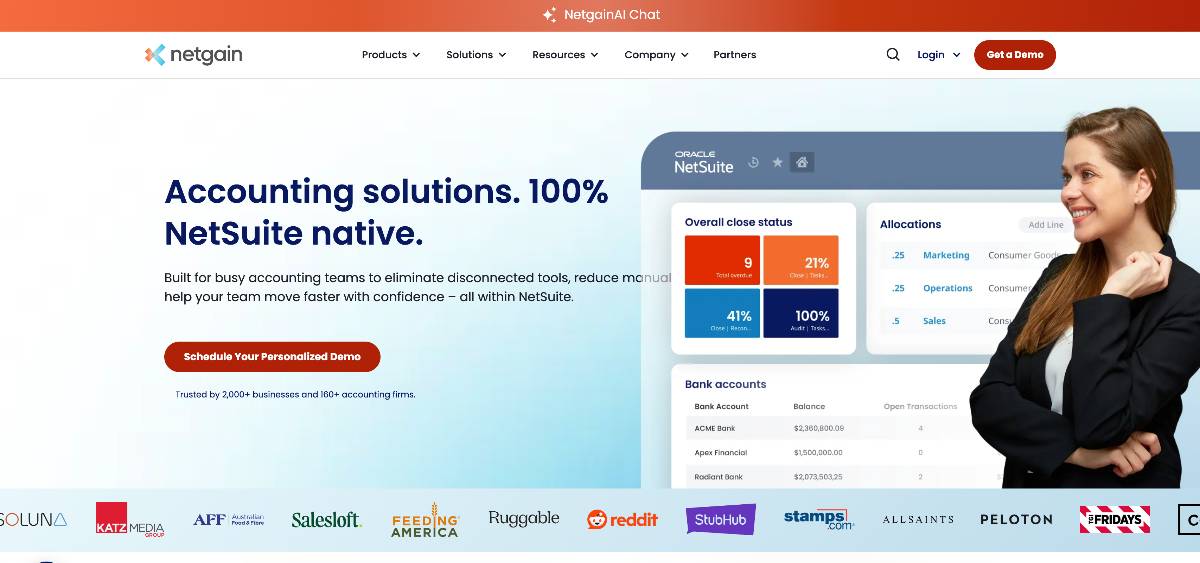
G2 rating: 4.8/5 (267)
Netgain provides enterprise-grade automation for CFO teams with complex consolidation and compliance needs. AI-powered flux analysis automatically highlights period-over-period variances, and ChatGPT integration helps explain unusual transactions without manual investigation.
NetClose streamlines month-end close by automating variance analysis and supporting documentation. The AI reviews transaction patterns and surfaces explanations for material changes – so, no more time-consuming reviews. NetLease uses machine learning to pull key terms from lease agreements, supporting ASC 842 compliance and automatically calculating right-of-use assets.
NetAsset simplifies fixed asset management by getting data directly from vendor bills. The system creates asset records, calculates depreciation, and keeps compliance documentation without manual input. Tight NetSuite integration removes the syncing issues that often come with standalone tools.
Enterprise customers see significant improvements in lease accounting efficiency and faster closes. Because Netgain is embedded in NetSuite, data flows smoothly and you get a consistent user experience.
Key features:
- ChatGPT-powered flux analysis and variance explanations
- AI lease abstraction for ASC 842 compliance
- Automated asset creation from vendor bills
- Full NetSuite embedding with native integration
- Enterprise-grade security and compliance
- Multi-entity consolidation support
- Automated depreciation calculations
- Detailed audit-trail maintenance
Pros:
- Native NetSuite integration prevents data sync issues
- ChatGPT integration provides intelligent variance explanations
- Reduces lease abstraction time by 80% according to users
- G2 rating of 4.7 shows there’s strong enterprise satisfaction
- Handles complex compliance requirements automatically
- Significantly accelerates month-end close processes
Cons:
- Custom pricing may be expensive for smaller organizations
- Needs NetSuite as primary ERP platform
- Implementation complexity means that professional services are needed
Pricing: Custom enterprise pricing based on modules selected and implementation requirements. Contact for quote.
4. Vic.ai
G2 rating: 4.7/5 (25)
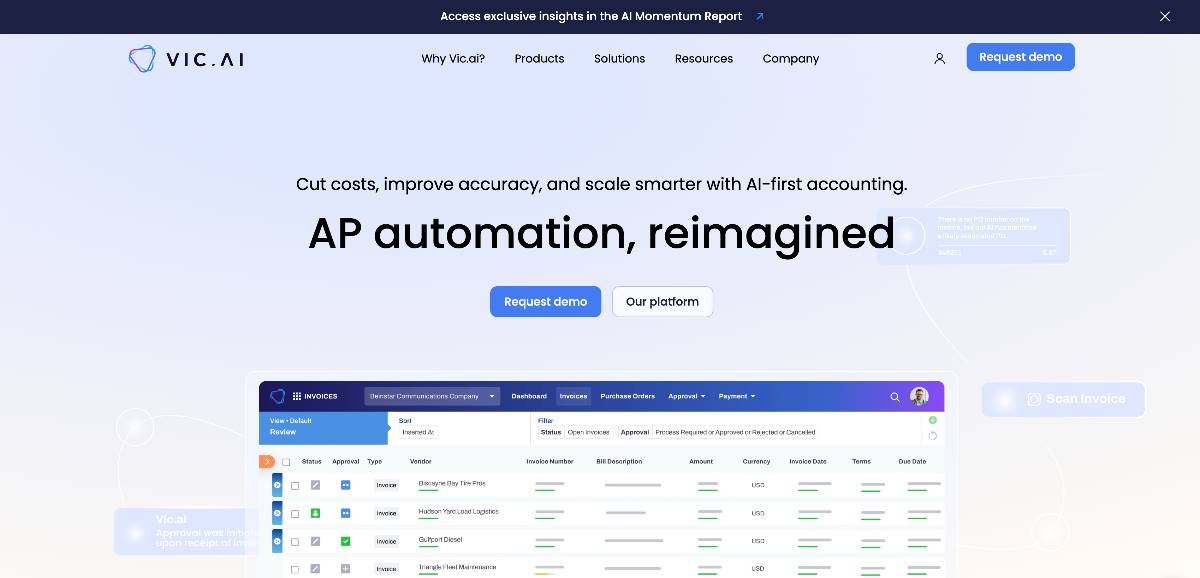
Vic.ai focuses on autonomous accounts payable automation, with an emphasis on predictive analytics. Its machine learning processes invoices with minimal human involvement, handling data extraction and coding accurately while also providing insight into future spend.
Companies say that Vic.ai removes most manual steps from the AP process, freeing up 3 to 6 hours per week per AP analyst. The system automatically handles three-way matching between invoices, purchase orders, and receipts, and continues to improve as users review and correct exceptions.
Beyond processing, Vic.ai uses historical data to forecast spending and cash-flow needs. It helps teams spot early-payment discount opportunities and work out the best payment timing. Integrations with major ERP systems ensure data moves cleanly across different workflows.
Businesses with high invoice volumes tend to benefit most. The platform scales without adding staff and can process invoices in many formats (including PDFs and images) without needing separate workflows.
Key features:
- Autonomous invoice processing with ML extraction
- Three-way matching with exception handling
- Predictive spend forecasting and analytics
- Multi-format invoice support (PDF, image, EDI)
- ERP integration (NetSuite, SAP, Oracle)
- Early-payment-discount optimization
- Duplicate-invoice detection
- Vendor portal for self-service
Pros:
- Highest G2 rating (4.8) among AP automation platforms
- Reduces manual invoice processing by 85%+
- Provides 3-6 hours weekly capacity per AP analyst
- Predictive analytics support proactive cash management
- Scales to handle thousands of invoices without added staff
- Learning algorithms improve accuracy over time
Cons:
- Quote-based pricing lacks transparency
- Focused solely on AP limits broader accounting automation
- May need IT resources for complex ERP integrations
Pricing: Quote-based pricing, scaled to invoice volume and integration complexity. Contact sales for more info.
5. Zoho Books
G2 rating: 4.4/5 (295)
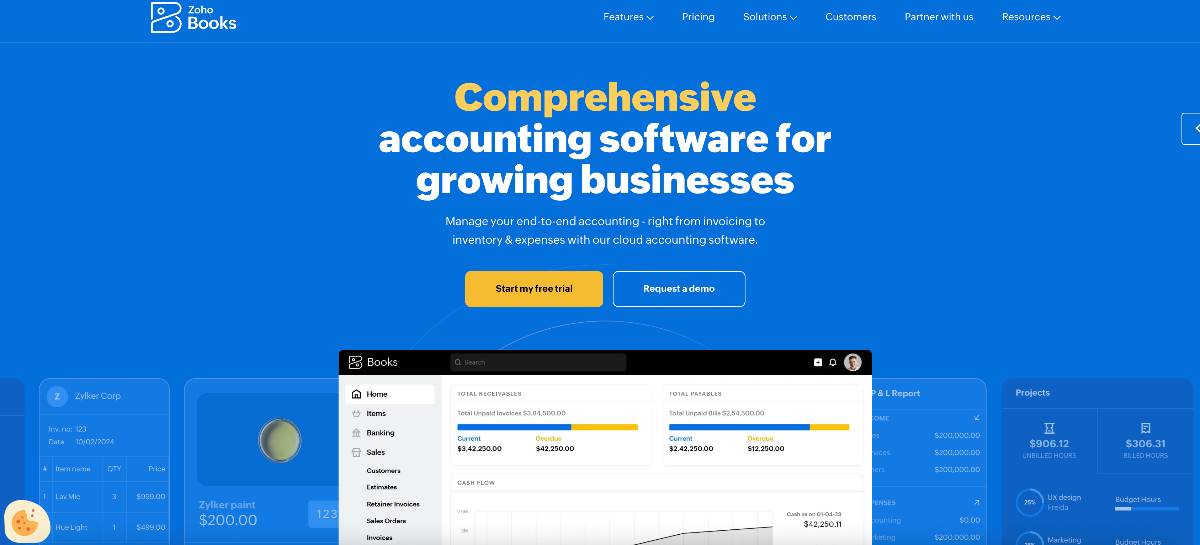
Zoho Books delivers AI accounting that small businesses and freelancers can actually afford. The platform's fraud detection monitors transactions continuously while automated expense tracking eliminates manual data entry across multiple currencies.
Smart categorization learns from user patterns to improve accuracy without manual rules. Mobile receipt scanning matches images to transactions automatically, maintaining documentation for tax compliance. Bank reconciliation runs constantly, and the matching system learns your specific business patterns.
The Zoho ecosystem integration is a major advantage. Your CRM data connects directly to accounting records. Inventory levels update as sales process. Project costs accumulate without spreadsheet exports. Invoices recur monthly and payment reminders send themselves, which helps cash collection. For international businesses, the multi-currency features handle exchange rates and conversions automatically.
Businesses like how Zoho grows with them. Many start using basic invoicing, then activate inventory tracking, then add project accounting as they expand. And all that time, everything stays in one system.
Key features:
- AI fraud detection and anomaly alerts
- Smart expense categorization with learning
- Mobile receipt scanning and matching
- Automated bank reconciliation
- Multi-currency with automatic rates
- Zoho ecosystem integration
- Recurring invoice automation
- Client portal for self-service
Pros:
- Affordable pricing from $20-$240 monthly suits all budgets
- Strong integration within Zoho ecosystem
- Fraud detection protects against financial risks
- Mobile app enables management anywhere
- Supports 40+ languages for global businesses
- Free migration assistance from other platforms
Cons:
- Advanced features call for higher-tier plans
- Some users report occasional sync delays
- Limited third-party integrations outside Zoho
Pricing: $20/month (Basic), $40/month (Standard), $60/month (Professional), $240/month (Premium), $360/month (Elite), $480/month (Ultimate)
6. Xero

G2 rating: 4.4/5 (1,411)
Xero combines ease of use with sophisticated AI reconciliation features. The platform automatically matches bank transactions with accounting records while adapting to regulatory requirements across multiple jurisdictions internationally.
Bank feeds import continuously with intelligent suggestions that learn from user behavior. The reconciliation engine achieves high match rates, reducing manual review requirements significantly. Xero manages exchange rate changes and calculates unrealized gains/losses on foreign currency balances.
Compliance reports are created, based on your location, without any manual involvement. With more than 1,000 apps in the Xero marketplace, you can connect everything from inventory to payroll. New employees pick up the system quickly thanks to its clean design – which still delivers professional-grade accounting.
Companies operating internationally find Xero especially useful. The platform adapts to local tax requirements and reporting standards across countries seamlessly.
Key features:
- AI-powered bank reconciliation
- 1,000+ third-party integrations
- Multi-currency with automatic rates
- International compliance adaptation
- Automated invoice reminders
- Project tracking and profitability
- Inventory management
- Expense claim processing
Pros:
- Competitive pricing from $15-$70 monthly
- Exceptional user interface reduces training needs
- Strong international compliance capabilities
- Extensive integration marketplace
- Unlimited users on higher plans
- 24/7 online support available
Cons:
- Limited customization for complex workflows
- Some advanced features need add-ons
- Occasional performance issues with large data sets
Pricing: $15/month (Early), $42/month (Growing), $70/month (Established)
7. Sage Intacct
G2 rating: 4.3/5 (4,028)
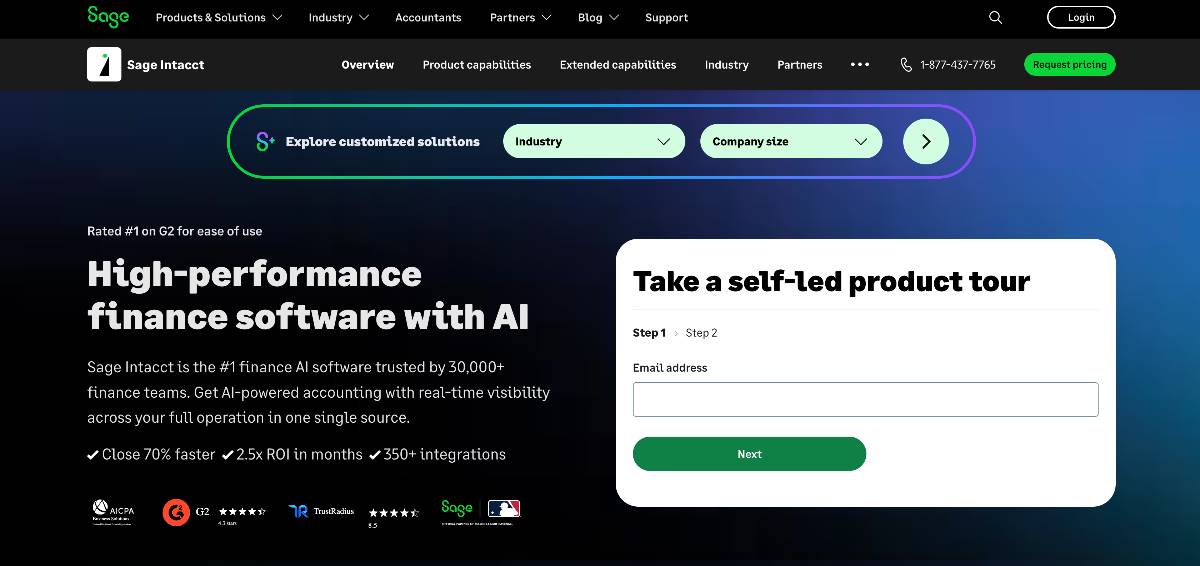
Sage Intacct offers scalable, cloud-based financial management with AI consolidation. It’s a popular pick for multi-entity businesses. The platform automatically eliminates intercompany transactions while maintaining dimensional reporting at any complexity level.
AI-driven consolidation processes multiple entities at the same time, without manual mapping. Automated revenue recognition ensures ASC 606 compliance across subscription and usage models.
The platform scales from small implementations to hundreds of entities without a drop in performance. Real-time visibility across all entities improves decision-making speed, and robust APIs give the option for deep integrations.
Franchises and nonprofits like the platform's ability to handle their unique needs, and automated allocations and grant tracking cut down on their admin burden.
For teams exploring whether Intacct is the right fit, or weighing it against platforms like NetSuite and Dynamics 365, our guide to Sage Intacct alternatives covers pricing, migration paths, and feature tradeoffs.
Key features:
- AI-powered multi-entity consolidation
- Dimensional general ledger structure
- ASC 606 revenue recognition automation
- Real-time reporting across entities
- Advanced allocation engine
- Grant and fund tracking
- Project accounting capabilities
- Robust API architecture
Pros:
- Handles complex multi-entity structures effortlessly
- Strong nonprofit and franchise functionality
- Real-time visibility improves decision speed
- Scales to hundreds of entities
- AICPA-preferred financial management solution
- Continuous consolidation eliminates period-end rushes
Cons:
- Higher cost reflects enterprise capabilities
- Implementation requires professional services
- May be overpowered for simple operations
Pricing: Custom pricing typically starts at $1,000/month based on entities and modules. Contact Sage Intacct directly for assessment.
8. Botkeeper
G2 rating: 4.4/5 (30)
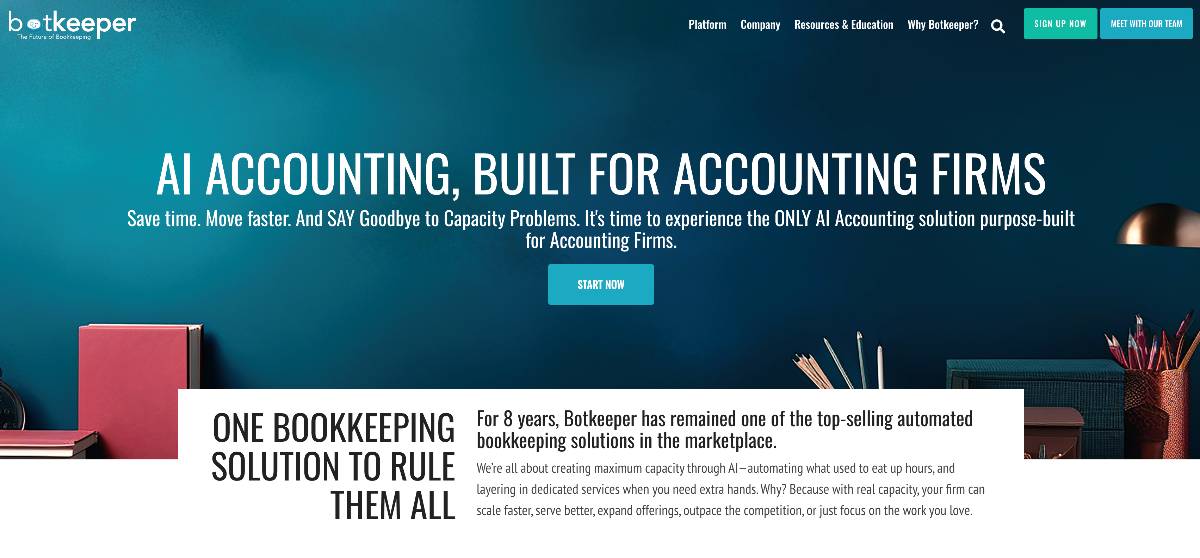
Botkeeper combines AI automation with human bookkeeping oversight. It’s designed specifically for accounting firms. Machine learning handles transaction categorization, while CPAs review outputs – so you get accuracy without sacrificing efficiency.
The platform handles daily transaction categorization, accounts payable, and reconciliations, streamlining financial processes while cutting down on manual error risks.
Processing is handled 24/7 and, paired with human review during business hours, you can enjoy continuous progress without delays.
Botkeeper’s hybrid model gives you confidence in accuracy and the time-saving benefits of ai accounting automation. Detailed audit trails document both automated and manual activities. Integration focuses on QuickBooks, so it’s ideal for teams already running on that platform.
Key features:
- Hybrid AI-human bookkeeping model
- 24/7 transaction processing
- CPA oversight and review
- QuickBooks-focused integration
- Detailed audit trails
- Monthly financial statements
- Unlimited document storage
- Client portal access
Pros:
- Combines automation efficiency with human accuracy
- Reduces bookkeeping time by 50%+
- G2 rating of 4.6 reflects firm satisfaction
- 24/7 processing accelerates workflows
- CPA review ensures accuracy
- Transparent pricing based on volume
Cons:
- Limited to QuickBooks ecosystem
- Monthly pricing may exceed in-house costs for large volumes
- Less suitable for complex enterprise needs
Pricing: $91-$500/month based on transaction volume and review frequency
9. Zeni
G2 rating: 4.6/5 (80)
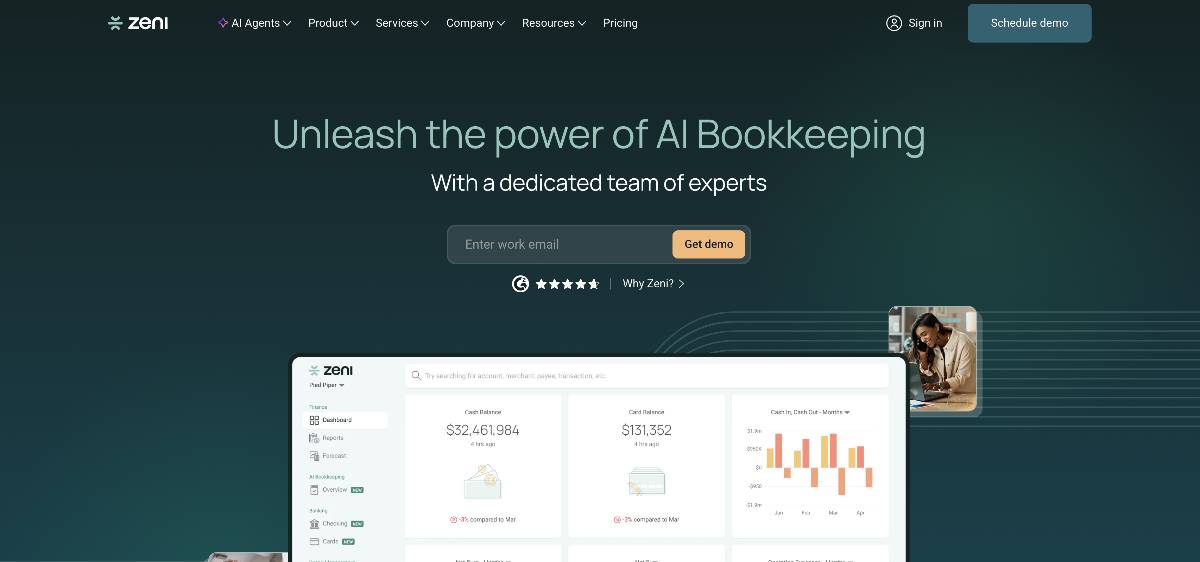
Zeni targets high-growth startups with AI bookkeeping combined with financial planning and analysis. Real-time dashboards provide immediate visibility into burn rates, runway, and unit economics key for venture-backed companies.
The platform automates daily bookkeeping while generating forward-looking financial models. AI-powered projections evaluate different growth scenarios based on current metrics. Integration with Stripe and startup tools delivers comprehensive financial visibility without manual data entry.
Cost optimization algorithms identify savings opportunities without impacting growth. Board-ready reporting packages are generated automatically with relevant startup metrics. You can also access dedicated CFO support on higher tiers, for strategic guidance beyond bookkeeping.
Startup founders value the combination of operational bookkeeping and strategic insights. The platform speaks the language of VC, presenting metrics investors expect.
Key features:
- Real-time burn rate and runway tracking
- AI-powered financial projections
- Startup-specific KPI dashboards
- Stripe and startup tool integrations
- Board-ready reporting packages
- Scenario planning tools
- Cost optimization insights
- Dedicated CFO services (higher tiers)
Pros:
- Designed specifically for high-growth startups
- Combines bookkeeping with FP&A insights
- Real-time metrics support quick decisions
- G2 rating of 4.7 shows founder satisfaction
- Board-ready reports save preparation time
- Understands venture-backed business needs
Cons:
- Higher starting price ($549) than basic bookkeeping
- May include unnecessary features for bootstrapped startups
- Focus on growth metrics less relevant for profitable businesses
Pricing: Starting at $549/month for Starter plan. Growth and Enterprise tiers add CFO support and advanced analytics.
10. Docyt
G2 rating: 4.7/5 (35)
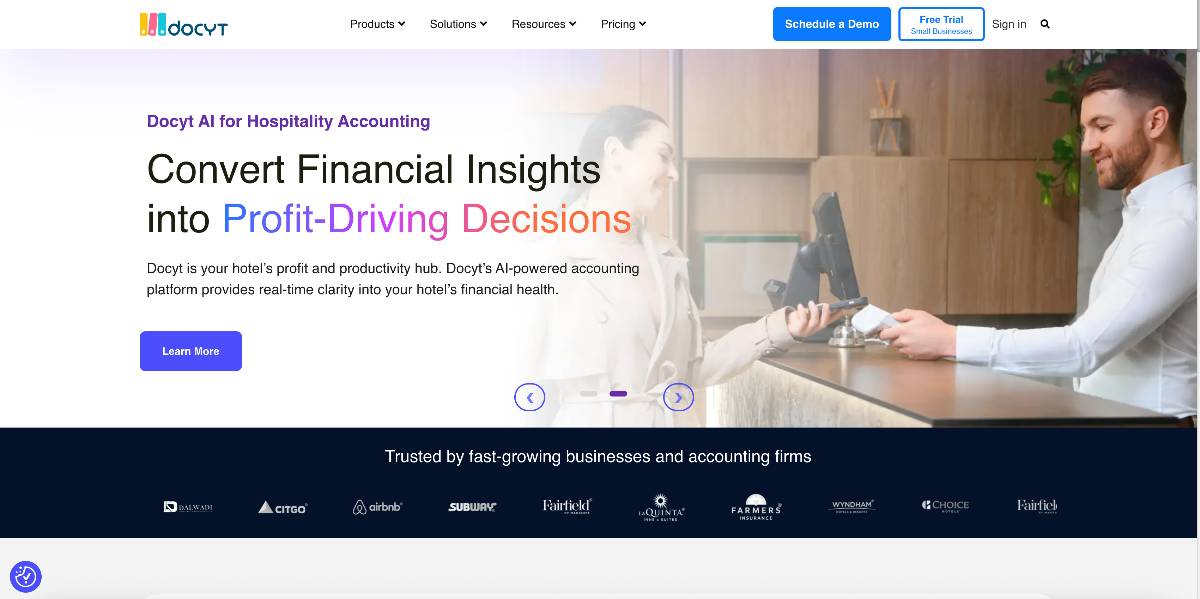
Docyt delivers AI-powered expense management and bookkeeping through an innovative chat interface. Natural language processing allows non-technical users to query financial data conversationally while automation handles routine workflows.
Chat-based AI makes complex financial data accessible without training. Users ask questions in plain English and get instant insights. Automated expense reports generate from receipt uploads while intelligent routing handles approvals based on policies.
Bill pay automation maintains vendor relationships while enforcing spending controls. Continuous monitoring identifies issues before month-end, so there’s less last-minute surprises. Multi-location businesses benefit from consolidated reporting across properties.
Hospitality businesses really like Docyt's industry-specific features. The platform understands unique requirements like tip reporting and multi-location operations.
Key features:
- Conversational AI chat interface
- Natural language financial queries
- Automated expense report generation
- Intelligent approval routing
- Bill pay automation
- Multi-location consolidation
- Continuous transaction monitoring
- Industry-specific configurations
Pros:
- Intuitive chat interface requires no training
- Makes financial data accessible to non-accountants
- Strong hospitality and multi-location features
- Automated spend analytics identify savings
- G2 rating of 4.5 indicates user satisfaction
- Continuous monitoring prevents month-end surprises
Cons:
- Chat interface may feel unfamiliar to traditional users
- Starting price of $299 exceeds basic bookkeeping tools
- Industry focus may not suit all business types
Pricing: Starting at $299/month for Core plan, with Advanced and Enterprise tiers adding locations and custom workflows.
Choosing the right tool for you
The right use of AI in accounting often comes down to business size and complexity. DualEntry is a strong fit for growing organizations that need multi-entity consolidation and more advanced workflow automation, without the overhead of legacy enterprise systems. Teams already running on NetSuite may prefer Netgain for its embedded, enterprise-grade functionality. Tools like QuickBooks and Xero are best for small businesses with simpler accounting needs (and tighter budgets). For a deeper look at how different teams actually apply these tools day to day, see our guide on how to use AI in accounting.
Some use cases call for more specialized tools. DualEntry is a strong all-rounder, with end-to-end accounting automation, but startups considering alternatives might want to look at Zeni for its combined bookkeeping and FP&A approach. Accounting firms that don’t need a full ERP will also probably find Botkeeper’s AI-plus-human model a game-changer for scaling client work.
Beyond features, practical factors matter most. Integration quality, automation depth, and vendor support can make or break adoption. DualEntry’s 13,000+ bank integrations and fast implementation timeline help teams see value quickly – but any platform should connect cleanly with existing systems, match your business’ complexity, and guarantee reliable training and support before you commit.
Best AI Accounting Software FAQs
See the full power of DualEntry in 30 minutes
Woosung Chun
CFO, DualEntry
Woosung Chun is the CFO of DualEntry with experience in corporate finance, accounting, strategy, and acquisitions. He previously grew from scratch and led the M&A and Finance teams at Benitago, where he completed more than 12 acquisitions in 2 years. He graduated with a BS from NYU Stern. At DualEntry, Woosung writes about AI in accounting, revenue recognition, foreign currency accounting, hedge accounting, and ERP modernization for finance teams navigating complex, multi-entity environments.
.webp)