Don't worry! The contents here will appear on the published page.
How to Use AI in Accounting (2026 Guide)

Do San (Justin) Myung
Expert Accountant & Former Consulting CFO
Do San (Justin) Myung
Expert Accountant & Former Consulting CFO
Justin (Do San Myung) is Expert Accountant at DualEntry with 20+ years of hands-on experience managing general ledgers, financial close processes, and ERP implementations for mid-market and enterprise companies. As a former Consulting CFO and Controller, he has personally overseen month-end closes, SOX compliance programs, and multi-entity consolidations across technology, manufacturing, and services industries. Justin specializes in transforming manual accounting workflows into automated, AI-driven processes.
Learn about our editorial policies.
Last updated
October 20, 2026
Reviewed by
Woosung Chun

Woosung Chun
CFO
Woosung Chun is the CFO of DualEntry with experience in corporate finance, accounting, strategy, and acquisitions. He previously grew from scratch and led the M&A and Finance teams at Benitago, where he completed more than 12 acquisitions in 2 years. He graduated with a BS from NYU Stern. At DualEntry, Woosung writes about AI in accounting, revenue recognition, foreign currency accounting, hedge accounting, and ERP modernization for finance teams navigating complex, multi-entity environments.
Learn about our editorial policies.

Summarize this article


TL;DR
What it is: A practical guide to adopting AI in accounting - from readiness checks and quick wins to selecting the right tools and implementing automation across core workflows.
Why it matters: Early adopters are seeing significant time savings and business impact - firms using AI save hours per person daily and often outgrow competitors without a strategy.
Where to start: Assess readiness by looking at cloud systems, clean data, API access, workflow documentation, and stakeholder support before rolling out AI.
Quick wins: Focus first on everyday tasks like invoice capture, automated reconciliation, expense categorization, and bank/payment matching to remove friction.
Choosing tools: Understand differences between modern ERPs, legacy systems, starter platforms, and dedicated point tools - and avoid painful retrofits by favoring AI-native systems built for automation.
You’ve read the news, listened to the podcasts, and worked through the thinkpieces. You already know the accounting industry is changing. But where do we go from here? According to Karbon’s 2025 State of AI in Accounting report, 85% of accounting professionals feel positive about AI’s potential – but only 37% of firms are actually investing in AI training.[1] This is starting to create a clear divide between teams that are moving forward and those who are falling behind.
The payoff for early adopters is already showing. Firms using AI save an average of 56 minutes per employee per day, and the same report found that advanced users save 71% more time than beginners. Over a year, that adds up to roughly $19,000 in value per user. Companies with a clear AI strategy are also seeing twice the revenue growth of those taking a more ad-hoc approach.
AI in accounting adoption went from 9% in 2024 to 41% in 2025.[2] The technology is already being used across AP, reconciliation, payroll, reporting, and more. In this piece, we’ll explore how accounting teams can approach AI adoption in a way that makes sense for them, and what to focus on in the early days of rolling out automation.
[tldr]
Where to start
How to know when you’re ready for AI
According to CPA.com’s 2025 AI in Accounting Report, readiness comes down to five areas: “technology infrastructure, data quality, team openness, compliance posture, and vendor alignment.” [3] In simple terms: can your systems connect, is your data usable, and are people willing to change how they work?
Strong signs that you’re ready to bring AI into your accounting workflows:
- You’re either using a cloud-based accounting system or are ready to switch to one
- You have 12+ months of reasonably clean historical data
- You’re using, or would like to use, tools that connect with APIs (e.g. banks, payroll, expense tools)
- You already have accounting workflows or processes in place, no matter how simple
- Your CFO is on board with the change and has the budget to the make it happen
Start thinking about the quick wins
It’s easy to get tangled up in the complexity of AI in accounting, especially if you’ve previously relied on more old-school, manual ways of bookkeeping. To cut through confusion, the best way to envisage how AI could work for your business is consider the simplest things it can help you with. As in, the everyday, repetitive work that needs to be done – and takes up way more time than you’d like.
Did you know that invoice data extraction can cut AP processing time by approximately 65–75%?[4] Or that bank reconciliation can handle three-way matching in minutes instead of hours? Or that expense categorization regularly reaches 94% accuracy?[5] Karbon’s 2025 research also shows that 63% of firms save time on drafting routine communications using AI.[1]
Common “first wins” include:
- Invoice capture and data extraction
- Automated reconciliation
- Expense report categorization
- Payment and bank matching
These don’t change how your finance team operates – they just remove friction.
Stay away from painful implementation processes
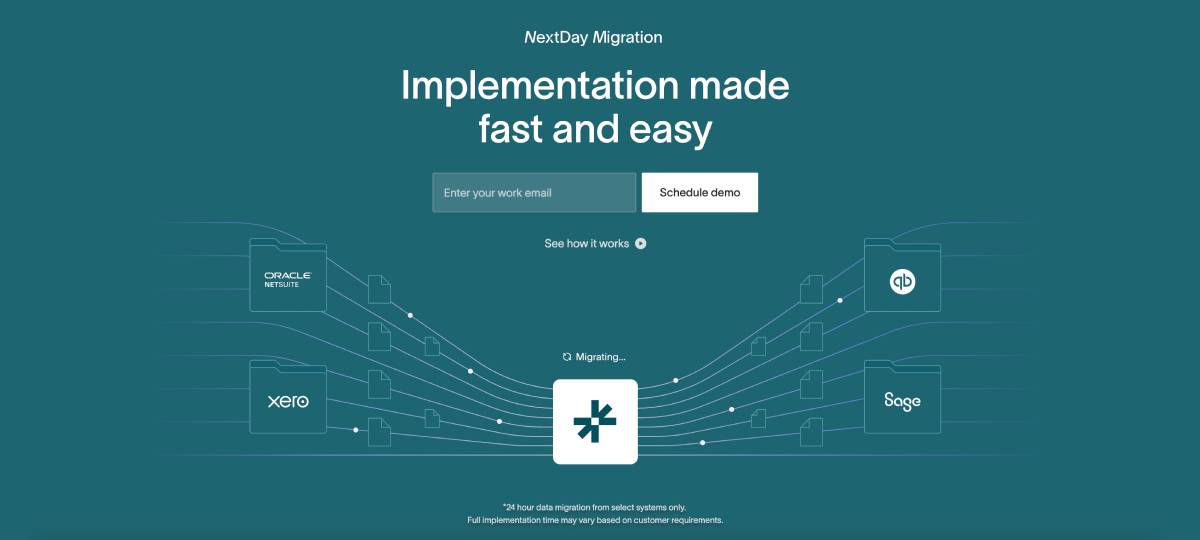
How smoothly AI is rolled out often depends less on the AI itself and more on the system behind it. Legacy ERPs weren’t built with automation in mind, meaning that adding AI usually involves long implementation timelines, patchy data migrations, and expensive setups. This slows everything down and delays time to value.
For the easiest rollout, choose modern, AI-native accounting software alternatives that are designed to work with full transaction history, automations, and customizable workflows from the start. This makes implementation faster and less disruptive.
What not to automate
Not everything should be handed over to AI. Judgment-heavy work still needs people. That includes advisory conversations, complex estimates, legal interpretation, and client-specific tax strategy. And any client interactions should still be handled by humans, because trust is everything.
Selecting the right AI tools: comparison and decision framework
The main types of AI accounting tool in 2026
AI accounting tools generally fall into four buckets:
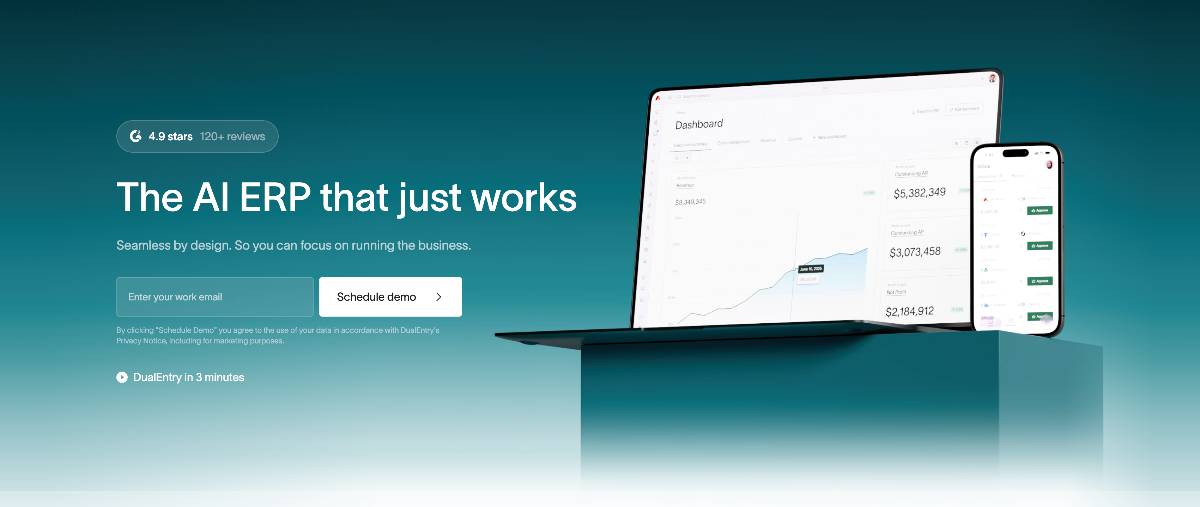
1: Modern ERPs
End-to-end platforms that automate finance in a unified system and scale with your business. Built to be AI-native, meaning that AI is part of the core workflow from day one. Typically cloud-based with a modern UI and a fast setup. Maybe too feature-heavy for small teams who just need the basics.
2: Legacy ERPs
Older enterprise systems designed before automation and AI became standard. Powerful and widely used by large, global businesses – but still heavily reliant on manual workflows, and AI is typically layered on later. Long implementations, high costs, and little flexibility as workflows change.
3: Starter systems
Cloud-based platforms best for small teams and early-stage businesses. Easy to set up and with AI to automate basic, everyday accounting, but they tend to struggle as transaction volumes grow or structures become more complex.
4: Dedicated tools
Software focused on a single function, like AP, expenses, or reconciliation. They’re quick to adopt but most teams need several of them, which can create data silos and integration headaches as a business scales.
The right choice depends on your company’s size, transaction volume, technical maturity, existing systems and, most importantly, the problems you’re trying to solve.
What actually matters when choosing a platform
According to CPA.com’s 2025 research,[3] a few factors consistently separate successful implementations from failed ones. Data security and compliance come first, especially in regulated environments. Integration quality matters just as much, as poor connectivity is one of the biggest causes of rollout issues. Also, clear audit trails and transparency into how AI makes decisions are key for trust and compliance.
Red flags to watch out for
- Unclear privacy policies
- No possibility to opt out of AI training on your data
- “Black-box” AI decisions with no explanation
- Limited or outsourced customer support
- Missing or unclear compliance certifications
Matching tools to real use cases
Different teams, different needs. If you’re an audit-focused firm, you’ll benefit from full transaction coverage and strong documentation. Accounts payable teams, meanwhile, care most about speed and accuracy, and tax teams need tools that can handle multiple jurisdictions and keep up with regulatory changes.
Firm size also plays a role in the automation needs:
- Small businesses & startups: Basic automation with receipt capture
- Mid-market businesses: Workflow automation, including approval routing
- Large businesses: Enterprise features with custom configurations
- Global businesses: Multi-entity and multi-currency support
Don’t forget about integrations
AI only works if it connects cleanly to the rest of your tech stack. APIs determine how flexible a system is going to be as you grow, so make sure to look at integration possibilities when researching new tools. Strong bank and payment-provider integrations are a must, but check how easy it is to bring in data from other systems too: BI, CRM, HRIS… whatever’s important to you now, and what might be in the future.
Bringing AI in your day-to-day accounting workflows
Step 1: Acknowledge where you are, and what you want to fix
Before you start implementing AI, be honest about where work slows down today. Whether it’s manual reconciliations, messy transaction data spread across tools, or something else, you want to identify the biggest pain points and the data sources involved (banks, teams, entities…). Think about what needs to be changed to make sure AI works effectively.
Also: think about your controls. Clear approval rules, consistent categorization, and documented workflows make automation much easier. If you’re choosing a platform that brings multiple workflows into one system, this step is about deciding what you want to centralize and how you’d ideally like AI to fit into existing processes. You don’t need to worry about redesigning everything from scratch.
Step 2: Choose, and implement, software
Once you know what you’re trying to fix, implementation becomes much simpler. How onboarding looks will depend on the tool you choose. With a modern ERP, for example, setup’s typically fast and hands-off. Older systems generally have longer, more complicated data migrations.
Once you’re near the finish line, make sure your provider gives you proper onboarding and training. Even the most intuitive tools benefit from guided setup, especially when teams are new to AI.
Step 3: Measure your results
Once you’ve been up and running with your new AI accounting software for a few weeks, you can already start comparing your current performance against your starting point. Maybe that’s time spent on reconciliations, transaction accuracy, close speed, or transaction volume handled per person. Hopefully, you’ll quickly have a clear idea of AI’s value.
ROI doesn’t need to be complicated. In most cases, it comes down to hours saved, fewer errors, and the ability to scale without adding headcount. For a deeper breakdown of the measurable benefits AI delivers across accounting teams and workflows, read our overview of the benefits of AI in accounting.
You can also follow this formula: Total Annual Savings = (Hours Saved × Labor Cost/Hour) + (Error Reduction × Rework Cost) - Tool Subscription Cost.
Common implementation pitfalls
Problems? Most failed implementations come down to one of these:
- Trying to go live without doing a data cleanup first
- Having no manual override options in the platform you’re using
- Receiving insufficient user training or support
- No option for audit-trail configuration
- No baseline metrics to work from
Where can AI be used in finance?
You actually have many options. Here are some of the most popular.
Accounts payable (AP)
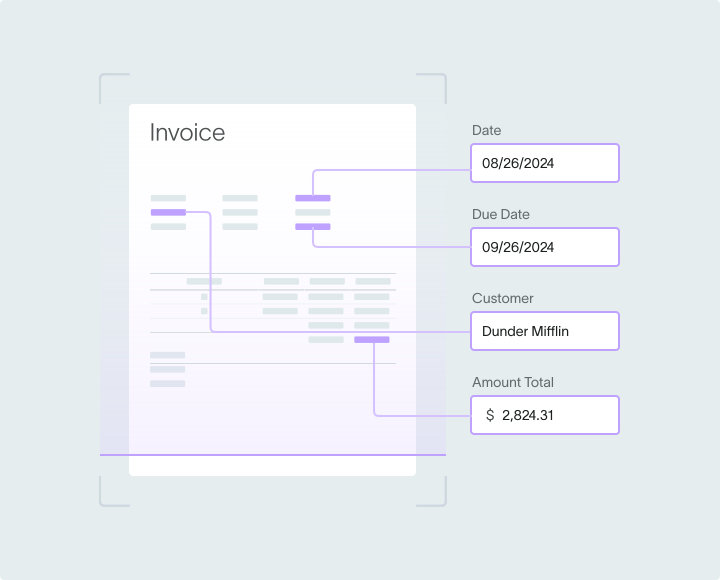
AI changes how AP work gets done by cutting out manual entry and speeding up approvals. You can upload any invoice – solo or in bulk – and OCR technology will import the relevant info, extracting line items and vendor details. The system supports flexible approval workflows tailored to your team’s structure, sends automated reminders, and keeps all spend conversations and audit trails in one place.
Matching and exception handling are streamlined too. Auto matching handles 2-, 3-, or 4-way comparisons automatically. AI keeps an eye on mismatches, potential duplicates, and anything that looks off, flagging up any issues before they have the chance to make it to your books. With live dashboards showing aging, pending payments, and approvals in real time, teams can handle AP faster, with less manual work.
Accounts receivable (AR)
You can use AI to simplify and speed up how revenue turns into cash. Incoming payments are automatically matched to the correct invoices, and partial payments and overpayments can be handled without manual involvement. Invoicing is automated too: sales orders convert into invoices, taxes and commissions are calculated, credit limits are set, and transactions are posted directly to the general ledger and Accounts receivable (AR). For subscription businesses, AI can also identify recurring billing patterns and creates reusable invoice templates.
Key outcomes include:
- ~80% accuracy in payment delay predictions [6]
- Automated workflows can significantly reduce billing disputes and manual exceptions [7]
- Improved cash forecast accuracy
Financial reporting
AI makes financial reporting easier to understand. And of course, it’s faster too. Instead of manually tracking how numbers change over time, let AI do it for you and highlight changes over months, quarters, or years. You can also take most of the manual work out of flux analysis and threshold monitoring, and save even more time by letting AI flag unusual movements, potential risks, or even cost-saving opportunities.
Instead of dumping raw numbers into static reports, AI is also great at turning data into clear stories. The best accounting platforms will offer AI-generated visuals and summaries (great when there’s not much prep time before a board meeting), and interactive dashboards that let each team member focus on the metrics relevant to them.
The type of results you can expect:
- >50% reduction in report preparation time [8]
- 90% faster variance analysis [9]
- Near-zero manual errors
- Board-ready reports generated in hours instead of traditional multi-week reporting cycles [1]
Account reconciliation
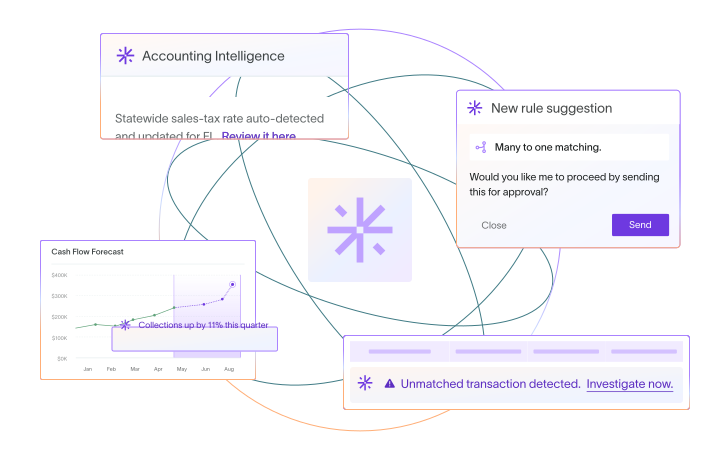
AI can automatically build schedules for things like depreciation and amortization, learn from past reconciliations to suggest smarter matching rules, and continuously monitor accounts for unusual items that need attention. Balance changes can be tracked automatically across periods, and roll-forwards happen without extra work.
With AI tools, month-end general ledger reconciliation time goes down from 4-6 hours to ~30 minutes. [10] Companies achieve near-complete matching coverage vs traditional sampling. [7] Monthly close cycles shorten by ~2.5 days. [11]
Audit & compliance
AI helps make audit automation more thorough and way less disruptive. It can continuously monitor transactions to spot anomalies and emerging risks in real time, while verifying large volumes of accounting records in bulk to surface suspicious patterns early. Top AI-native ERPs also come with full change tracking built in and give you live visibility into your control environment through a unified dashboard. No more compliance gaps or waiting for periodic reviews.
External auditors can often reduce on‑site fieldwork when more testing is automated, internal audit teams gain meaningful efficiency, and AI‑driven fraud tools help cut detection times from long reviews toward near real‑time alerts.
AI barriers and how to deal with them
Change
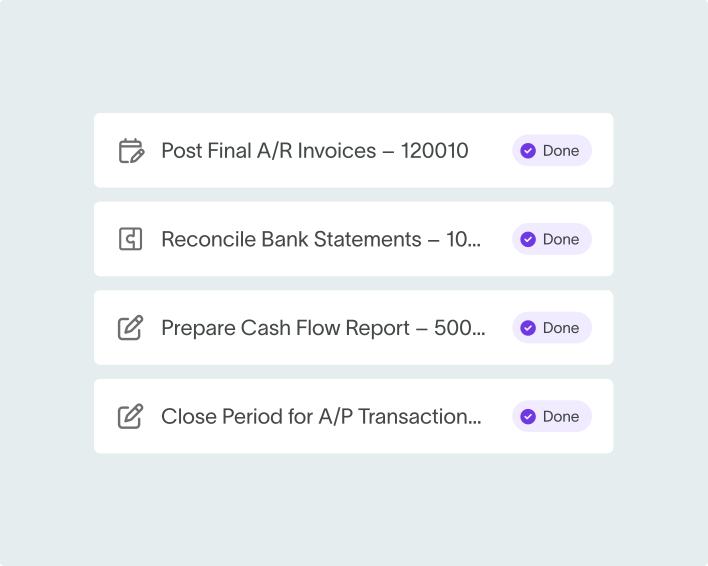
Resistance to AI is fading, but it hasn’t disappeared entirely. Thomson Reuters research [12] on U.S. state courts shows that only 9% of respondents worry about AI causing widespread job loss. Still, it’s important for companies to reinforce to their teams that AI is here to support them, not replace them.
Most hesitation comes from a lack of familiarity, uncertainty about accountability, or just classic change fatigue. The fix is practical: invest in training, make responsibilities clear, and keep humans in the loop for key decisions, and roll AI out gradually.
Data security and compliance
Strong security and governance are non-negotiable in accounting. Whatever AI setup you go with, it needs to support GDPR and SOX requirements through role-based access, detailed audit trails, and clear data retention rules. Encryption, regular security audits, and verified certifications like SOC 2 Type II are musts.
Stay in control by making sure you have these covered:
- Encryption at rest and in transit
- Annual security audits
- SOC 2 Type II certification verification
- Data residency compliance
- Incident response planning
Pro tip: if you use DualEntry, all these are a given. No extra effort needed.
Measuring success and improving over time
What’s worth measuring
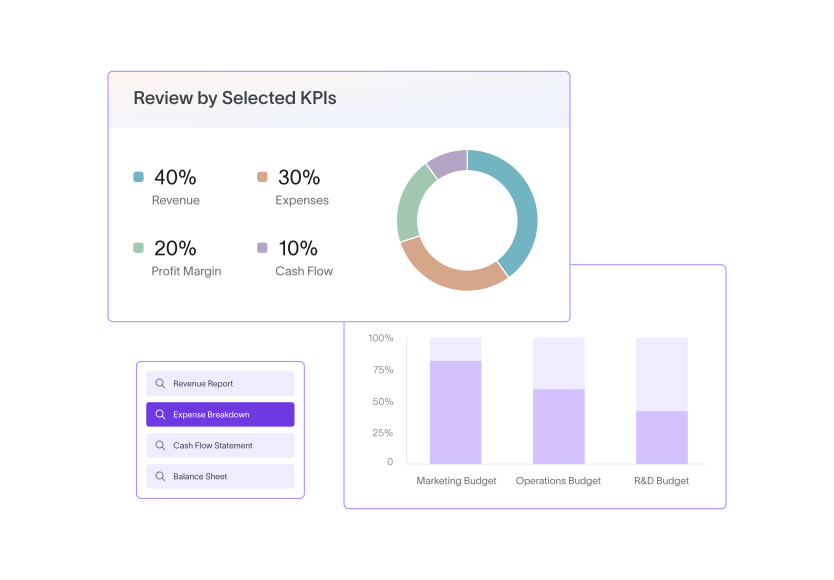
The easiest way to know if AI is working is to track a few clear outcomes. Most teams focus on four areas: speed, cost, quality, and impact. That might mean hours saved on AP, faster month-end closes, lower costs per transaction, or just fewer errors overall.
As a reference point, here are some standard benchmarks for AI implementations:
- AP automation: approximately 65–75% cycle time reduction [4]
- Month-end close: >50% faster report preparation [8]
- Bank reconciliation: near-complete matching coverage vs traditional sampling [7]
Don’t forget to collect feedback
AI systems get better with feedback. Monthly check-ins with individual team members using the new software can help you capture edge cases and friction points.
Scaling triggers and expansion criteria
Some signs you’re ready to expand your AI toolkit further:
- Model accuracy consistently above internal baselines
- Cost per transaction below $0.15
- User adoption above 80%
- Positive ROI achievement
If you’re checking off at least one one of these, it’s usually safe to expand automation to new processes. If you find performance drops, it’s better to pause instead and fix whatever isn’t working. You should treat AI as an ongoing improvement effort rather than a one-time rollout.
Conclusion
AI is already delivering real results in accounting. The teams using it are working faster, making fewer errors, and seeing big returns. As the technology gets more powerful, more companies are moving from experimenting with AI to building it into their day-to-day workflows.
If you’re not there yet, don’t panic. The best way to keep the process pain-free is choosing a modern, AI-native platform that fits your company’s size and complexity, rather than forcing automation onto systems that weren’t built for it. And it’s just as important to manage the transition well: supporting your accountants, keeping security and compliance strong, and tracking performance as workflows become more automated.
Accounting will keep changing as AI improves. Businesses that adopt it thoughtfully today, with the right systems in place, are setting themselves up to work more efficiently – and compete more effectively tomorrow. Those that don’t will have a much harder time keeping up.
How to Use AI in Accounting FAQs
Can you use ChatGPT for accounting?
No. While ChatGPT might be able to help with research, tax code interpretation, and drafting client communications, it can’t replace accounting software – which goes much deeper with features like transaction processing, reporting, forecasting, bank matching and more. It’s not purpose-built for accounting and it lacks the audit trails and SOX compliance needed for financial record-keeping.
What kind of AI is used in accounting?
Various types of AI can be used. For example, machine learning can categorize transactions and spot unusual data patterns. Predictive models can forecast when customers will pay, or project cash positions. And OCR tech can turn paper documents and PDFs into usable digital data.
Can accounting be done by AI?
AI handles the repetitive parts: data entry, payment and bank matching, and basic calculations well. However, accounting involves more than just number processing. Professional judgment for estimates, understanding of business context, and strategic advisory work should still be left to the human experts.
Do the Big 4 accounting firms use AI?
All Big 4 firms have made significant investments in AI for audit and advisory work.Tools like DataSnipper and MindBridge are used across these firms to automate document-heavy testing and analyze full transaction populations, reducing manual audit work.
What skills do accountants need when working with AI?
Accountants today need to focus on their data analysis and critical thinking skills. Understanding AI outputs and limitations prevents misuse, and critical thinking is important because, without it, you can’t be fully confident in validating and analyzing AI outputs. If you’re thinking about building your tech skills, reading into API connections and workflow configuration – and learning some coding basics – can be helpful, depending on your role. But most important is professional judgment for complex scenarios.
How does DualEntry use AI for accounting?
DualEntry uses AI to support accountants at every step of their workflows. The ERP automatically matches bank transactions, categorizes entries before they hit the GL, and flags anomalies or potential risks if they come up. AI-powered OCR reads invoices and documents to create records, and bulk imports from Excel or CSV files save time and cut out manual errors. Predictive insights highlight patterns and future trends, and reusable AI-driven templates automate cost distribution across entities. These features reduce processing time by approximately 65–75%, while maintaining accuracy.
References
-
 Karbon — The State of AI in Accounting Report 2025 (PDF)
-
Wolters Kluwer — 2025 Future Ready Accountant Report (News Release)
-
CPA.com — 2025 AI in Accounting Report (PDF)
-
Wikipedia — Accounts Payable
-
DiVA Portal — Research Paper (FULLTEXT01.pdf)
-
arXiv — Paper (2008.07363) (PDF)
-
ScienceDirect — Article (S240591882200006X)
-
Gartner — Market Guide: BI, Data & Analytics (PDF)
-
ICAI AI Portal — Use Case #125
-
BlackLine / FutureCFO — CFO Playbook: Compliance & Controls (PDF)
-
FloQast — Case Study: Cubro (August 2025) (PDF)
-
Thomson Reuters — Press Release: US State Courts & GenAI (July 2025)
See the full power of DualEntry in 30 minutes
Justin (Do San Myung) is Expert Accountant at DualEntry with 20+ years of hands-on experience managing general ledgers, financial close processes, and ERP implementations for mid-market and enterprise companies. As a former Consulting CFO and Controller, he has personally overseen month-end closes, SOX compliance programs, and multi-entity consolidations across technology, manufacturing, and services industries. Justin specializes in transforming manual accounting workflows into automated, AI-driven processes.