Don't worry! The contents here will appear on the published page.
Reviewed by
Fact-checked by
Month-End Close Checklist: Free Template + 5-Day Calendar

Do San (Justin) Myung
Expert Accountant & Former Consulting CFO | DualEntry
Last updated
September 25, 2026

Summarize this article
It's day six of the close, and the bank rec still isn't signed off because two people each thought the other had it. A close checklist with named owners and due dates fixes most of that. Below is a working version you can copy, plus a free template for Excel and Google Sheets.
What is a month-end close checklist?
A month-end close checklist standardizes the recurring tasks required to close a period. It's a standardized, owner-assigned to-do list that sequences the reconciliations, entries, and reviews needed to close the books accurately and on time. Each checklist task has an owner and a target close-day (D+n).
You should see your close checklist as a control artifact, not a static to-do list. Today, we’ll focus on 3 things that make these lists truly effective: an owner for every task, a plan divided by days to sequence the work, and the evidence a reviewer can check.
If you’re looking to go into the deeper mechanics of the close (think policies, timing, and judgment calls), check out our full guide to the month-end close too.
A complete month-end close checklist, split by workstream
The controller-grade checklist below ties every task to an owner, a target close day, and supporting evidence. This lightweight task owner/RACI structure is grouped by workstream, from the bank rec to the subledger tie-out, so nothing can fall through the cracks.
The working monthly close checklist
Want to put this structure to work within your own finance team? Get your own customizable version below.
Download a monthly close checklist template
Our free month-end close checklist template is downloadable in Excel and Google Sheets format. Mirroring the structure of the table above, it features columns for status, owner, close day, and sign-off – and tabs for the close calendar and a flux log are included too. You can run the entire close from this one file. No more scattered spreadsheets and emails.
How it works:
Step 1: Click the link above to download the template
Step 2: Open the template
Step 3: Copy the workstream tabs and rows you need, and delete any you don’t
Step 4: Start your first close by assigning owners and due dates for the current period
As step 3 above notes, not every team will need to handle every task covered in this file. A startup and a multi-entity scale-up will end up with different checklists, both grounded in the same template. The right-sizing section later in this article details which rows you’ll want to add or cut based on your entity count and revenue model.
Sequence it: building your close calendar (D-1 to D+5)
%C2%A0.webp)
A close calendar sequences checklist tasks across the close window. A five-day close runs pre-close on D-1, cash and AP on D+1, revenue, accruals and payroll on D+2, fixed assets, intercompany and consolidation on D+3, review on D+4, and financial statements and sign-off on D+5. A day only starts once all the previous day’s tasks are complete.
Sample close calendar with a 5-day timeline
This calendar is what the "Day" column in Table 1 (and the downloadable template) refers to: a task's close day is its place on this calendar. The order’s fixed for a reason: later tasks depend on earlier ones. Accruals need reconciled subledgers. Flux review needs completed accruals first.
A team new to a formal close usually needs the full five days, or longer, particularly if reconciliations are still manual and prepared late. That’s normal: in Ledge’s 2025 survey of 100 finance professionals at companies from 51 to 10,000+ employees, half took more than five business days to close. [1] For a wider baseline, APQC’s open benchmarking data puts the median at 6.0 calendar days (weekends included) from the first monthly trial balance to completed consolidated financial statements, across a sample of 11,223 organizations. [2]
As reconciliations get faster – especially if routine matching is handled through software, not manual work – teams can compress the calendar toward a 3- or 4-day close (only 18% of teams in the same survey closed in three business days or fewer [1]). The “Gate to advance” column in Table 2 above sets the limit: a day only moves up if its gate can still be met on the earlier deadline. Moving the calendar up without speeding up the underlying work pushes errors closer to the statement date.
Make it audit-ready: owners, evidence, and sign-off
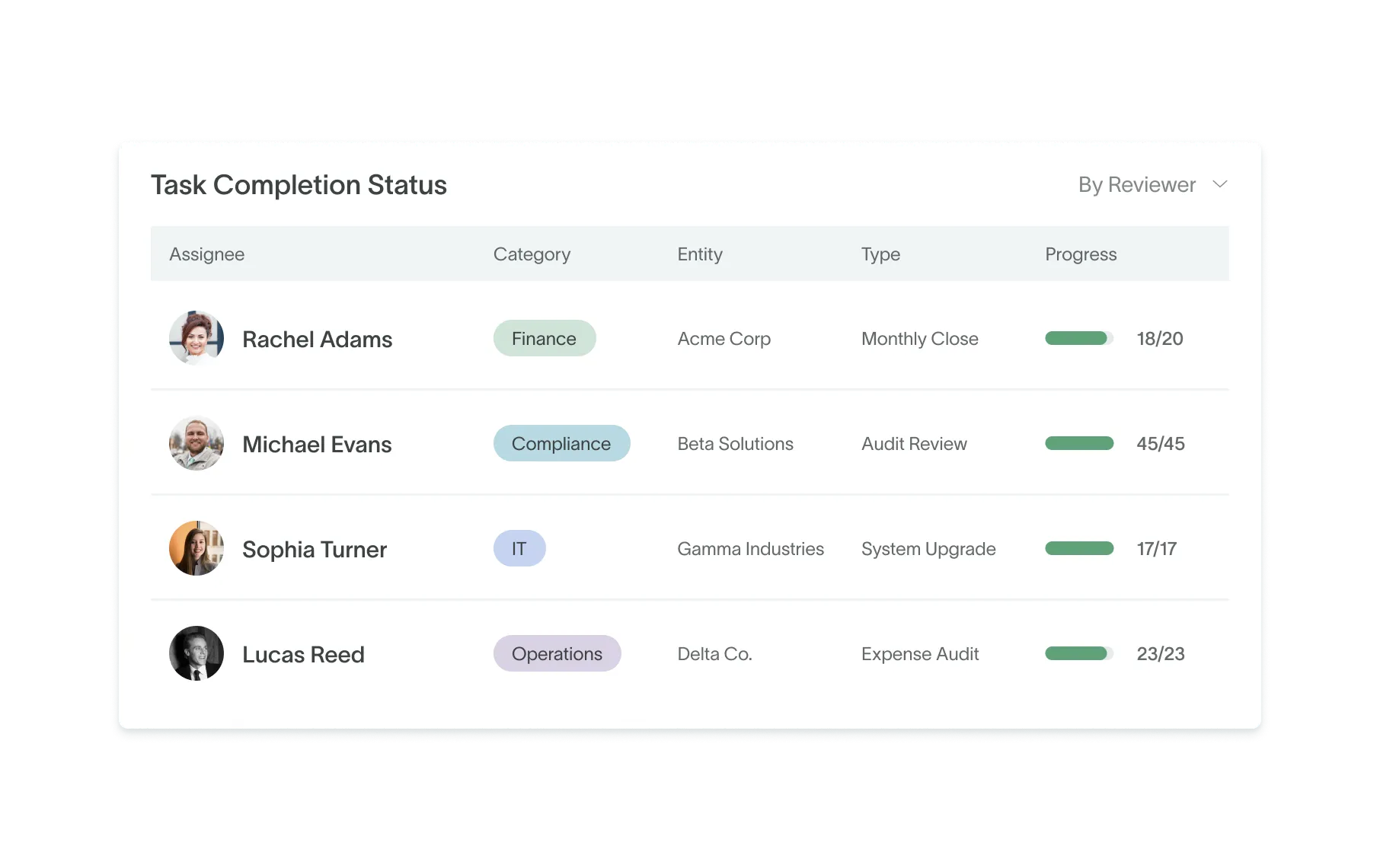
An evidenced checklist item provides audit support for the close. A reviewer sign-off converts a to-do list into an internal control. Someone other than the preparer checks the work, keeps the evidence, and signs off before the task is considered ‘done’. Auditors look for that separation and the audit trail – a checked box alone won't satisfy them. [3]
The three words to always keep in mind: segregation of duties. Your preparer and sign-off/reviewer shouldn’t be the same person. The accountant who books a journal entry or completes a reconciliation shouldn’t be the one who signs off on it. If your team is too small to split every task, auditors expect an alternative control instead, such as a CFO or outside accountant reviewing the work [4] – the PCAOB’s own standard acknowledges that smaller companies may have limited opportunities to segregate duties. [3]
Different close tasks call for different evidence: be it a bank reconciliation, an accrual schedule, a fixed-asset roll-forward, or a flux report. And any evidence you keep needs to be dated, tied to the specific period, and stored somewhere a reviewer or an auditor can find it later. [5] You really don’t want to have to pull in the preparer months down the line and ask them to reconstruct something from memory.
Timeliness is another big part of the control. A reconciliation prepared during the close is evidence. The same reconciliation prepared the week before an audit, but just backdated to look timely, isn’t – and auditors test controls by inspecting the documentation behind them, not by taking a ticked box at its word. [3]
For teams heading toward a first financial-statement audit or an IPO, an owner-evidence-sign-off checklist maps directly to internal-control frameworks. Once a company is public and past the SEC’s transition period for its first annual report, SOX 404 requires management to assess and report on internal control over financial reporting each year [6], [7], and PCAOB AS 2201 is the standard auditors use when they audit those controls (an auditor attestation is required for accelerated and large accelerated filers, unless they’re emerging growth companies) [3], [7]. A close checklist with owners, evidence, and sign-off gives you a ready-made record of those controls operating.
For the mechanics of any individual reconciliation and the line items involved, head to our reconciliation guide.
Creating a close checklist to suit your company’s stage
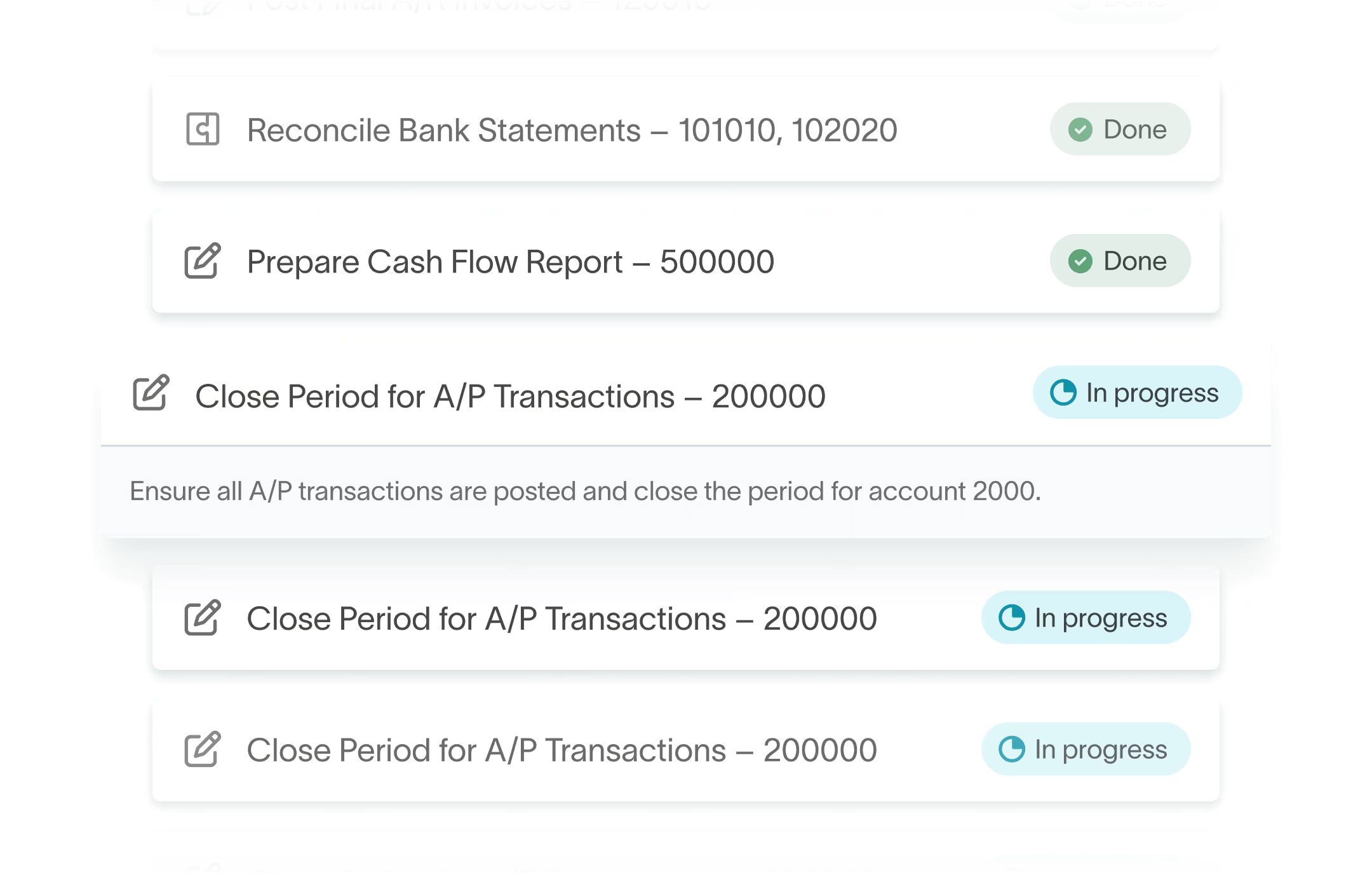
Right-sizing a checklist matches task rigor to account materiality and entity complexity. A single-entity startup doesn't need the same checklist as a multi-entity, pre-IPO company – they have different risks, account balances, and audit needs. [5] For a smooth close, you don’t need to find the longest close checklist on the internet. You actually just need one that fits your company’s scale.
A single-entity, seed-stage company can work with a lean checklist (much more compact than the one we outlined in Table 1 above). Intercompany eliminations and deep flux analysis can be skipped until there's more than one entity in play, or until the board’s asking pointed questions about variance. All that’s needed at an early stage is the core: bank and AP reconciliations, basic accruals, and essential evidence a first auditor will want to see.
A Series B or C company with 2+ entities needs to factor in intercompany reconciliations and applying ASC 606 at the transaction volume investors expect. The simplified revenue process that worked at seed stage no longer works, and manual, spreadsheet-based roll-ups start to go awry. Consolidating multiple entities by copying tabs between files rarely holds up for long before something gets missed.
At Series D or pre-IPO, the close checklist gets longer. Multi-entity consolidation, SOX-ready evidence, and tighter D+n targets are all added. At this point, auditors and investors expect a controlled, methodical close.
If you’re currently at Series D or beyond, start from Table 1 earlier in this guide, then add or remove rows based on Table 3 (below). Aim for a checklist that matches your company, not a template built for someone else’s.
Right-sizing by stage
Common month-end close checklist mistakes
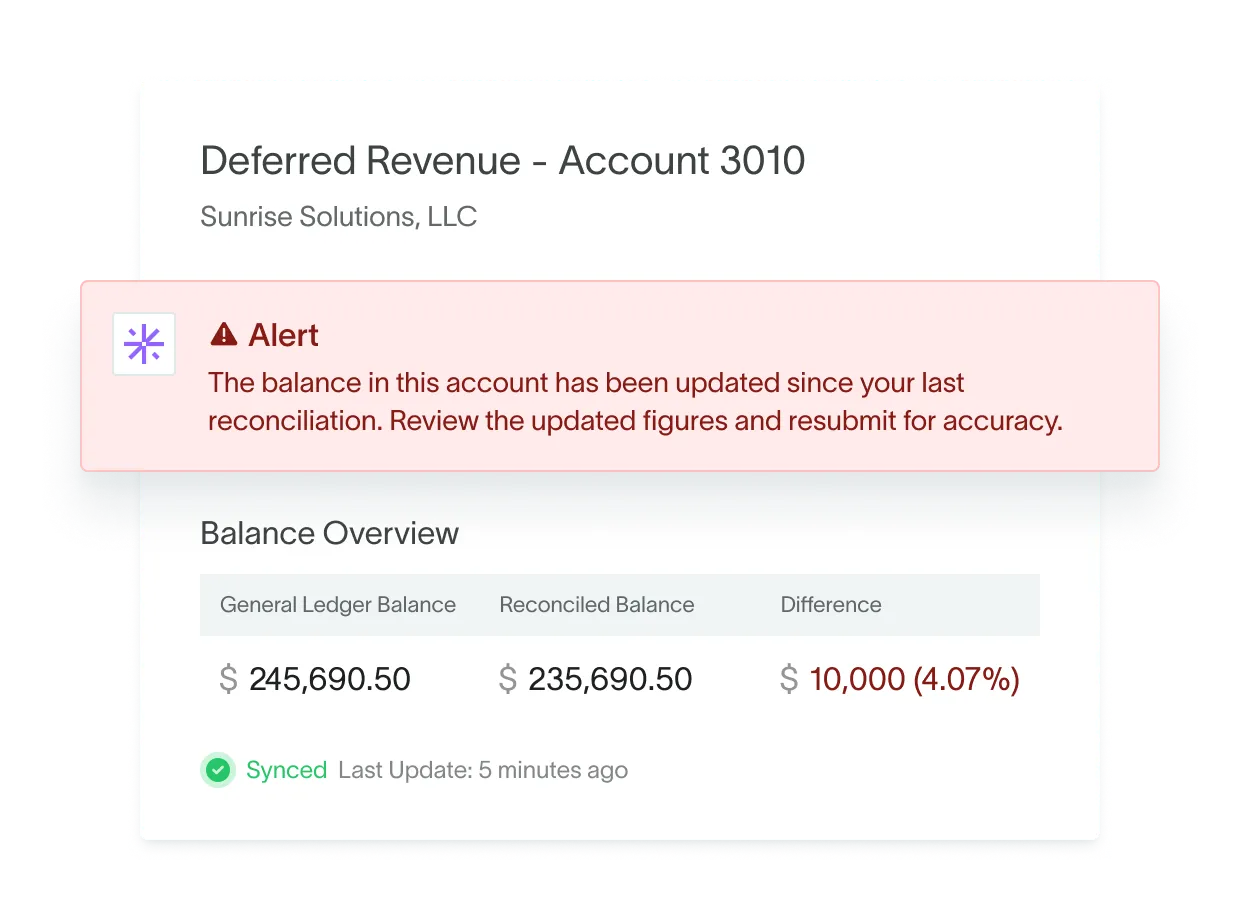
Most problems with the monthly close stem from the same few issues:
- No owner is assigned to a task, so it falls through the cracks
- No evidence or sign-off is retained, which shows up as an audit finding later
- Every task is due on D+5, creating a crunch that leads to errors
- One boilerplate checklist runs for every team, leaving some people over-scoped and others under-scoped
You’ll notice that each of these can be traced back to a missing piece of structure. A checklist without an owner is no more than a list of wishes. Someone needs to be named before a task can be counted as assigned. And a checklist without evidence can't prove that the work happened, so auditors won’t accept it.
Rushing is another mistake. If you compress every task into the final day, you don’t have a time buffer to catch and fix any errors before the statements go out. Avoid this by spreading tasks across a close calendar.
A close checklist that isn't matched to a company's stage either wastes a small team's time on an overly long list, or leaves a fast-growing one exposed to reporting gaps that a basic boilerplate version doesn’t cover. Make sure yours is tailored to you.
From spreadsheet to system: automating the close
A spreadsheet checklist depends on someone remembering to create it, update it, and chase down task status every period. A close checklist that lives inside the accounting system can be started from a template each period, updates its own status as reconciliations are finished, and keeps the supporting evidence next to the work it supports – so nobody has to chase every row by hand.
DualEntry, the AI-native ERP with close management built in, runs the close checklist inside the ledger. You start each period’s checklist from a template and assign every task to an owner, and a reconciliation task marks itself complete when the reconciliation is finished. [8] For reviewer sign-off, a task on the Tasks board can carry both a preparer and a reviewer: only the reviewer can mark it done, and an optional setting enforces that they’re two different people. [9] Bank and credit-card accounts are matched against the bank feed, with every suggested match waiting for an accountant to accept it, and supporting statements attach to each reconciliation. [10] When every task is complete, the checklist moves to Ready to Close. [8] Period locking then blocks any new or changed journal entry dated in that period, and every lock and unlock is recorded in the audit trail. [11]
For a Series B-D SaaS team that's outgrown handling month-end through spreadsheets or starter accounting platforms, this is what an audit-ready close looks like. One unified system, with no need for separate systems or a patchwork of Excel files and manual work.
Conclusion
A month-end close checklist works when every task has an owner, a close day, and evidence. If you drop any one of those three, something in the process will eventually slip.
Download the template to start running your close from it this period, or see how DualEntry runs this checklist inside the ledger itself.
Month-end close checklist FAQs
See the full power of DualEntry in 30 minutes
Do San (Justin) Myung
Expert Accountant & Former Consulting CFO | DualEntry
Justin (Do San Myung) is Expert Accountant at DualEntry with 20+ years of hands-on experience managing general ledgers, financial close processes, and ERP implementations for mid-market and enterprise companies. As a former Consulting CFO and Controller, he has personally overseen month-end closes, SOX compliance programs, and multi-entity consolidations across technology, manufacturing, and services industries. Justin specializes in transforming manual accounting workflows into automated, AI-driven processes.
Related content
View All
.svg)


Go live in 24 hours
By clicking "Schedule Demo" you agree to the use of your data in accordance with DualEntry's Privacy Notice, including for marketing purposes.