Don't worry! The contents here will appear on the published page.
Reviewed by
Fact-checked by
Free general ledger templates (Excel & Google Sheets)

Do San (Justin) Myung
Expert Accountant & Former Consulting CFO | DualEntry
Last updated
August 27, 2026

Summarize this article
Many businesses need structured financial tracking systems. Traditional accounting software has barriers, including significant cost investment, technical complexity, and extended implementation timeframes. Alternative approaches involve custom spreadsheet development, which often results in inconsistent data structures, formula errors, and maintenance challenges.
General ledger templates offer standardized accounting frameworks without enterprise software’s complexity. These templates work for various business models and operational scales. Setup takes approximately 15 minutes –no 4+ hour learning curves that you usually get with comprehensive accounting platforms.
Template selection depends on three primary factors:\
- Monthly transaction volume
- Collaboration needs with accounting professionals
- The technical accounting knowledge of primary users
If your business is ready to scale beyond spreadsheets, check out our best general ledger software recommendations for solutions that automate GL tracking and reduce manual workload.
Which template do you actually need? (A quick comparison)
Template selection criteria
The template you choose should be based on your monthly transaction volume and professional accounting collaboration requirements.
Companies processing fewer than 50 monthly transactions can use the Basic template. Manual entry protocols ensure comprehensive transaction understanding and financial visibility. Applications for this template include freelance operations, consulting services, supplementary business activities, and straightforward operational structures.
Organizations processing 50-200 monthly transactions should go with the Comprehensive template. Higher transaction volumes call for enhanced data organization to reduce entry errors. This template includes dropdown menu functionality for category standardization, so you avoid inconsistent naming across reporting periods. The structured format supports professional accounting review and year-end compilation. The initial setup requires approximately 20 minutes.
Cash-basis operations or users who need non-technical tracking methods should opt for the Simplified template. This version eliminates standard accounting terminology, utilizing "Money In" and "Money Out" classifications. Applications for this template include household budgeting, membership, treasury organization, community association finances, and organizing educational financial literacy programs.
Here’s a summary of the template applications by business profile:
- Freelance operations with 10-20 annual clients, digital payment processing, and individual tax filing requirements should use the Basic template.
- Retail operations processing 200+ monthly transactions, have multiple employees on the payroll, and have professional accounting relationships should use the Comprehensive template structure.
- Community organizations managing membership dues from 50+ participants and don’t have accounting professionals on board will benefit from the accessibility of the Simplified template.
Your initial template choice can be changed as your operational complexity increases. Your transaction data remains intact if you decide to switch to a different template.
General ledger template for Excel
All three templates below open straight in Microsoft Excel. Download the .xlsx, open it, start recording transactions. No add-ins, no macros, no setup beyond a couple of minutes.
Excel does ship with its own bookkeeping templates. Open File, then New, and search "ledger." They'll get you started. What they won't do is give you real double-entry general ledger accounting. There's no chart of accounts, no reconciliation tab, and no standardized categories, so your data can drift once you're working across more than one reporting period.
That's the gap these templates close. You get the debit and credit structure, a running balance that updates itself, and dropdown category controls that keep every entry consistent.
If you're an Excel user, start with the Comprehensive template. It uses Excel's data-validation dropdowns and splits the work across four sheets: Transaction Log, Chart of Accounts, Monthly Summary, and Annual Comparison. Processing fewer than 50 transactions a month? The Basic template's single sheet is all you need. Grab whichever one fits from the three below.
General ledger template for Google Sheets
Every template works in Google Sheets too. Open the template link, choose File, then Make a copy, and you've got an editable version in your own Drive. The formulas come with it, running balance and category totals included.
There's no general ledger template in the Google Sheets gallery. You'll find budgets, invoices, and expense reports, but nothing built for double-entry. A ready-made copy is the shortcut.
Use Sheets when more than one person needs to be in the ledger at once. The Comprehensive template works the same as it does in Excel, dropdowns and reconciliation tab and all, and nobody's emailing files around wondering which version is current. Set sharing to Restricted and give edit access to the people recording transactions. That's it.
Grab any of the three below and make a copy.
Template 1: Basic Ledger
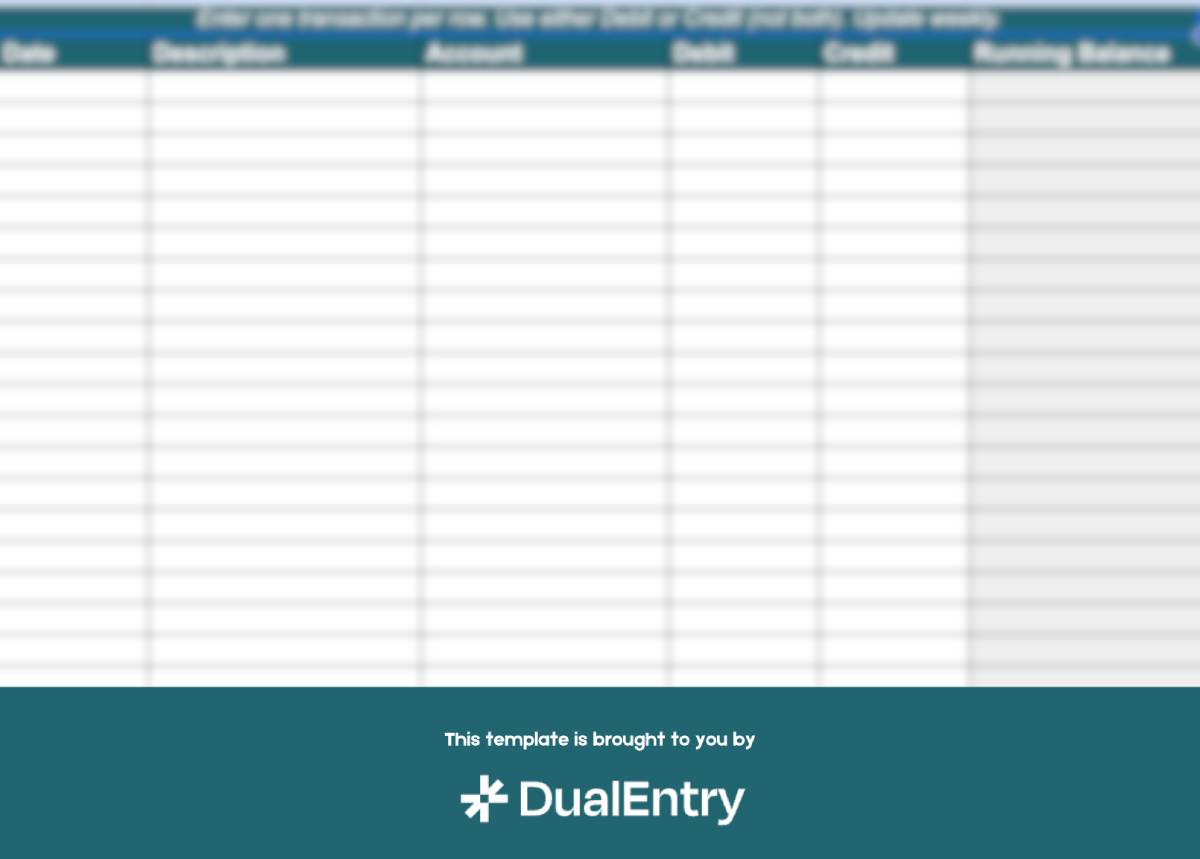
The Basic template provides single-sheet accounting functionality for operations processing fewer than 50 monthly transactions. Its manual-entry protocols allow individual transaction recording without automated imports. This template accommodates sole proprietorships, freelance operations, and straightforward service-based business models.
The core template specifications include:
- A single-worksheet structure containing essential accounting data fields: transaction date, description, account classification, debit amount, credit amount, and running balance.
- Manual entry protocols that require individual transaction recording – enabling comprehensive understanding of financial activity without using automation.
- A basic double-entry bookkeeping framework for accurate financial- record maintenance.
- Running balance calculations that update automatically as transactions are entered.
- A limited account categorization framework, suitable for straightforward operational structures with predictable transaction patterns.
- Single-user access is recommended to prevent data- entry conflicts.
The Basic template works without the dropdown menu controls, automated categorization protocols, or multi-user collaboration features available in the Comprehensive version. Transaction entry and category assignment require manual selection for each entry.
Initial template configuration needs minimal setup time (under 10 minutes) and works in both Microsoft Excel and Google Sheets. Basic spreadsheet proficiency is sufficient for the template’s implementation and ongoing maintenance.
Template 2: Comprehensive Ledger
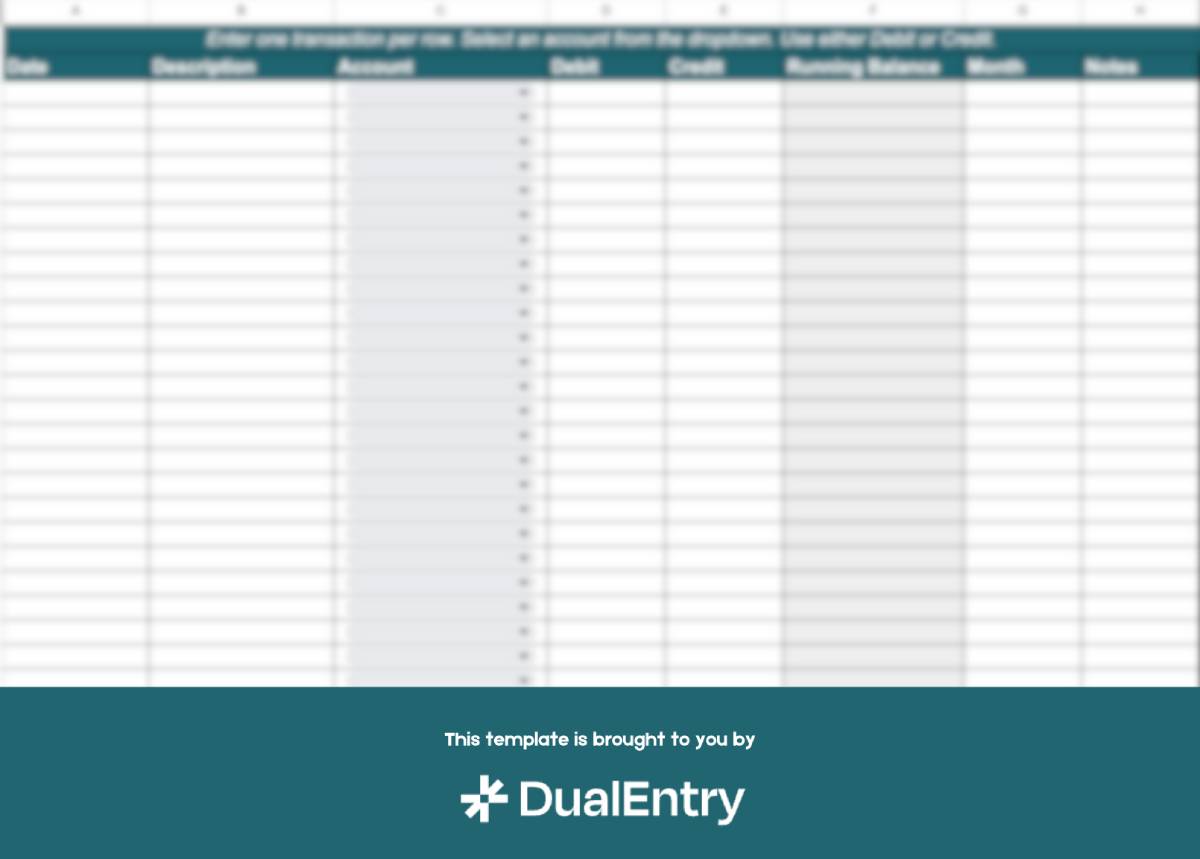
The Comprehensive template contains multiple integrated worksheets, including Transaction Log, Chart of Accounts, Monthly Summary, and Annual Comparison modules. Dropdown menu controls keep categories consistent across reporting periods. Automated calculation protocols flag up any mathematical errors, and. monthly reconciliation verification tools make it easier to compare bank statements.
The dropdown functionality keeps data consistent by preventing variations in account naming. This is helpful because high-volume transaction processing requires standardized category application to maintain data integrity.
An example application: A marketing agency processing 47 client payments, 23 contractor disbursements, 15 subscription expenses, and 8 office expenditures monthly. The Comprehensive Template handles automated category totaling, duplicate entry identification, and cash account verification against bank statement balances. To populate the Chart of Accounts worksheet for a SaaS business, start with our SaaS chart of accounts guide.
The template’s enhanced structure prevents data-management complications associated with processing 100+ monthly transactions. Professional accountants can process the structured template data efficiently, reducing billable hours allocated to data cleanup and standardization. The initial 20-minute setup is worth it for the ongoing efficiency benefits.
This template is best suited to organizations with employee payroll, multiple revenue classifications, or established professional accounting relationships.
Template 3: Simplified Money Ledger
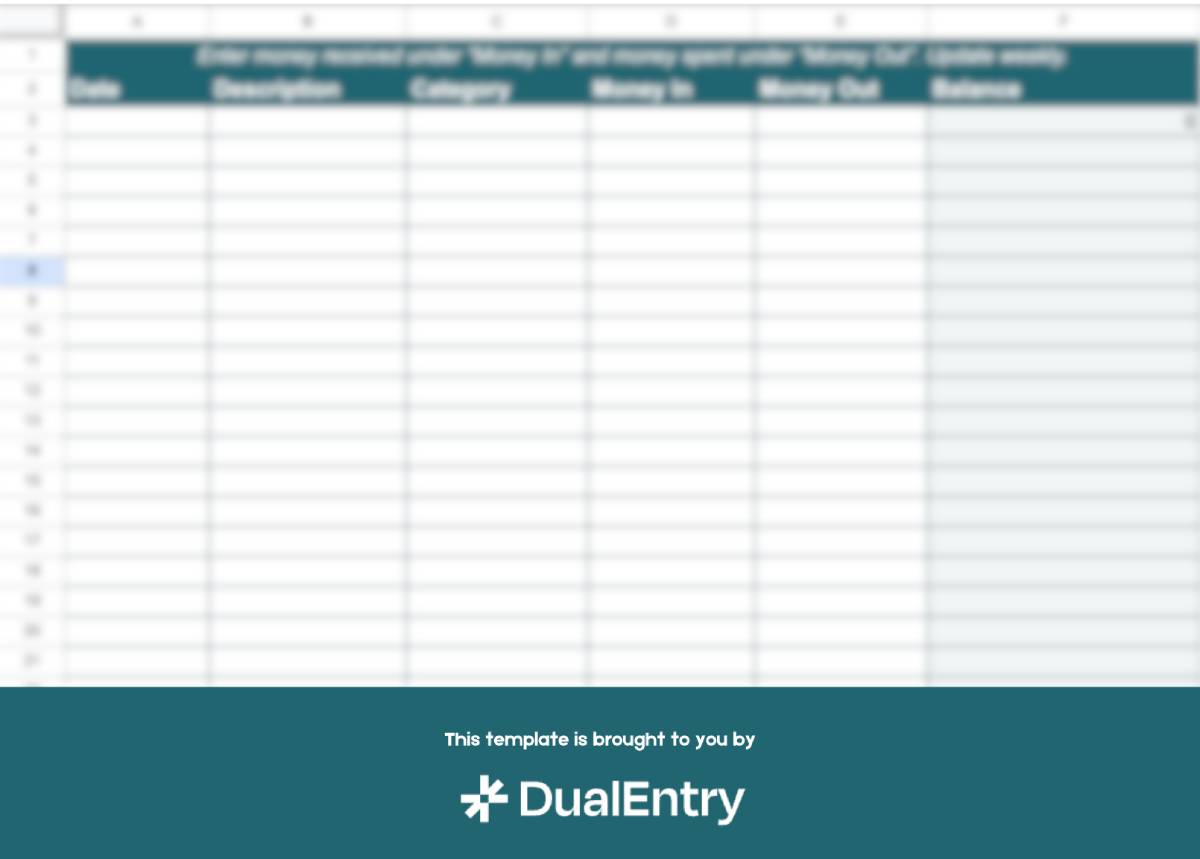
The Simplified template contains six data fields: Date, Description, Category, Money In, Money Out, and Running Balance. This version eliminates standard accounting terminology– including debits, credits, and double-entry bookkeeping principles– for users who need basic transaction tracking without technical accounting knowledge.
Color-coded category systems provide visual transaction classification. Users can spot expenditure patterns without interpreting accounting conventions.
Applications include household budget management, membership organization treasury functions (dues collection from 30+ members), cash-basis business operations in service industries or retail sectors, and educational financial tracking purposes. Organizations requiring comprehensive financial visibility without accounting expertise will benefit from this template.
A transaction documentation example: January 5: Membership dues from 12 participants - $240 income entry. January 10: Meeting refreshments - $45 expense entry. January 15: Guest presenter compensation - $100 expense entry. Running balance calculation: $95 remaining.
For real business context on how entries flow through a ledger, see our general ledger examples with actual journal entries.
This template provides automated balance calculations without needing users to understand accounting principles or terminology. Mathematical functions operate automatically based on income and expense entries.
Template implementation requirements
Update frequency protocols:
Recommended data entry interval: weekly updates. Minimum acceptable frequency: monthly processing. High-volume operations may require daily entry protocols. Organizations implementing monthly update schedules frequently experience quarterly execution patterns, resulting in data backlog complications.
Data entry standardization:
Establish a consistent description format before adding the first transaction entry. Standardized formats include "Expense Type - Location" or "Location Expense Type" constructions. Maintain this formatting across all entries for smooth search functionality and accurate category analysis. Inconsistent naming patterns hold back historical transaction retrieval during financial review periods.
Documentation retention requirements:
Keep organized receipt storage systems (in physical or digital formats). This documentation will support all ledger entries for smoother audits and compliance checks–regulators require expenditure verification beyond ledger notation alone.
Formula integrity protocols:
Avoid column deletion or making structural changes to the template, and follow the established row patterns when adding new transaction entries. Account or category additions should replicate existing template patterns, not introduce new structural elements.
Template scalability limitations:
Manual entry systems become inefficient when transaction volumes exceed 200 monthly entries, requiring 3-4 hours of dedicated processing time. At this point, accounting software subscription costs ($30 monthly) represent time recovery rather than an additional expense burden. The time inefficiencies of manual accounting slow down financial reporting and a business’ operational efficiency –research shows the need for automation and standardization of bookkeeping.
Multi-user access requirements create more issues. Shared spreadsheet environments result in duplicate entries, omitted transactions, and accidental formula changes.
Financial institution requirements for business financing typically require accounting software-generated reports rather than spreadsheet documentation.
Here are some signs that it’s time to migrate away from templates:
- Transaction volumes exceeding 200 monthly entries (requiring 3-4 hours of manual processing)
- Multi-user access requirements that result in data duplication or entry errors
- Financial institution reporting that requires standardized accounting software outputs
Template capacity limitations are a sign of business growth. Migrating to accounting software platforms doesn't eliminate existing financial tracking protocols: software implementation simply automates your established manual processes.
Increasingly, that automation is powered by AI in accounting, which handles categorization, matching, and reconciliation that spreadsheets can't.
DualEntry's general ledger software provides automated functionality for operations that need to handle more complexity without losing touch with accessibility. Bank integration protocols, for example, enable easy, automatic transaction imports. Professional accountants can access real-time data by directly logging into the system, instead of waiting for a spreadsheet file transfer.
General ledger templates FAQs
See the full power of DualEntry in 30 minutes
Do San (Justin) Myung
Expert Accountant & Former Consulting CFO | DualEntry
Justin (Do San Myung) is Expert Accountant at DualEntry with 20+ years of hands-on experience managing general ledgers, financial close processes, and ERP implementations for mid-market and enterprise companies. As a former Consulting CFO and Controller, he has personally overseen month-end closes, SOX compliance programs, and multi-entity consolidations across technology, manufacturing, and services industries. Justin specializes in transforming manual accounting workflows into automated, AI-driven processes.
Related content
View All
.svg)

Go live in 24 hours
By clicking "Schedule Demo" you agree to the use of your data in accordance with DualEntry's Privacy Notice, including for marketing purposes.