Don't worry! The contents here will appear on the published page.
The 10 Best QuickBooks Alternatives: The Right Replacement Depends on Why You're Leaving

Woosung Chun
CFO
Woosung Chun
CFO
Woosung Chun is the CFO of DualEntry with experience in corporate finance, accounting, strategy, and acquisitions. He previously grew from scratch and led the M&A and Finance teams at Benitago, where he completed more than 12 acquisitions in 2 years. He graduated with a BS from NYU Stern. At DualEntry, Woosung writes about AI in accounting, revenue recognition, foreign currency accounting, hedge accounting, and ERP modernization for finance teams navigating complex, multi-entity environments.
Learn about our editorial policies.
Last updated
October 12, 2026
Reviewed by
Do San (Justin) Myung

Do San (Justin) Myung
Expert Accountant & Former Consulting CFO
Justin (Do San Myung) is Expert Accountant at DualEntry with 20+ years of hands-on experience managing general ledgers, financial close processes, and ERP implementations for mid-market and enterprise companies. As a former Consulting CFO and Controller, he has personally overseen month-end closes, SOX compliance programs, and multi-entity consolidations across technology, manufacturing, and services industries. Justin specializes in transforming manual accounting workflows into automated, AI-driven processes.
Learn about our editorial policies.
Summarize this article
If you're reading this, probably something about QuickBooks broke and you are thinking about leaving. Could be that Intuit hiked your bill for the third time in two years, or that you added a second entity and realized there's no clean way to consolidate. Or your controller just told you the month-end close took 12 days again, half of it manual reconciliation.
The problem is, the right move from here looks different depending on what's actually broken. A freelancer frustrated with pricing needs a completely different tool than a SaaS company that's outgrown QB's reporting. So we decided to organize this guide by use case, not just alphabetically. Every QuickBooks alternative gets an honest assessment, tradeoffs included. By the end, you'll be able to decide which one fits your situation and which QuickBooks competitors are a waste of your evaluation time.
Before You Switch: Are You Sure It's QuickBooks?
Before you commit to a full ERP migration, make sure it's QuickBooks that's the problem and not just a bad setup. A configuration fix, a tier upgrade, or a $20/month add-on might solve it. Migrations cost real money and real time. Rule out the easy fixes first.
When Staying on QuickBooks Actually Makes Sense
Your problems might be coming from a setup problem, not a platform problem. A surprising number of QuickBooks complaints trace back to a messy chart of accounts, unused automation rules, or being on the wrong subscription tier. Three hours with a competent bookkeeper can fix what three months of migration won't. They'll restructure your COA, turn on bank rules you didn't know existed, and fix the categorization issues making your reports useless. The $200 cleanup beats the $20,000 migration every time. Before you commit to a full migration, make sure it's QuickBooks that's the problem and not just a bad setup. A configuration fix, a tier upgrade, or a $20/month add-on might solve it. Migrations cost real money and real time. Rule out the easy fixes first — and if it's a genuine platform limit, work out whether you actually need an ERP or just a better accounting tool before you shortlist replacements.
The other case: If your business is under 20 employees, single entity, basic needs, no matter the problem QuickBooks is always the best tool for the job. The ecosystem is deep, accountants know it inside out, and you'll spend more time adapting to a new platform than you'll gain in features. Switching has a real cost in productivity and institutional knowledge.
One last case: your issue might be caused by a missing integration, not QuickBooks itself. QuickBooks connects to 800+ apps through its marketplace 4 & a $20/month add-on, could solve your problems. Check the App Store before you check competitor pricing pages.
The Real Cost of Switching (So You Can Plan)
- Data migration. Budget $200 to $500 for a third-party migration service, or 20 to 40 hours DIY. Historical data (especially custom reports and memorized transactions) rarely transfers clean.
- Overlap period. Plan to run both systems for one to two months. The cleanest transition point is the start of a new fiscal year or quarter.
- Team retraining. Budget one to two weeks for your team to get comfortable. The productivity dip is real but temporary.
- Integration rebuilding. Every app connected to QuickBooks needs to be reconnected to the new platform. Map these before you commit.
Not sure what your total migration will cost? Use our ERP implementation cost calculator to get a realistic estimate before you start evaluating vendors.
What's the Best QuickBooks Alternative? (Quick Answer)
The best QuickBooks alternative for most growing businesses is DualEntry, an AI-native ERP that handles multi-entity, multi-currency, and automated revenue recognition at a fraction of NetSuite's cost. 13 For small businesses on a tight budget, Xero or Wave. For full enterprise ERP, NetSuite.
| If You Need... | Best Alternative | Starting Price |
|---|---|---|
| SaaS / scaling: multi-entity, rev rec, AI automation | DualEntry | Contact for pricing |
| Closest QB replacement, cleaner UI | Xero | ~$25/mo [18] |
| Free accounting for micro-businesses | Wave | Free [20] |
| Best invoicing + time tracking | FreshBooks | ~$23/mo [19] |
| Budget all-in-one suite | Zoho Books | Free – $20/mo [21] |
| Mid-market financial depth | Sage Intacct | ~$15K–$35K/yr [22] |
| Open-source / self-hosted ERP | Odoo | Free (self-host) – $31/user/mo [23] |
| Full enterprise ERP | NetSuite | ~$999+/mo [5] |
| Microsoft ecosystem integration | Dynamics 365 Business Central | ~$80/user/mo [24] |
| UK/international small businesses | FreeAgent | ~£29/mo [25] |
1. DualEntry: Best for SaaS and Growing Companies
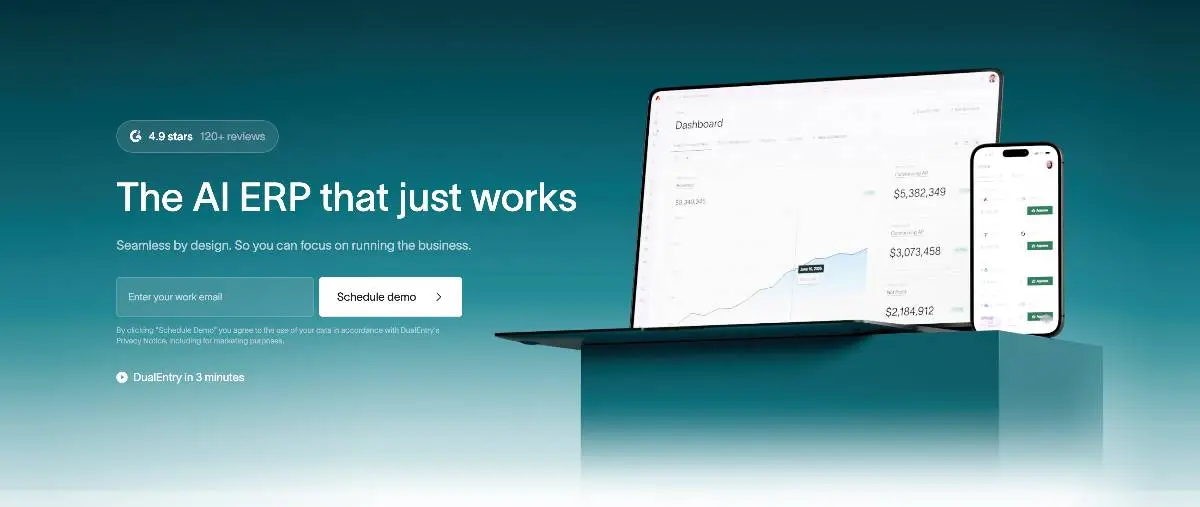
G2 rating: 4.9/5 (122)
DualEntry is the best QuickBooks alternative for SaaS companies and growing businesses that have outgrown basic accounting but don't need (or can't afford) a full enterprise ERP like NetSuite. It's an AI-native accounting software built for finance teams that need ASC 606 revenue recognition, multi-entity consolidation, and automated workflows. 13
QuickBooks can't handle ASC 606 revenue recognition natively. It struggles with deferred revenue, subscription billing complexity, and the high-volume transaction matching that SaaS finance teams deal with every month. Once you're past $5M in ARR with multiple entities, QuickBooks becomes a bottleneck, not a tool. Your controller will end up building shadow spreadsheets for rev rec, your CFO won't get consolidated numbers without a week of manual work, and your auditors will start asking uncomfortable questions about your revenue schedule methodology.
Best for: SaaS and subscription companies in the $5M to $50M+ range. Businesses that have outgrown QuickBooks but NetSuite feels like overkill (and costs like it too), or need multi-entity, multi-currency, rev rec, and actual automation.
Key Features:
- Accounts payable automation and accounts receivable cash matching are AI-driven. Manual reconciliation is mostly gone. Connects to over 13,000 banks. 12
- Rev rec that handles ASC 606 out of the box. Deferred revenue schedules, subscription metrics, multi-contract allocation. No spreadsheet workarounds.
- Runs GAAP and IFRS books simultaneously. Intercompany eliminations happen automatically at consolidation.
- Month-end close goes from ~12 days to ~2. That number comes up a lot in demos for a reason.
- Contract parsing uses AI to pull out performance obligations, payment terms, and billing schedules. Cuts onboarding time for new contracts.
- Won't force you to re-platform at $50M or even at IPO. One system from mid-market through public company readiness.
Pros:
- Built AI-first. Automated close processes, intelligent transaction matching, anomaly detection: all standard. Not an add-on menu.
- Deferred revenue, subscription metrics, multi-entity consolidation with international subsidiaries. Works without custom SuiteScript or third-party bolt-ons.
- Go-live in weeks. Not months. No $100K consulting engagement to get started. Plenty of companies have made the QB-to-DualEntry move already, so the migration playbook is proven.
- Annual contracts, monthly billing, usage-based pricing, all in the same book. QuickBooks needs two or three add-ons to get close to this. DualEntry does it natively.
Cons:
- Newer to market than legacy ERPs. The brand recognition isn't there yet, and if your CFO needs to see "Gartner Magic Quadrant Leader" on the slide deck, that's a conversation you'll need to have.
- If you need deep inventory/warehouse management or manufacturing MRP, evaluate alongside NetSuite or Odoo.
Pricing
Contact for pricing. Typically a fraction of NetSuite for comparable mid-market functionality.
For a more structured approach, consult our ERP selection guide for tech startups. Weighing AI-native options like Campfire? See our Campfire alternatives guide.
Best QuickBooks Alternatives for Small Businesses
For small businesses under 20 employees with basic accounting needs, the best QuickBooks alternatives are Xero, Wave, FreshBooks, Zoho Books, and FreeAgent. Each one costs less than QuickBooks (or is free) and handles core bookkeeping, invoicing, and bank reconciliation.
2. Xero
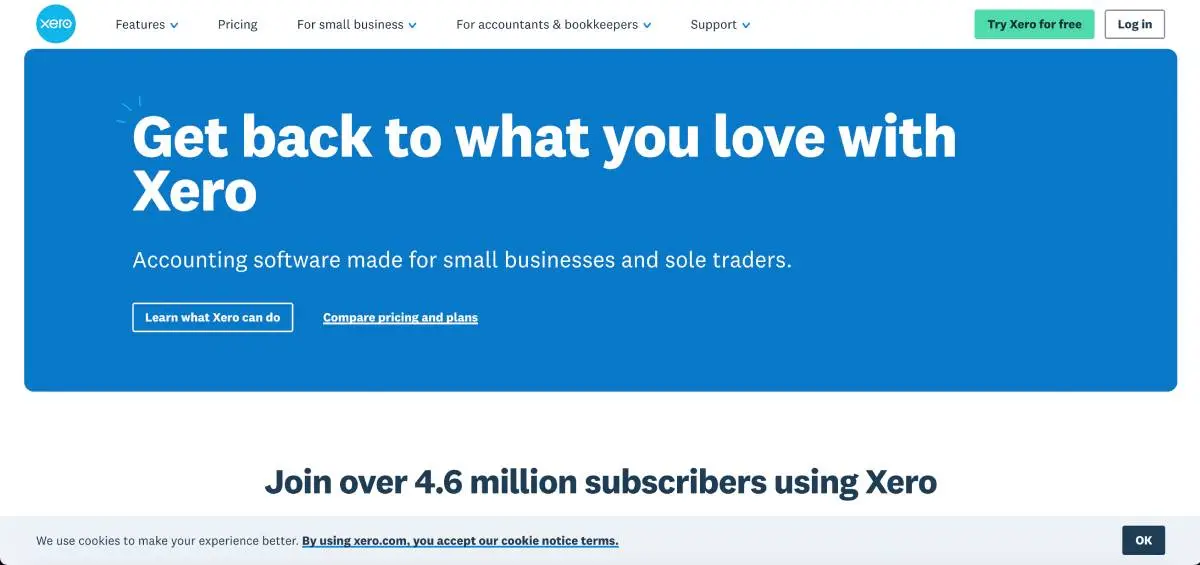
G2 rating: 4.4/5 (1,599)
Best for: Small businesses that want clean design and good bank reconciliation. Also popular with accounting firms. Unlimited users on every plan is a big deal if your bookkeeper, controller, and CPA all need access.
Key Features:
- Bank reconciliation that learns. The matching engine gets smarter based on your corrections, so it improves over time.
- Every plan includes unlimited users. No per-seat charges. Your entire team plus your accountant can be in the system.
- Multi-currency on all paid tiers. QuickBooks makes you pay for the Advanced plan to get this.
- 1,000+ integrations in the Xero marketplace. Smaller than QB's app store, but covers most of what you'd need.
- Higher tiers add fixed asset management and project tracking.
Pros:
- Bank reconciliation is better than QuickBooks. Smarter matching suggestions, less clutter, shorter learning curve. Your ops person can reconcile without calling the bookkeeper.
- Unlimited users on every plan. If you have a bookkeeper, a controller, and a CPA all needing access, that's $0 extra. QuickBooks would charge you for each one.
- Non-accounting staff can navigate it without training. That matters more than most people realize during evaluation.
- Works well internationally. Multi-currency and multi-language support across 180+ countries.
Cons:
- US payroll is Xero's weak spot. You'll need Gusto or a similar third-party integration, which adds cost and complexity.
- Reporting is functional but won't impress a CFO used to custom dimensionality or multi-entity consolidation.
- No advanced job costing or class tracking. If your business needs detailed cost allocation, Xero falls short.
- Customer support is limited to email and chat on lower tiers. No phone support.
Pricing
$25 to $90/mo. 18
3. Wave
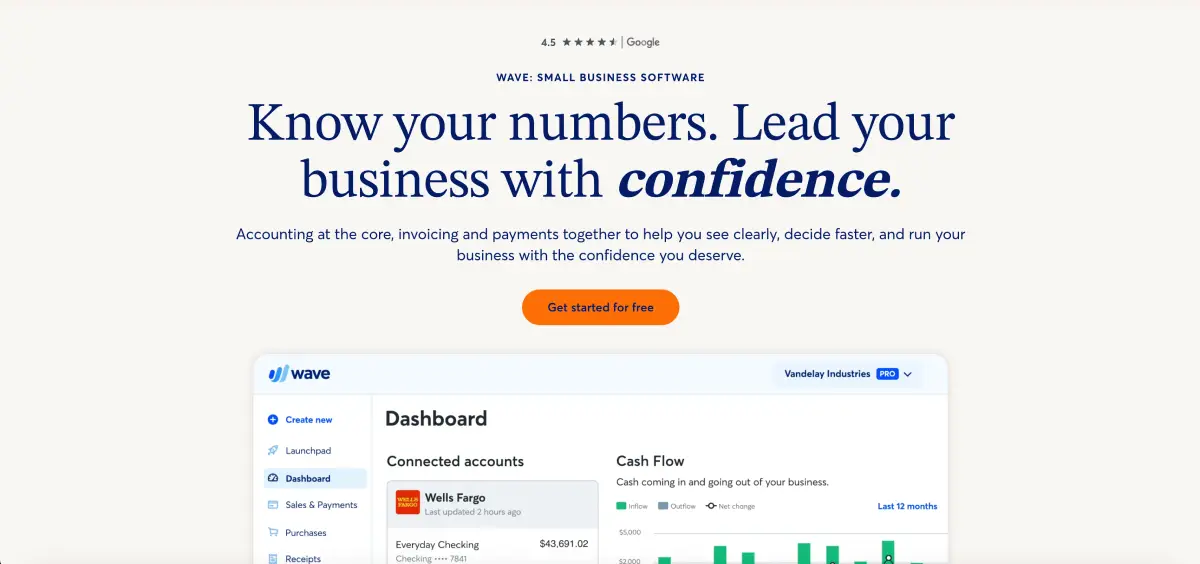
G2 rating: 4.3/5 (315)
Best for: Freelancers and micro-businesses who want free accounting software (free for real, not "free trial" free) without giving up real double-entry bookkeeping.
Key Features:
- Double-entry bookkeeping, invoicing, receipt scanning, bank connections. All free.
- Clients can pay invoices online. You get paid faster without chasing people.
- Cash flow dashboard updates in real time.
- Standard reports: P&L, balance sheet, cash flow, sales tax. Nothing fancy, but enough for a small operation.
Pros:
- Core accounting is free. Actually free. No trial period, no credit card required, no "upgrade to unlock" gates. For a solo consultant doing under $200K, Wave covers what you need.
- Clean invoicing experience with online payment options.
- No user limits on the free plan.
Cons:
- Hits a wall fast. No inventory management, no project tracking, no time tracking, no purchase orders.
- Payroll is a paid add-on (~$40/mo + $6 per employee), only available in the US and Canada.
- No multi-currency support. If you land an international client, you're stuck.
- Limited integrations compared to QB or Xero. No open API on the free tier.
- If you hire your third employee or add a second revenue stream, you'll be shopping for a replacement.
Pricing
Free core accounting. Pro plan $16/mo (billed annually) or $19/mo monthly. Payroll starts ~$40/mo + $6/employee. 20
4. FreshBooks
G2 rating: 4.5/5 (962)
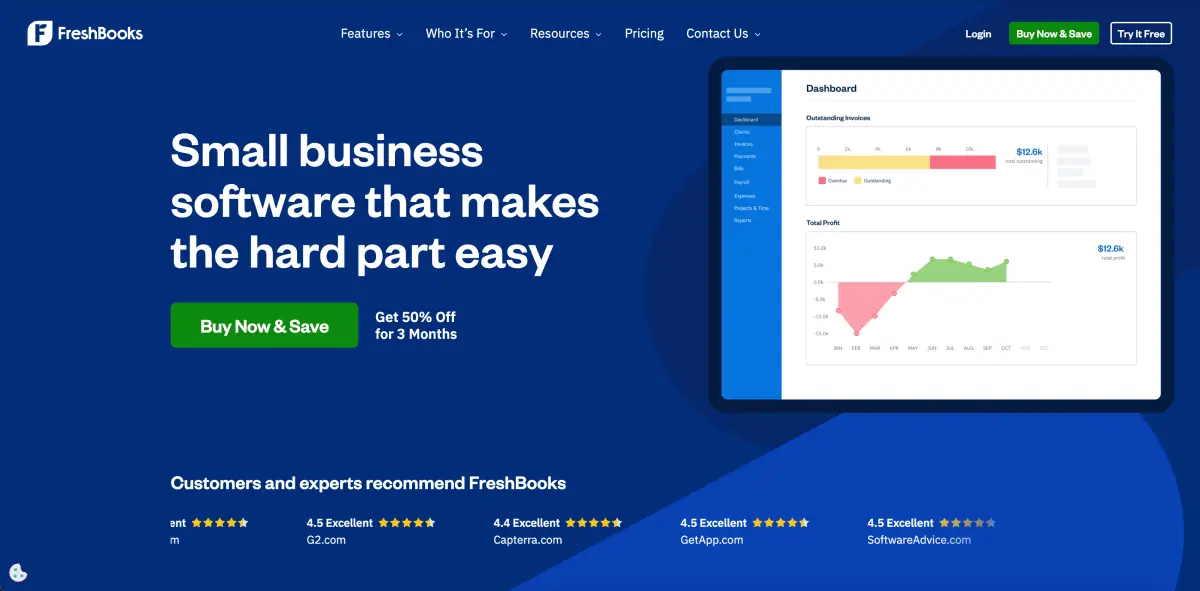
Best for: Freelancers and service businesses where invoicing and time tracking are the core workflow. If getting paid faster is your #1 priority, start here.
Key Features:
- Invoice builder is fast. Automated reminders and late fee scheduling mean less time chasing payments.
- Time tracking is built in, not bolted on. Hours tie directly to projects and invoices.
- Client portal where customers view invoices, approve estimates, pay online. Reduces back-and-forth.
- Snap a receipt, categorize it, done. Expense tracking works well on mobile.
- Project profitability reports show which clients and projects are actually making you money.
Pros:
- You can build and send an invoice in about 30 seconds. The automated payment reminders are surprisingly effective at getting people to pay faster.
- Bill by the hour? Track time, assign to project, generate invoice. Done. No more exporting hours from one app and manually entering them into another.
- Clients can view invoices, approve estimates, and pay online through the portal. Fewer "did you get my invoice?" emails.
- Mobile app is polished and useful for on-the-go invoicing and expense capture.
Cons:
- Not built for product-based businesses. Inventory support is nonexistent.
- Reporting is limited to pre-built templates. No custom report builder.
- Double-entry accounting was added later and still feels secondary to the invoicing features.
- Capped at 5,000 billable clients on lower plans.
- No multi-entity or multi-currency on base plans.
Pricing
$23 to $70/mo. 19
5. Zoho Books
G2 rating: 4.4/5 (2,896)
Best for: Small businesses on a tight budget, especially if you're already in the Zoho world (CRM, Projects, etc.). The ecosystem integration is what makes this one worth considering over cheaper standalone tools.
Key Features:
- Project accounting, purchase orders, bank reconciliation, inventory. All at prices that make QuickBooks look expensive.
- Talks natively to Zoho CRM, Projects, and Inventory. Sales closes a deal, accounting sees it. No Zapier. No CSV dance.
- Automation rules handle recurring transactions, approval routing, and notifications without manual intervention.
- Free tier if you're under $50K annual revenue. Not a trial. A permanent free plan.
- Paid plans add a client portal, time tracking, and basic project management.
Pros:
- You get capabilities at $20/mo that QuickBooks charges $90+/mo for. That's not a typo.
- Already on Zoho CRM? The data handoff to accounting is automatic. No Zapier. No CSV exports. It just works.
- The free tier is a legitimate option for micro-businesses, not a bait-and-switch.
- Solid workflow automation for a tool at this price point.
Cons:
- UI feels a generation behind Xero and FreshBooks. Navigation can be confusing for new users.
- US payroll requires a third-party integration. Zoho Payroll is only available in India and a few other markets.
- Customer support is inconsistent: sometimes excellent, sometimes you're waiting days for a response.
- If you're not in the Zoho ecosystem, the integration advantage disappears and you're left with a cheaper-but-clunkier QuickBooks.
Pricing:
Free under $50K revenue. Paid plans $20 to $275/mo. 21
6. FreeAgent
G2 rating: 4.3/5 (41)
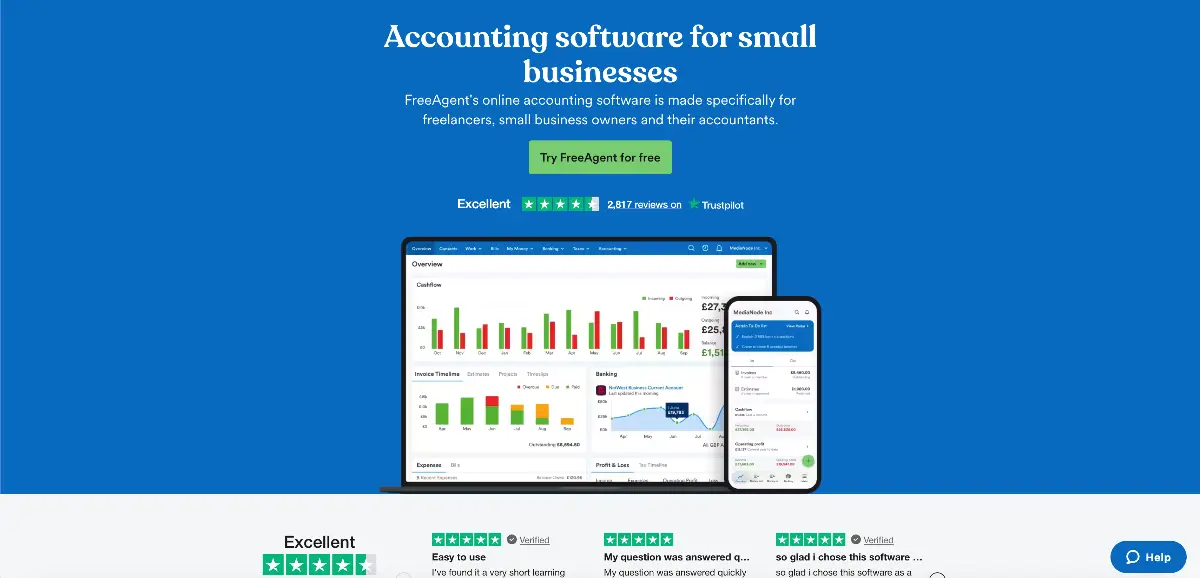
Best for: UK sole traders and small limited companies. If Making Tax Digital compliance is driving you nuts with your current setup, FreeAgent was designed around it.
Key Features:
- HMRC-recognized for MTD. File VAT returns directly from the app. No third-party bridge needed.
- Self Assessment and National Insurance calculations are automatic. One less thing to worry about at tax time.
- CIS support built in. Contractors and subcontractors can handle deductions without a separate tool.
- Mobile app connects to most UK banks. Manage cash flow between client meetings.
- Invoices meet HMRC requirements by default. You don't have to double-check the formatting.
Pros:
- Purpose-built for UK tax. Self Assessment, MTD VAT, CIS, National Insurance: all baked in. QuickBooks addresses these with bolt-on workarounds that never feel quite right.
- Clean mobile app. Sole traders managing finances between client meetings will appreciate this.
- Free if you bank with NatWest or RBS. That's a large chunk of UK freelancers paying nothing.
- UK bank feeds work. That sounds obvious, but anyone who's fought with US-centric software to connect a Barclays account knows it isn't.
Cons:
- Narrow by design. US support is very limited. The feature set doesn't scale past about 10 employees.
- No inventory management, no purchase orders, no multi-entity consolidation.
- If you're a UK business planning to expand internationally, you'll outgrow FreeAgent quickly.
- Reporting is basic. No custom dimensions, no advanced analytics.
Pricing
~£29/mo + VAT. Free with NatWest or RBS business accounts. 25
Best QuickBooks Alternatives for Mid-Market and Enterprise
If you need a full ERP that goes beyond accounting (inventory, CRM, supply chain, procurement), evaluate Sage Intacct, NetSuite, Odoo, or Microsoft Dynamics 365 Business Central. These are platforms, not just accounting software replacements.
7. Sage Intacct
.webp)
G2 rating: 4.3/5 (4,116)
Best for: Mid-market companies ($10M to $100M) where financial reporting and financial statements depth is the priority. Also strong for professional services firms and nonprofits. The AICPA endorsement carries weight with auditors.
Key Features:
- Eight custom dimensions. Department, location, project, fund, whatever you need. Slice your financials any way your CFO asks without rebuilding reports.
- Multi-entity consolidation that handles intercompany eliminations and currency translation. Produces consolidated statements without spreadsheet gymnastics.
- The AICPA's preferred financial management solution. Your auditors probably already know the platform, which makes audit season less painful.
- Nonprofits get grant tracking and fund accounting. Professional services firms get project profitability and time-based rev rec. These are deep vertical features, not afterthoughts.
- Statistical accounts and custom allocation rules for complex cost distribution across departments or projects.
Pros:
- Dimensional reporting is where Intacct earns its reputation. Tag transactions across eight dimensions and build whatever custom report your CFO dreamed up last Tuesday. No developer needed.
- Multi-entity consolidation works well. We know companies with 10 to 50 entities running on this without issues.
- Pre-built integrations with Salesforce, ADP, and most mid-market tools you'd expect.
- Auditors know and trust Intacct. That alone can save you weeks during audit season.
Cons:
- Not a full ERP. No built-in CRM, no inventory management, no ecommerce. You'll need Salesforce for CRM integration, a separate inventory tool, and third-party integrations for anything beyond core financials.
- Implementation typically runs $25K to $75K+ on top of the subscription.
- Not AI-native. Automation is rule-based, not intelligent. No anomaly detection, no predictive matching.
- UI has improved but still feels more "enterprise software" than modern cloud app.
Pricing
Typically $15K to $35K/year all-in. 22
8. NetSuite
G2 rating: 4.1/5 (4,611)
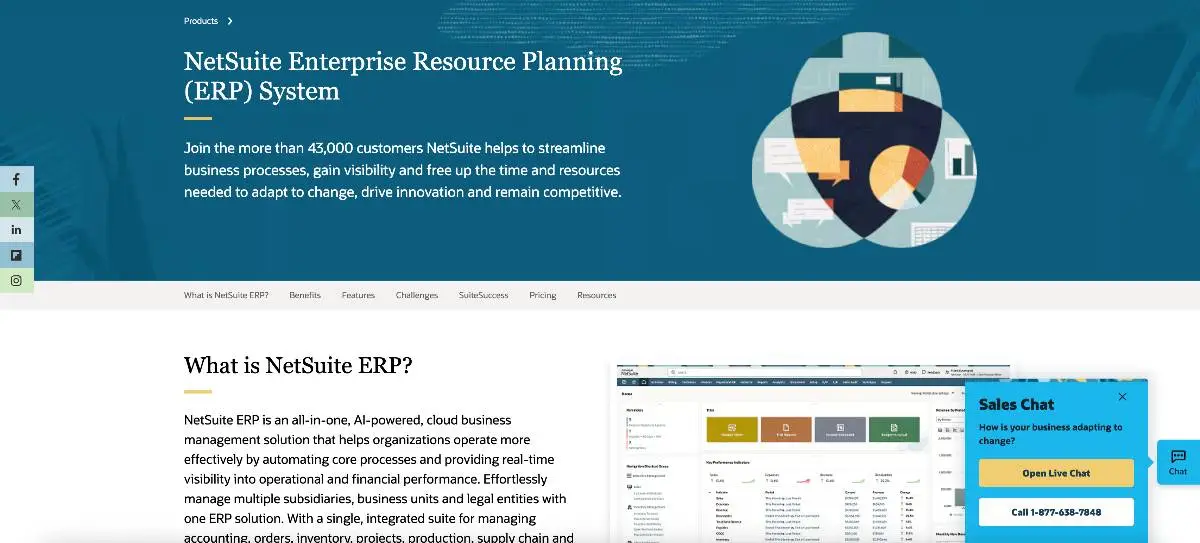
Best for: The $50M+ company that's duct-taping five systems together and hating it. Accounting in one tool, inventory in another, CRM somewhere else, ecommerce on its own platform. NetSuite puts all of that in one database. Expensive? Yes. But so is managing five vendor relationships. If you are thinking switching from Netsuite you can read our complete guide on Netsuite alternatives.
Key Features:
- Single database for financials, inventory, warehouse ops, CRM, ecommerce (SuiteCommerce), HR, and project management. One login, one source of truth.
- Real-time multi-subsidiary consolidation. Not "run it at month-end." Actual real-time.
- SuiteScript gives developers deep access to customize workflows and business logic. Powerful, but you'll need someone who knows what they're doing.
- Inventory management punches hard: lot tracking, bin management, demand planning, kitting. Goes well beyond what accounting-focused tools offer.
- SuiteAnalytics for dashboards and saved searches. Pulls data across every module, which matters when your ops span multiple departments.
Pros:
- Only true all-in-one cloud ERP here. Warehouses, online store, international entities: one database.
- Thousands of companies run on it. Whatever weird edge case your business has, someone's solved it in NetSuite already.
- SuiteScript customization is deep enough to handle almost any business process you can describe.
- Huge partner ecosystem. For the full breakdown on how it compares, read our NetSuite vs QuickBooks comparison.
Cons:
- Expensive. Base platform starts at $999+/mo, 5 8 and implementation runs $50K to $250K depending on complexity.
- Oracle contract escalators of 3 to 7% annually mean your Year 3 bill looks nothing like your Year 1 quote. 10
- Implementation takes three to six months with a certified partner. The admin interface has a steep learning curve.
- If you just need better accounting (not inventory, not CRM, not ecommerce), you're paying for a lot of platform you'll never use.
Pricing
$999+/mo base. Implementation $50K to $250K. 5
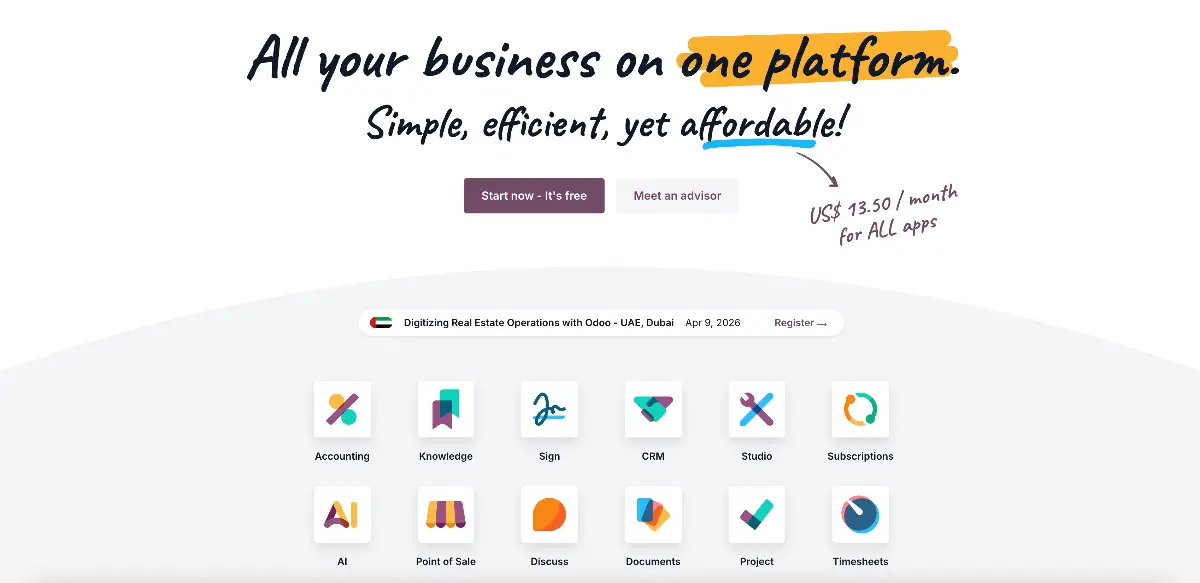
9. Odoo
G2 rating: 4.4/5 (329)
Best for: Companies with a developer or two on staff who'd rather own the stack than rent it. Odoo is open-source, self-hosted if you want, and modular. No vendor lock-in. That freedom comes with responsibility, though.
Key Features:
- Community edition costs nothing. Download it, host it on your own servers, do whatever you want with it. Actually free, not "free trial."
- Pick your modules a la carte: accounting, inventory, CRM, manufacturing, HR, point of sale. Install only what you need today. Add more later.
- Built on Python and PostgreSQL. Your team already knows these? Then customization is wide open. Fork it, extend it, break it, fix it.
- Enterprise edition layers on a cleaner UI, official support contracts, and modules (quality management, field service) that Community doesn't include.
- Huge open-source community behind it. Third-party modules for almost everything, active forums, decent documentation.
Pros:
- The free Community edition is usable in production. We've seen small teams run their entire operation on it without paying Odoo a cent.
- Only pay for what you use. Start with just accounting. If you need inventory six months later, add that module. No forced bundling.
- Know Python and PostgreSQL? Then you can customize almost anything. The codebase is open and well-documented.
- Your data, your servers, your rules. Walk away from Odoo tomorrow and everything stays with you.
Cons:
- Self-hosting means you own the upgrades too. Major version jumps have a reputation for breaking custom modules. Budget time for that.
- Enterprise per-user pricing ($31 to $61/user/mo depending on plan and region) stacks up fast. A 25-person team on Enterprise with several modules isn't cheap anymore.
- Complex implementations can stretch to NetSuite-length timelines. And community forum answers range from brilliant to outdated.
- No developer on staff? The hidden costs (hosting, maintenance, hiring contractors for customization) add up in ways the "free" label doesn't telegraph.
Pricing:
Free (Community/self-host). Enterprise ~$31 to $61/user/mo depending on plan. 23
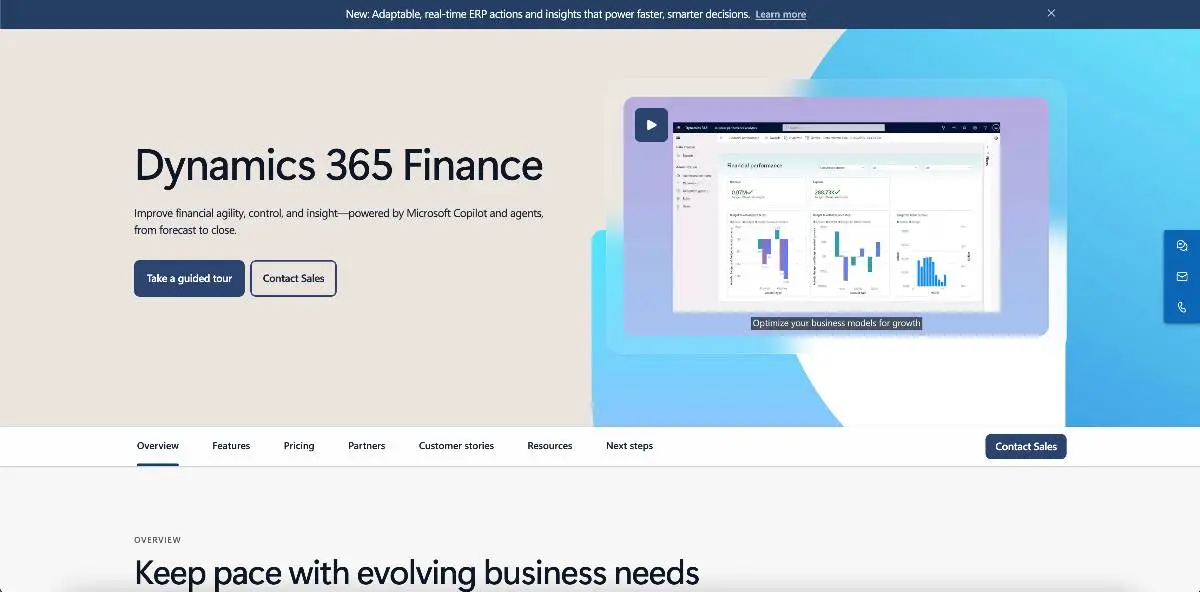
10. Microsoft Dynamics 365 Business Central
G2 rating: 4.0/5 (897)
Best for: The company that already runs on Microsoft everything. Teams for chat, Outlook for email, Excel for... well, everything else. Business Central slots into that stack without forcing your team to learn a new ecosystem. That matters more than most feature comparisons will tell you.
Key Features:
- Financial data lands in Excel and Power BI natively. No CSV exports, no copy-paste. Outlook emails tie directly to customer records, and approval workflows route through Teams.
- Full mid-market ERP coverage: financials, supply chain, project management, light manufacturing. Not just an accounting tool wearing an ERP label.
- SSO through Microsoft Entra ID. Your IT team manages one identity system instead of two. Your staff remembers one password instead of two. Small thing, but it reduces friction.
- Copilot AI for natural language financial queries. Ask "show me revenue by region last quarter" and get an answer. Still early, but further along than most competitors on this front.
- AppSource marketplace has thousands of partner-built extensions. If the base product doesn't do something, odds are someone built a plug-in for it.
Pros:
- If your company already runs on Microsoft 365, Business Central fits right in. Your team knows the interface. IT knows the admin console. Less change management.
- Power BI integration means real dashboards without paying extra. Most mid-market ERPs charge a premium for that.
- Thousands of certified partners around the world. You won't struggle to find implementation help.
- Copilot AI integration for natural language queries is ahead of where most competitors are right now.
Cons:
- You will need a Microsoft partner for implementation. This isn't a self-serve product.
- Customization uses AL (Application Language), a niche programming language that limits your developer pool.
- Interface is functional but feels heavier than cloud-native alternatives like Xero or DualEntry.
- Licensing gets complicated with add-on modules. Costs creep up quickly past the base Essentials tier.
Pricing
$80/user/mo (Essentials) or $110/user/mo (Premium). 24
Why Are So Many Businesses Leaving QuickBooks?
People leave Quickbooks mainly for three reasons: Intuit's aggressive price increases, the sunsetting of QuickBooks Desktop, and growing frustration with feature limitations as businesses scale. Add the emergence of AI-native accounting platforms, and you have a market in real transition. 1 26
Intuit's Pricing Trajectory
QuickBooks Online has seen repeated price increases. Simple Start went from $25/month in 2020 to $38/month in 2025, a 52% jump. 26 And that's just the base tier. Payroll, time tracking, advanced inventory, bill pay: features that feel like they should be included are all separate paid add-ons now. A fully loaded QuickBooks setup for a 25-person company can run $500 to $800 a month. 7
Classic SaaS price anchoring. Get you in at $38, then charge for every feature that should be included. Payroll? $50 to $130/month extra. Time tracking? Another $20. Advanced inventory? Highest tier only. By the time you stack up what a 25-person company needs, you're paying enterprise prices for small business software.
QuickBooks Desktop Sunsetting
Intuit stopped selling new versions of QuickBooks Desktop in September 2024. 27 Desktop 2024 is the final version they'll ever release. Support ends September 2027, and after that your bank transactions stop syncing, payroll tax rates stop updating, and security fixes stop coming. You'd be running unsupported software with your financial data in it.
The obvious move is switching to QuickBooks Online, but QBO still can't do everything Desktop did. Memorized transactions, batch invoicing, the old report builder with its column and filter controls, local file backups you actually owned. All gone or watered down in QBO. Some power users ran Desktop specifically because it was faster without an internet dependency. So this isn't just "upgrade to the cloud version." For a lot of Desktop loyalists, the cloud version is a downgrade.
Scaling Limitations
Multi-entity consolidation? QuickBooks can't do it natively. 11 This is the #1 reason mid-market companies switch. They add a second entity, realize they can't consolidate without exporting to Excel, and start shopping. If global operations are in the mix, our multi-currency accounting software comparison shows which alternatives handle consolidation and CTA natively. Reporting is template-based with limited customization. No real-time reporting or dashboards. Accounts payable and accounts receivable workflows are manual. The general ledger lacks dimensional tagging. Automation is rule-based only: no AI-driven workflows for AP matching, reconciliation, or financial statement preparation. At a certain company size, these aren't minor annoyances. They're bottlenecks.
The AI Shift in Accounting Software
There's a new category emerging: AI-native cloud accounting platforms built for SaaS accounting and subscription revenue workflows. Not "we added a chatbot" AI. We're talking about systems where machine learning handles transaction processing, payment matching, SaaS revenue recognition, and book closing at the core. Why care? Month-end close is where finance teams burn the most hours. AI-native tools can compress that from two weeks to two days. QuickBooks Online, QuickBooks Enterprise, Xero, Sage, NetSuite: they were all architected before modern AI was a thing. They're adding features now, sure. A copilot here, an automation rule there. But the bones of the software weren't designed for it. You can feel that gap in how much manual work still lands on your team every month.
How to Choose the Right QuickBooks Alternative
The QuickBooks replacement you will choose depends on three things: your company size, whether you need multi-entity support, and your implementation budget.
The biggest mistake companies make is they start by looking at vendor features. Every vendor checks every box on a comparison chart, but in reality most of those features are table stakes that tell you nothing about fit. Instead you should start by answering the following questions: how big are you, how many entities do you run, what can you spend on implementation, and do you need just accounting or a full operational ERP? Those four questions eliminate half the list immediately.
Decision Matrix
| Your Situation | Revenue Range | Best Fit | Why |
|---|---|---|---|
| SaaS / outgrown QB, need scale | $5M–$50M | DualEntry | AI-native, rev rec, multi-entity |
| Similar to QB, cleaner | $1M–$10M | Xero | Closest feature parity |
| Want free accounting | <$1M | Wave | Free core accounting |
| Need better invoicing | <$5M | FreshBooks | Best invoice UX |
| Budget all-in-one suite | <$5M | Zoho Books | Affordable + ecosystem |
| UK sole trader / MTD | <$5M | FreeAgent | UK tax compliance |
| Need financial depth | $10M–$100M | Sage Intacct | Best-in-class reporting |
| Open-source / DIY ERP | Any | Odoo | Free + fully modular |
| Need full enterprise ERP | $50M+ | NetSuite | All-in-one ERP |
| Microsoft shop | $10M+ | Dynamics 365 BC | Native MS integration |
Five Questions to Ask Before Choosing
- What exactly is broken? Pricing, features, scalability, or all three?
- How many entities do you operate (or plan to within 18 months)?
- What's your realistic implementation budget and timeline?
- Do you need just accounting, or a full ERP?
- Will this platform last you three to five years, or will you need to re-platform again?
If your answers point toward a full ERP, our guide on how to choose an ERP walks through that decision step by step.
Choosing a QuickBooks Alternative
There's no single "best" QuickBooks alternative. The right answer depends on the problem that's pushing you out the door. Tight budget, small team? Xero or Wave. SaaS company bumping into QB's walls? DualEntry. Need a full operational ERP? NetSuite.
Before you start evaluating vendors, put a number on the pain. Is QuickBooks adding two days to every month-end close? That's real payroll cost. Spending $700/month on a fully loaded QB setup that still can't consolidate two entities? Migration math starts looking favorable pretty quickly. Did auditors flag your rev rec last year? Then the cost of staying put is the actual risk.
If you're a SaaS or mid-market company that's hit QB's ceiling, take a look at DualEntry. And if NetSuite keeps surfacing in your vendor conversations, we put together a detailed breakdown of real costs, features, and implementation timelines in our NetSuite vs QuickBooks comparison.
Quickbooks Alternatives FAQs
What is the best alternative to QuickBooks?
That depends on the problem. A five-person shop overpaying for QuickBooks needs something different than a 200-person company that's outgrown it. Budget-first? Xero or Wave. Mid-market SaaS needing multi-entity and automation? DualEntry. Full ERP with operational depth? NetSuite or Sage Intacct.
Why don't accountants like QuickBooks?
Is there a free alternative to QuickBooks?
What is the cheapest QuickBooks alternative?
What should I use instead of QuickBooks for a growing company?
Depends on what "growing" looks like. Scaling a SaaS company with multiple entities and rev rec headaches? DualEntry. Need deep dimensional reporting and fund accounting? Sage Intacct. If the answer is "we need inventory, CRM, ecommerce, and accounting all in one system," then yes, NetSuite. But don't spend $999/mo on an ERP platform when your actual problem is accounting.
What's the best QuickBooks alternative for SaaS companies?
ASC 606 compliance, deferred revenue tracking, subscription billing. QuickBooks can't do any of that natively, and for SaaS companies those are table stakes. DualEntry handles all three with AI automation baked in, plus multi-entity consolidation and audit-ready financials. Built to scale from mid-market through IPO without forcing a re-platform. [13]
Is QuickBooks Desktop being discontinued?
Effectively, yes. New sales of Desktop Pro Plus, Premier Plus, and Mac Plus ended September 2024. [27] The 2024 release is the final version. Intuit will support it through September 2027, then it's over: no bank feeds, no payroll tax updates, no security patches. Enterprise edition still exists, though Intuit bumped prices 10% in February 2026. [2] Read that however you want.
References
- Intuit — QuickBooks Online Pricing & Free Trial
- Intuit — QuickBooks Desktop Enterprise Pricing
- Oracle — Oracle Buys NetSuite (Press Release, July 2016)
- Intuit — QuickBooks Online Integrations
- Softype — NetSuite Pricing 2026: Costs, Licenses & Hidden Fees
- BrokenRubik — NetSuite Pricing: Real Costs From $999/mo to $10K+
- NerdWallet — QuickBooks Pricing 2026: How Much Does QuickBooks Cost?
- Top10ERP — NetSuite ERP Pricing Guide 2026: Costs, Implementation & TCO
- BrokenRubik — NetSuite Implementation Guide: Cost, Timeline & Steps (2026)
- Redress Compliance — Oracle NetSuite Mid-Market Pricing Guide 2026
- Gravity Software — Why QuickBooks Is Not Built for Multi-Entity Accounting
- Wikipedia - DualEntry
- DualEntry — AI Accounting Software for Modern Finance Teams
- Intuit — Add More Users to Desktop Enterprise
- Webgility — QuickBooks Multicurrency: Limitations & Automation Insights
- Kimberlite Partners — NetSuite ERP Cost & Pricing Guide
- Software Pricing Guide — NetSuite ERP Pricing 2025: What You Actually Pay vs What Oracle Quotes You
- Xero — Pricing Plans
- FreshBooks — Pricing
- Wave Financial — Pricing
- Zoho — Zoho Books Pricing
- Cargas — 2026 Sage Intacct Pricing Guide
- Odoo — Pricing
- Microsoft — Business Central Pricing
- FreeAgent — Pricing
- Kemper CPA Group — Intuit Has Increased Pricing of QuickBooks Online Subscriptions
- SDO CPA — QuickBooks Desktop Discontinued 2026
See the full power of DualEntry in 30 minutes
Woosung Chun is the CFO of DualEntry with experience in corporate finance, accounting, strategy, and acquisitions. He previously grew from scratch and led the M&A and Finance teams at Benitago, where he completed more than 12 acquisitions in 2 years. He graduated with a BS from NYU Stern. At DualEntry, Woosung writes about AI in accounting, revenue recognition, foreign currency accounting, hedge accounting, and ERP modernization for finance teams navigating complex, multi-entity environments.