Don't worry! The contents here will appear on the published page.
General Ledger vs Chart of Accounts: Key Differences, Examples, and Best Practices

Do San (Justin) Myung
Expert Accountant & Former Consulting CFO
Do San (Justin) Myung
Expert Accountant & Former Consulting CFO
Justin (Do San Myung) is Expert Accountant at DualEntry with 20+ years of hands-on experience managing general ledgers, financial close processes, and ERP implementations for mid-market and enterprise companies. As a former Consulting CFO and Controller, he has personally overseen month-end closes, SOX compliance programs, and multi-entity consolidations across technology, manufacturing, and services industries. Justin specializes in transforming manual accounting workflows into automated, AI-driven processes.
Learn about our editorial policies.
Last updated
October 15, 2026
Reviewed by
Woosung Chun

Woosung Chun
CFO
Woosung Chun is the CFO of DualEntry with experience in corporate finance, accounting, strategy, and acquisitions. He previously grew from scratch and led the M&A and Finance teams at Benitago, where he completed more than 12 acquisitions in 2 years. He graduated with a BS from NYU Stern. At DualEntry, Woosung writes about AI in accounting, revenue recognition, foreign currency accounting, hedge accounting, and ERP modernization for finance teams navigating complex, multi-entity environments.
Learn about our editorial policies.
.webp)
Summarize this article


TL;DR
What they are: The chart of accounts (COA) is the structured list of every account your business uses to classify transactions. The general ledger (GL) is the running record of the transactions posted to those accounts, with full dates, debits, credits, and balances.
How they relate: The COA defines where transactions can go; the GL records what actually happened. A journal entry uses COA accounts, gets posted to the GL, and eventually rolls up into the trial balance and financial statements.
Why it matters: A clean COA and a well-maintained GL are what make reporting consistent, reconciliations fast, and audits painless. Overloaded charts, vague "miscellaneous" accounts, and inconsistent posting are where most month-end pain starts.
Where automation helps: AI-native ERPs like DualEntry auto-map transactions to the right COA accounts, post entries to the GL in real time, and flag anomalies before approval - keeping the structure of the COA and the activity in the GL aligned without the manual cleanup at close.
The chart of accounts (COA) and the general ledger (GL) are at the core of any accounting system, but they’re often confused.
The COA provides the structure. It lists every account a business uses to classify transactions, from assets to expenses. The GL is the record of all final transactions. It summarizes the debits and credits in each account and shows how balances change over time.[1]
In this article, we’ll look into the differentiation deeper. You’ll learn how, when used together correctly, these two finance essentials help you keep clean records, meet reporting requirements, and create reliable financial statements that both leadership and auditors will love.
[tldr]
What is a chart of accounts?
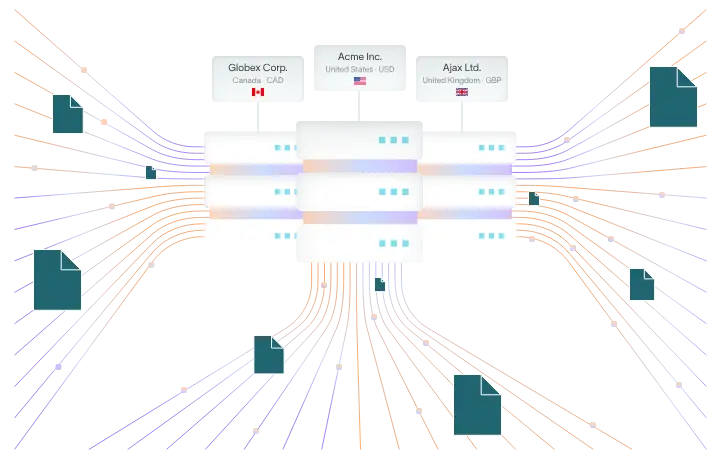
A chart of accounts is a structured list of every account a business uses to record transactions. Think of it as the framework behind your accounting system. Accounts are usually grouped in the order they appear in financial statements, and each account has a unique number, a name, and a short description to guide how it should be used.[2]
As a zoomed-out example, a typical small business COA might include accounts like Cash, Accounts Receivable, Service Revenue, Rent Expense, and Owner’s Equity.
When it’s well designed, the COA makes it easier to categorize activity and create clear financial statements – whether you’re reporting under GAAP or just trying to understand how your business is performing.
What the chart of accounts doesn’t do is store transactions – that falls under the general ledger. The COA simply defines where transactions should go.
What is a general ledger?
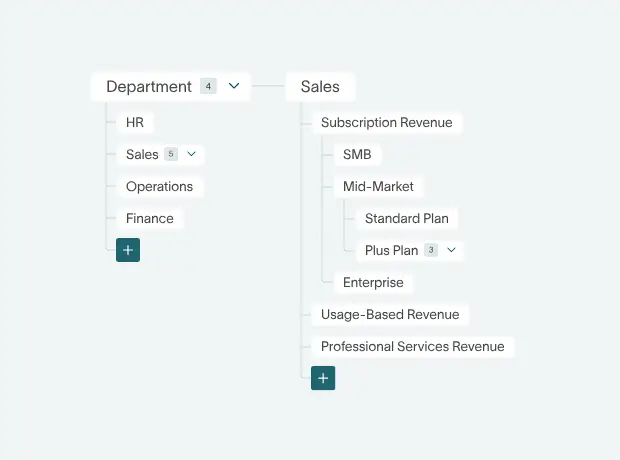
A simple take would be that the general ledger is where the actual accounting happens. It’s the complete record of all financial transactions, organized by account.
Every transaction is recorded through double-entry bookkeeping. That means each entry affects at least two accounts – one debit, one credit – and the totals must always balance.[3]
Due to its high level of detail, the GL supports audits and tax filings because it shows exactly how income, expenses, and balances were recorded.
At the end of a period, GL balances are pulled into a trial balance to confirm everything adds up before financial statements are prepared.
A deeper look inside the COA and general ledger
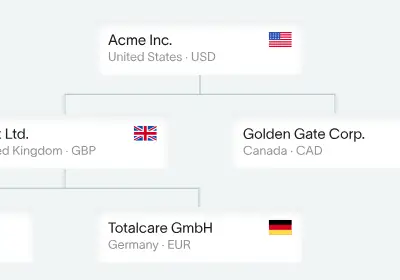
To understand the difference between a COA and a general ledger, we can look at how each one’s built. One defines the structure of your accounts, and the other captures what happens inside them.
Key components of a chart of accounts
A standard chart of accounts is built around five core categories.
- Assets
- Liabilities
- Equity
- Revenue
- Expenses
Often, these are broken down further – e.g. assets might be split into current vs non-current, or expenses might be grouped into operating vs non-operating.
Most COAs also follow this numbering system:
- 1xxx: Assets
- 2xxx: Liabilities
- 3xxx: Equity
- 4xxx: Revenue
- 5xxx–7xxx: Expenses
This structure makes it easier to group, filter, and report on data.[4] At its core, the COA is meant to keep everything organized, so transactions are classified consistently and clearly. For a SaaS-specific implementation of this structure, see our complete SaaS chart of accounts guide.
The parts of a general ledger
Each GL account works like a running record of transactions, tracking debits and credits over time. Every entry needs to follow the double-entry accounting rules (equal debits and credits) to keep the ledger balanced.
Each GL account typically shows:
- the opening balance
- the transaction date and description
- a reference (such as a journal entry)
- debit and credit amounts
- the updated balance after each entry [5]
Transactions are first recorded in journals, then posted to the relevant GL accounts. This creates a clear audit trail, accounting for every individual balance.
How does the chart of accounts connect to the GL?
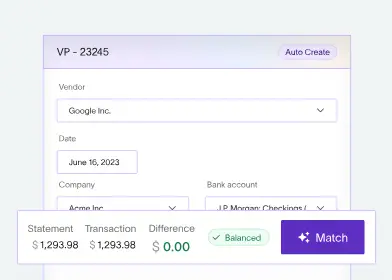
The COA determines which accounts can be used, while the GL records what actually happens in those accounts. Let’s explore how data moves between them.
From journal entry → general ledger via the COA
Every transaction starts with a journal entry. This is where you decide which accounts are affected, and whether they’re debited or credited.
The chart of accounts has the list of valid accounts you can use. For example, paying rent might involve Rent Expense and Cash – both found in the COA.
Once recorded, the journal entry is posted to the general ledger. The accounts involved are updated with the transaction details, including date, description, and amount. From there, the GL builds a running balance for every account.
At the end of the period, all balances are compiled into a trial balance, and totals are checked to ensure debits equal credits. If adjustments are needed, they’re handled at this step – before creating financial statements.
What do subsidiary ledgers and control accounts do?
Subsidiary ledgers hold detailed information for specific accounts. So, Accounts Receivable might have separate records for each customer, and Accounts Payable might track individual vendors [6]
The general ledger doesn’t store that level of detail. Instead, this is where control accounts come in, holding summarized totals. For example:
- The Accounts Receivable control account in the GL shows the total amount owed
- The AR subsidiary ledger shows the breakdown by customer
Transactions are recorded in the subsidiary ledger first (like issuing an invoice), then they’re summarized and reflected in the GL control account.
The purpose of this setup? Keeping the GL clean and manageable, while still keeping detailed records where they’re needed.
General ledger vs chart of accounts
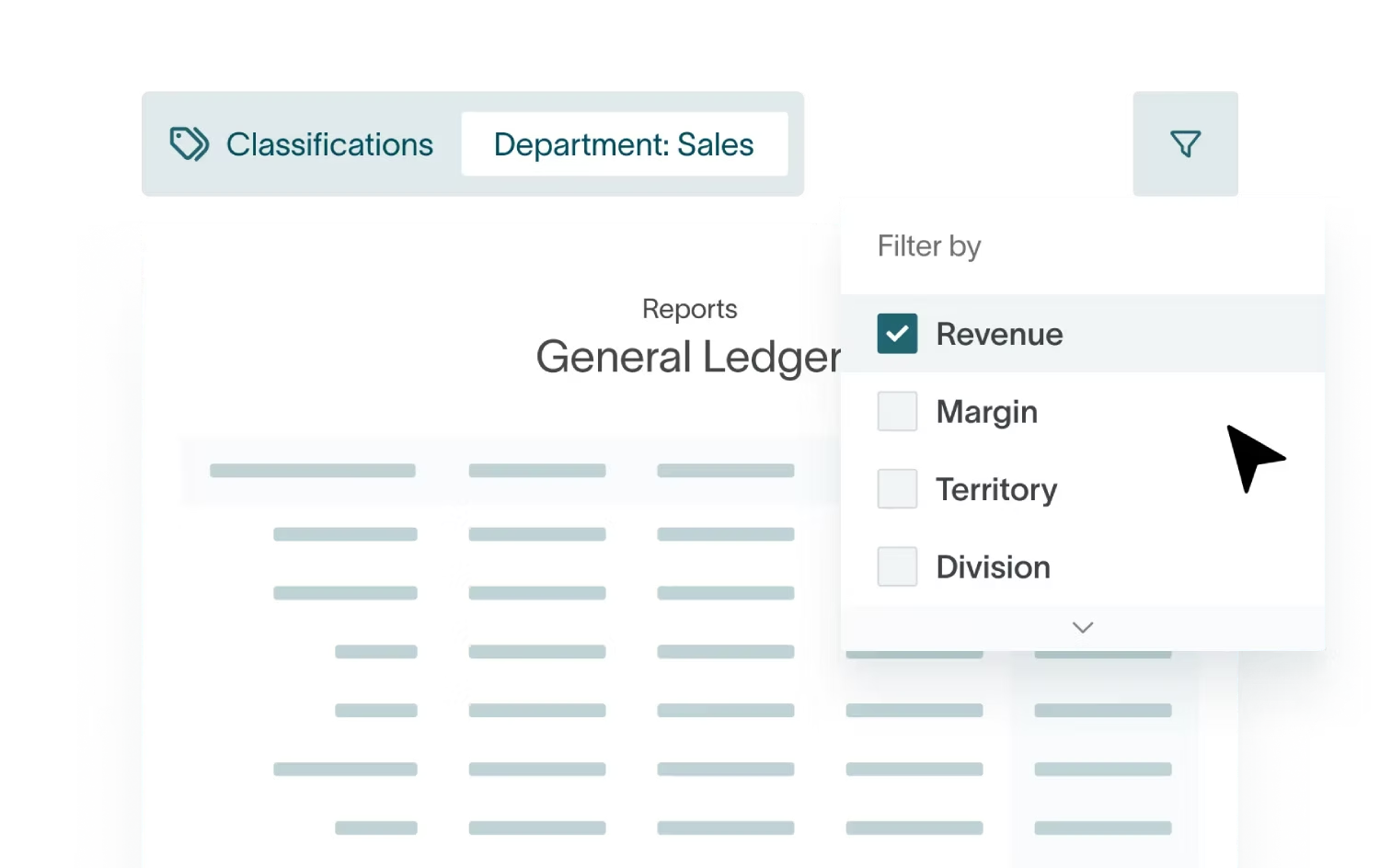
The differences in plain terms
While the chart of accounts is relatively static, the general ledger is very dynamic. It’s updated continuously as transactions are recorded.
In day-to-day finance work, the COA is designed by an accountant or controller – aligning with compliance and reporting needs – to organize assets, liabilities, revenue, and expenses correctly for reporting. The GL captures the actual activity happening in those categories, and it’s used daily across finance teams to post transactions and reconcile balances.[7]
Comparison table: GL vs chart of accounts
How different businesses use the COA and GL
Example 1: A service-based small business
A typical service business COA includes accounts like Cash, Accounts Receivable, Service Revenue, various Expense accounts (e.g. Rent, Utilities, Office Supplies), and Owner’s Equity or Retained Earnings.
Say the business issues a $2,000 invoice. The journal entry debits Accounts Receivable and credits Service Revenue, using accounts defined in the COA.
In the general ledger, this appears as a debit in AR and a credit in Service Revenue, each with a date, description, and reference. Both balances increase.
When the client pays, a second entry debits Cash and credits Accounts Receivable – again using COA codes, but reflected as postings in the GL accounts.
Example 2: Rental property / Real estate
A rental property COA usually includes accounts like Rental Income, Security Deposits, Property Taxes, Repairs and Maintenance, and Mortgage Interest.
When the monthly rent’s collected, the journal entry debits Cash and credits Rental Income, using the rental-specific account in the COA.
For repair work, the entry debits Repairs and Maintenance and credits Cash or Accounts Payable.
These transactions are then posted to the general ledger, updating balances across the relevant accounts.
Over time, the GL builds a full picture of rental income and expenses, which feeds directly into income statements and tax schedules.
Example 3: Using subsidiary ledgers (AR and AP)
For accounts receivable, each customer balance sits in a subsidiary ledger, while the general ledger has a single control account.
Invoices and payments update both individual customer records and the AR control account, ensuring the GL total matches the sum of the subledger details.
Common mistakes
An overloaded or poorly structured chart of accounts
Overcomplicating the COA is easily done. If you have too many similar expense accounts, this can fragment data and make it harder to see where money is actually going.
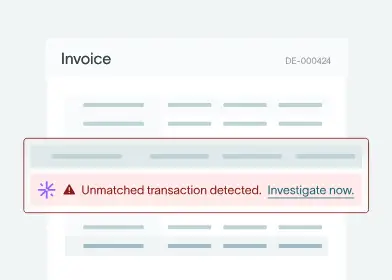
Duplicate or overlapping accounts only cause confusion, and vague labels (e.g. “Other Expense”) make things worse. When it’s not clear where transactions belong, people guess – leading to inconsistent postings in the GL and a weaker quality of reports.
Using the general ledger as a “dumping ground”
Another issue is relying too heavily on catch-all accounts.
If too many transactions end up in broad categories like “Miscellaneous” or “Uncategorized,” the general ledger stops being useful, and you lose clarity into your income and expenses.
The other problem with this approach is that it slows down audits and tax reporting, where records need to clearly show the nature of each transaction.
When tools and training fall short
Many businesses rely on default COAs in accounting software without adapting them to how they actually operate.
And then there’s the issue of insufficient training. If team members aren’t clear on which COA accounts to use for common transactions, and you end up with inconsistent GL posting. Each of these problems adds up to create messy data that needs to be cleaned up – usually at the worst possible moment, like year end.[8]
Best practices for getting the COA and GL right
Designing a clean, scalable chart of accounts
A good chart of accounts should be simple, structured, and built to grow with your business. A few things to consider here that make a big difference:
- Start with financial statements in mind. Your COA should map directly to assets, liabilities, equity, revenue and expenses to keep reporting straightforward.
- Use consistent numbering. Group similar accounts together and leave space for future additions so you don’t need to rebuild the structure later.
- Design around how your business really runs. For example, organizing accounts by key revenue streams and cost drivers makes reporting far more useful.
- Avoid overbuilding. Too many accounts make coding harder and increase the risk of errors. You should review and remove unused accounts regularly.
- Support tax reporting needs. Make sure deductible expenses and key categories are clearly separated so reporting is accurate and easy to manage.
Maintaining an accurate general ledger
Keeping the general ledger accurate comes down to consistency. Here are some core practices to help maintain control:
- Follow a clear accounting cycle. Record transactions, post to the GL, prepare a trial balance, adjust, report… and repeat.
- Reconcile regularly. Bank accounts, credit cards, and key balance-sheet accounts should be checked regularly to catch discrepancies early.
- Investigate any imbalances quickly. If debits and credits don’t match, something’s wrong and should be fixed as soon as possible.
- Put controls in place. Documented approval processes and structured month-end close workflows reduce errors and improve audit readiness.
- Stay on track with deadlines. Reviewing the GL in line with reporting and tax timelines ensures adjustments are made at the right point.
How AI improves general ledger and chart of accounts management
Manual accounting systems tend to break down in predictable ways – like through inconsistent account usage, posting errors, and slow reconciliations. Relying on human input at every step, especially for complex, data-entry-heavy tasks, means that errors are inevitable.
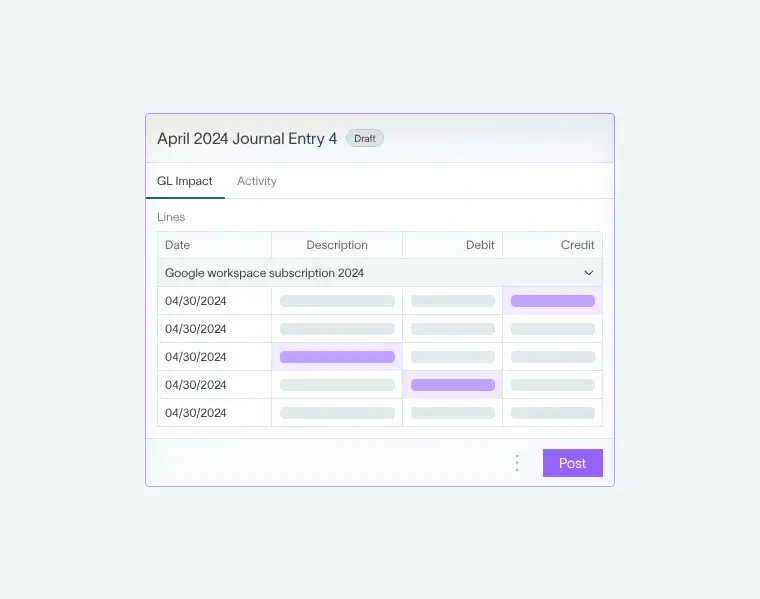
Luckily, a new wave of automated, AI-powered software is changing how transactions are categorized, posted, and reviewed. General ledger software like DualEntry bring structure and activity into a single unified system, making sure that what’s set out in the COA is applied consistently in the GL – at scale, in real time.
Automating account selection and posting
AI-driven accounting software can automatically map transactions to the correct accounts using predefined rules and learned patterns. Accountants don’t need to manually selecting accounts for each entry anymore – transactions are instead categorized as they come in by AI that learns from a business’ transaction history.
To further cut coding errors and boost consistency across the general ledger, automated accounting processes – from categorization to accruals, amortization, and allocations – modern software takes away manual effort while keeping postings aligned with the chart of accounts.
Supporting accuracy, reconciliation, and reporting
Automation can improve accuracy at every stage. Transactions are continuously validated, anomalies are flagged before approval, and balances stay aligned as entries flow through the system.
Automated reconciliation tools match bank data to ledger entries and highlight discrepancies for instant review – reducing the risk of issues piling up at month end. This, combined with real-time reporting and solid audit trails, makes financial data easier to trust and to work with.
General Ledger vs Chart of Accounts FAQs
Is the chart of accounts the same as the general ledger?
No. The chart of accounts defines the list of accounts. The general ledger records all transactions posted to those accounts.
Do I need both for my small business?
Yes. You need a structure to organize transactions (the COA) and a record of activity (the GL). One doesn't work without the other.
How often should I update my chart of accounts?
Usually once a year, or whenever your business changes significantly. The goal is to keep it relevant without constantly reshaping it.
How does the general ledger connect to financial statements?
The GL feeds into the trial balance, which confirms everything is balanced. From there, financial statements like the income statement and balance sheet are prepared.
Which comes first: COA or general ledger?
The chart of accounts comes first. You define the structure before you start recording transactions in the general ledger.
Conclusion
The chart of accounts is the backbone of any accounting system, defining a category for every transaction. In the general ledger, those transactions come together and form the data for the trial balance, income statement, and balance sheet.
When the COA and GL are designed (and maintained) properly, the benefits are immediate. Clearer books, faster closes, smoother audits, fewer surprises during tax season. Achieving that level of consistency manually is fine when you’re starting out – but as transaction volume grows or business expands across entities and currencies, it quickly gets complicated.
This is where AI-native ERPs like DualEntry make a difference. With automated categorization, real-time reporting, continuous anomaly detection, and built-in reconciliation, the gap between the COA and GL is effectively eliminated. Instead of fixing errors after the fact, you can prevent them at the source.
If your finance team’s always stuck in spreadsheets and manual journal entries, it’s worth reviewing your COA and GL for duplicate accounts, vague categories, or unreconciled balances. If you’re ready to move from chaos to clarity and keep your chart of accounts and GL structured and reliable as you grow, schedule a demo to see what DualEntry can do for you.
References
-
 Cornell Law School — General Ledger Definition
-
Liberto, Daniel, and Investopedia — Chart of Accounts (COA) Definition (2026)
-
Wall Street Prep — Double Entry Bookkeeping (2024)
-
The Open University — Introduction to Bookkeeping and Accounting
-
AccountingTools — Chart of Accounts Numbering (2025)
-
Averkamp, Harold, and AccountingCoach — What Is the Purpose of Subsidiary Ledgers?
-
Bulahao, April, and Vantage CFO — How to Set up Your Chart of Accounts for GAAP Compliance
-
IRS — Publication 583 (12/2024), Starting a Business and Keeping Records
See the full power of DualEntry in 30 minutes
Justin (Do San Myung) is Expert Accountant at DualEntry with 20+ years of hands-on experience managing general ledgers, financial close processes, and ERP implementations for mid-market and enterprise companies. As a former Consulting CFO and Controller, he has personally overseen month-end closes, SOX compliance programs, and multi-entity consolidations across technology, manufacturing, and services industries. Justin specializes in transforming manual accounting workflows into automated, AI-driven processes.