Don't worry! The contents here will appear on the published page.
Best SaaS Accounting Software 2026: Top Solutions Compared

Woosung Chun
CFO
Woosung Chun
CFO
Woosung Chun is the CFO of DualEntry with experience in corporate finance, accounting, strategy, and acquisitions. He previously grew from scratch and led the M&A and Finance teams at Benitago, where he completed more than 12 acquisitions in 2 years. He graduated with a BS from NYU Stern. At DualEntry, Woosung writes about AI in accounting, revenue recognition, foreign currency accounting, hedge accounting, and ERP modernization for finance teams navigating complex, multi-entity environments.
Learn about our editorial policies.
Last updated
October 14, 2026
Reviewed by
Do San (Justin) Myung

Do San (Justin) Myung
Expert Accountant & Former Consulting CFO
Justin (Do San Myung) is Expert Accountant at DualEntry with 20+ years of hands-on experience managing general ledgers, financial close processes, and ERP implementations for mid-market and enterprise companies. As a former Consulting CFO and Controller, he has personally overseen month-end closes, SOX compliance programs, and multi-entity consolidations across technology, manufacturing, and services industries. Justin specializes in transforming manual accounting workflows into automated, AI-driven processes.
Learn about our editorial policies.
Summarize this article


TL;DR
The accounting tool that works at $500K ARR will break at $5M. That's not a knock on any particular platform. It's just how SaaS accounting complexity scales.
Pick too early and you're paying for features you don't need yet, plus the implementation overhead that comes with them. Pick too late and you're staring down spreadsheet-based revenue recognition, a 10-day close process, and a messy audit when your Series B investors start asking questions.
Most software review articles ignore this entirely. They rank tools by feature count or G2 score and call it a day. This one doesn't.
Below, we've mapped 9 tools to the specific ARR stage where they actually deliver. Start with the comparison table if you already know what you're looking for.
Quick Comparison Table
Why SaaS Accounting Is Different
Most accounting software was built for businesses that sell things once. A retailer moves inventory, books the revenue, and moves on. SaaS doesn't work like that. You collect cash upfront, deliver the service over time, and have to account for every month in between. That changes almost everything about how your books need to work. For companies with international entities, IFRS 15 governs the same principles outside the US and applies the same core logic: revenue is recognized when performance obligations are met, not when cash arrives.[1]
Here are the three concepts that separate SaaS revenue recognition accounting from everything else.
Deferred Revenue Is a Liability, Not Income
If a customer pays $12,000 for an annual subscription on January 1, you cannot book $12,000 as revenue on January 1. That cash is a liability until you deliver the service.[2] You recognize $1,000 per month as each month of the subscription is fulfilled. Tools that treat the full payment as immediate income produce financials that no investor or auditor will accept. This is one of the first things a Big 4 firm will flag in a pre-raise audit.
ASC 606: What It Means in Practice
The short version: you recognize revenue when you've delivered the service, not when the customer paid. For a SaaS business, that usually means spreading recognition across the subscription period, not booking it all on day one.[2]
Where tools differ is in how they handle this. Some have built-in recognition schedules that run automatically and produce waterfall reports your auditors can actually work with. Others have no native support at all, which means someone on your team is maintaining a spreadsheet of manual journal entries every month-end. That works until it doesn't, and it usually stops working right before a fundraise.
The Metrics Your Books Must Produce Cleanly
MRR, ARR, and Net Revenue Retention are not optional extras for a SaaS finance team. They flow directly from the accounting system. If your software cannot generate them without a manual export and recalculation, your board deck numbers are always slightly stale and your CFO is spending two weeks per quarter on data prep instead of analysis. On the Rule of 40: the calculation is growth rate plus EBITDA margin, and it needs to be at least 40%.[3] You cannot calculate it accurately without clean ARR figures coming out of your accounting system.
Best SaaS Accounting Software by ARR Stage
No two SaaS companies are at the same place financially, and the tool that solves your problems at $800K ARR will likely create new ones at $8M. The section below maps the right software to the right stage, based on what actually breaks and when.
Pre-Revenue to $1M ARR: Keep It Simple
At this stage, clean books with minimal overhead is the goal. The tools that make sense here are QuickBooks Online, Xero, Wave (free), Zoho Books (free tier), and FreshBooks. None of them have native ASC 606 support, but at this volume, manual deferred revenue entries are manageable. The more important factor is whether your bookkeeper already knows the platform. Talent pool availability matters more than features when you have under 50 customers.c
Two mistakes to avoid here. First, choosing an enterprise tool because you plan to grow into it. The implementation cost and learning curve will slow you down immediately, before you have the transaction volume to justify either. Second, staying on spreadsheets past 50 customers. The longer you wait to move onto proper software, the more painful the migration becomes.
$1M to $5M ARR: The Stage Where the Wrong Tool Costs the Most
This is where things get expensive if you get it wrong. Most companies at this stage are still on QuickBooks Online and hitting its ceiling hard. Close takes 8 to 12 days. Revenue recognition lives in a spreadsheet maintained by one person. Board prep is a two-week manual exercise every quarter.
The tools that work here are DualEntry, Sage Intacct entry tier, or QuickBooks Online with a third-party ASC 606 layer if migration budget is genuinely unavailable. On the last option: the workaround path exists, but it has a ceiling. You are adding complexity on top of a system that was not built for SaaS accounting, and that debt compounds.
DualEntry is built specifically for this stage. Automated revenue recognition, multi-entity ready from day one, and native integrations with Stripe, HubSpot, Ramp, Rippling, and Salesforce. The close process that takes 10 days on QuickBooks typically runs in 2 to 3 days on DualEntry.
$5M to $20M ARR: Audit-Ready and Investor-Grade
ASC 606 is non-negotiable at this stage. Multi-entity structures start appearing. Board reporting frequency and quality expectations increase significantly. The cost of the wrong tool here is measured in CFO hours and audit fees, not just inconvenience.
At this stage, what you are really evaluating is a SaaS ERP, not just accounting software. Our guide to choosing an ERP system covers how to run that evaluation. Tools that work here are DualEntry and Sage Intacct full tier. Acumatica is worth considering for product-heavy businesses with complex inventory alongside SaaS revenue. A 3 to 5 day close at this stage is realistic with the right platform. What makes it possible is automated reconciliation, native rev rec, and approval workflows that don't rely on someone chasing emails.
$15M+ ARR: Consolidation and Enterprise Compliance
At this scale, QuickBooks is long gone. NetSuite and Workday are where most companies land, and for good reason. You are dealing with multiple entities, intercompany eliminations, and auditors who want clean GAAP trails on everything. IFRS 15 compliance is often in scope too if you have international entities. If you're operating across currencies, our multi-currency accounting software comparison covers which platforms handle consolidation and translation at this scale.
Neither platform is cheap or fast to implement. But the reporting complexity at this stage is real, and trying to manage it on mid-market software creates more problems than the migration costs. VC-backed startups often hit these thresholds earlier than bootstrapped companies, due to the accounting complexity at each VC funding stage — equity instruments, investor reporting, and audit requirements that arrive with each round.
Best SaaS Accounting Software (Detailed Comparison)
1. Wave
G2 rating: 4.3/5 (315)
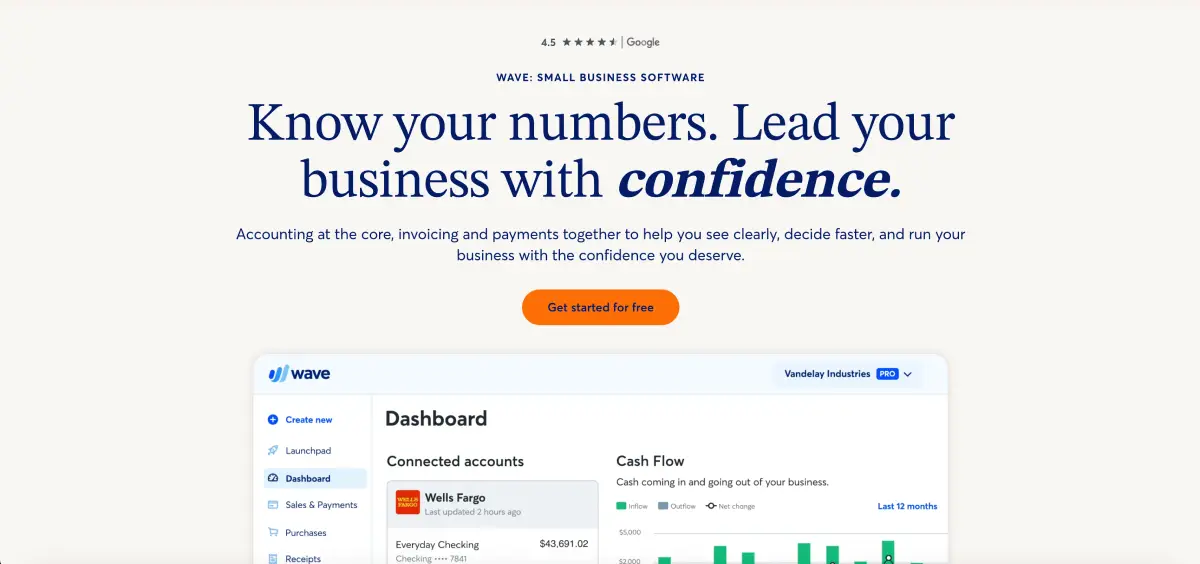
Wave handles the basics for free, which is the main reason pre-revenue founders reach for it. Income tracking, expense categorization, and basic reporting are all included without a subscription. The paid add-ons for payroll and payments are reasonably priced if you need them.
Core capabilities:
- Income and expense tracking
- Basic financial reporting
- Invoice generation and payment processing
- Payroll as a paid add-on
- Receipt capture via mobile
Organizational fit: Pre-revenue founders who need clean books and have no budget for accounting software.
Advantages:
- Free to use for core accounting functions
- Simple enough that non-accountants can operate it without training
- Paid add-ons are modular so you only pay for what you use
Limitations:
- No native deferred revenue or ASC 606 support
- Annual subscription revenue still requires manual recognition entries
- Starts feeling limited past 20 to 30 customers
Pricing structure: Free. Payroll and payment processing available as paid add-ons.
2. FreshBooks
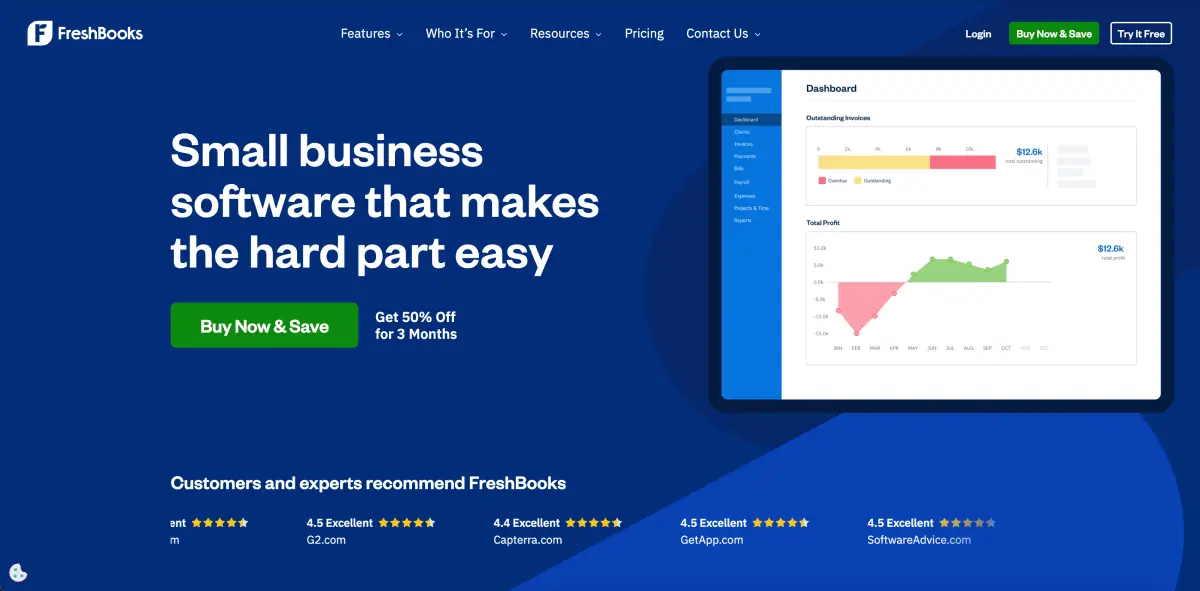
G2 rating: 4.5/5 (962)
FreshBooks was built around invoicing and client billing, not SaaS accounting. The core invoicing experience is clean and the time tracking works well for service businesses. If your model involves annual contracts or subscription billing, you will hit its ceiling fast.
Core capabilities:
- Client invoicing with customizable templates
- Time tracking and project billing
- Expense categorization and receipt capture
- Online payment processing
- Basic profit and loss reporting
Organizational fit: Pre-revenue founders and solo operators whose primary need is client invoicing rather than subscription accounting.
Advantages:
- Clean interface that non-accountants pick up quickly
- Strong invoicing and payment collection tools
- Affordable entry price for individual users
Limitations:
- No native ASC 606 or deferred revenue support
- Not built for subscription or usage-based revenue models
- Reporting depth is limited compared to accounting-focused platforms
Pricing structure: From $19/month.[4]
3. Zoho Books
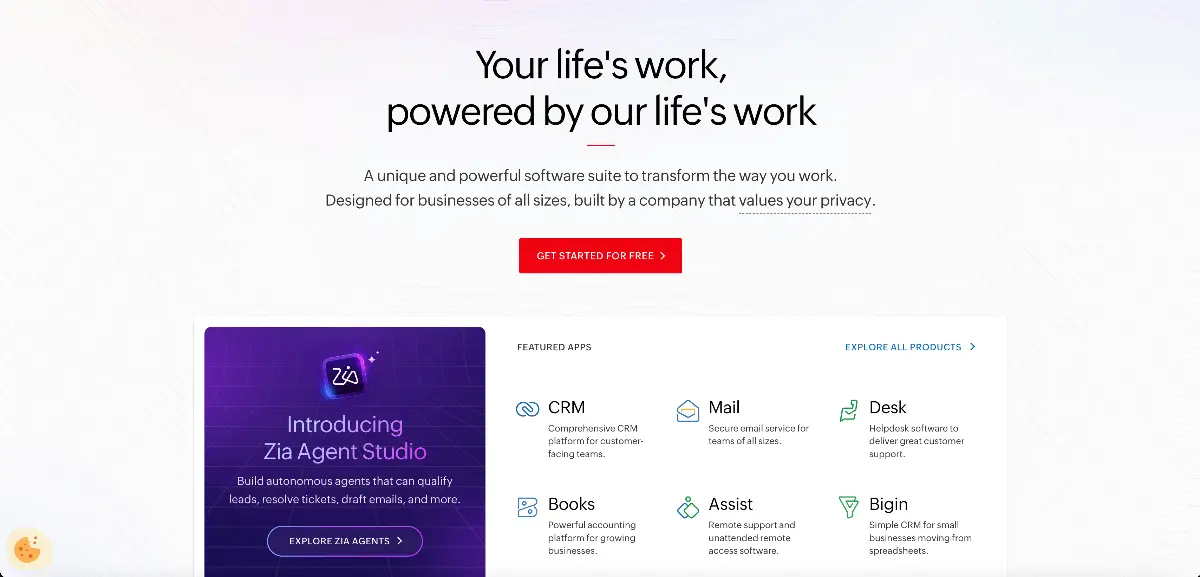
G2 rating: 4.4/5 (312)
Wave is free but thin. QuickBooks costs money and has a learning curve. Zoho Books sits between them, which is why it shows up on a lot of early-stage shortlists. The free tier handles most of what a pre-seed company actually needs, and if your team is already on Zoho CRM or Zoho Projects, the integrations are a natural fit.
Core capabilities:
- Invoice generation and payment reminders
- Expense tracking and bank reconciliation
- Multi-currency support across tiers
- Workflow automation for recurring entries
- Client portal for self-service payments
Organizational fit: Budget-conscious early-stage teams, particularly those already using the Zoho ecosystem.
Advantages:
- Free tier covers up to 1,000 invoices per year [5]
- Multi-currency support available at lower price points
- Integrates well with Zoho CRM and other Zoho products
Limitations:
- No native ASC 606 support, deferred revenue still needs manual handling
- Less intuitive than QuickBooks or Xero for US-based bookkeepers
- Limited scalability past early stage
Pricing structure: Free tier available. Paid plans from $15/month.
4. QuickBooks Online
G2 rating: 4/5 (3,709)
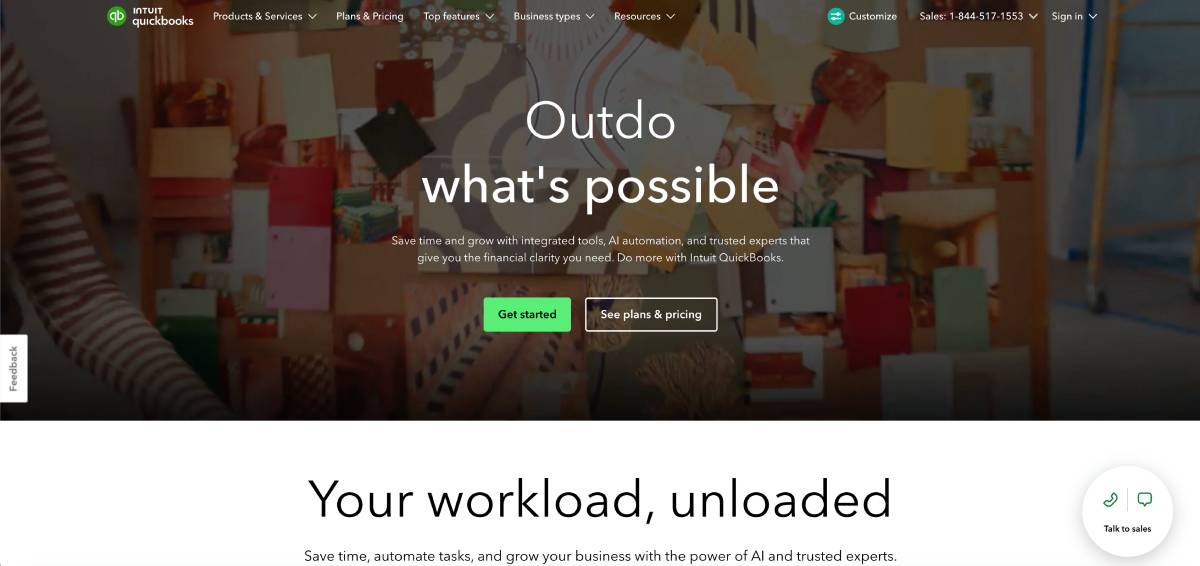
QuickBooks Online is the default for early-stage SaaS companies, mostly because every bookkeeper already knows it. That familiarity has real value when you are small. The problems show up around $1M to $3M ARR, when close times stretch, revenue recognition moves into a spreadsheet, and board prep becomes a two-week manual exercise every quarter.
Core capabilities:
- Automated bank feeds with transaction categorization
- Invoice generation and accounts receivable tracking
- Basic inventory tracking
- Payroll integration via separate subscription
- Large third-party app ecosystem
Organizational fit: Early-stage SaaS companies under $1M ARR with a QBO-fluent bookkeeper already in place.
Advantages:
- Widest bookkeeper familiarity of any platform in this list
- Large third-party app ecosystem covers many gaps
- Affordable entry price for small teams
Limitations:
- No native ASC 606 support
- Multi-entity functionality is not supported
- Close process degrades significantly as transaction volume grows
- Revenue recognition requires a spreadsheet or third-party bolt-on
Pricing structure: From $35/month.[6]
5. Xero
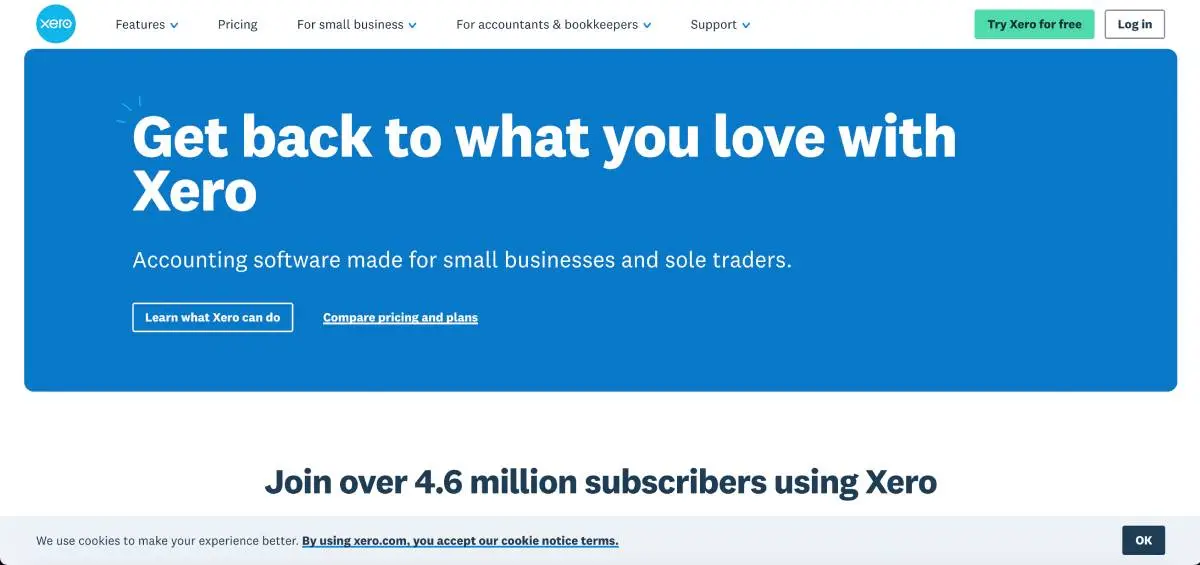
G2 rating: 4.4/5 (1,599)
Xero is worth considering if you are weighing it against QuickBooks and want cleaner integrations and better multi-currency handling. It holds up well for companies with international customers or entities, where QBO tends to get messy. The ceiling is similar though: no native ASC 606 support, so subscription revenue recognition still needs manual work or a bolt-on past a certain point.
Core capabilities:
- Bank reconciliation and automated feeds
- Unlimited users across all subscription tiers
- Multi-currency support on higher tiers
- 1,000+ third-party integrations
- Real-time collaboration for external accountants
Organizational fit: Early-stage teams with international activity or those who want cleaner integrations than QuickBooks offers.
Advantages:
- Unlimited user licensing removes per-user cost pressure
- Multi-currency support is stronger than QuickBooks at the same price point
- Large integration marketplace covers most common SaaS tools
Limitations:
- No native deferred revenue or ASC 606 support
- Advanced reporting requires third-party add-ons
- Hits the same growth ceiling as QuickBooks around $2M ARR
Pricing structure: From $15/month.[7]
(Read our complete guide on DualEntry vs Xero.)
6. DualEntry
G2 rating: 4.9/5 (122)
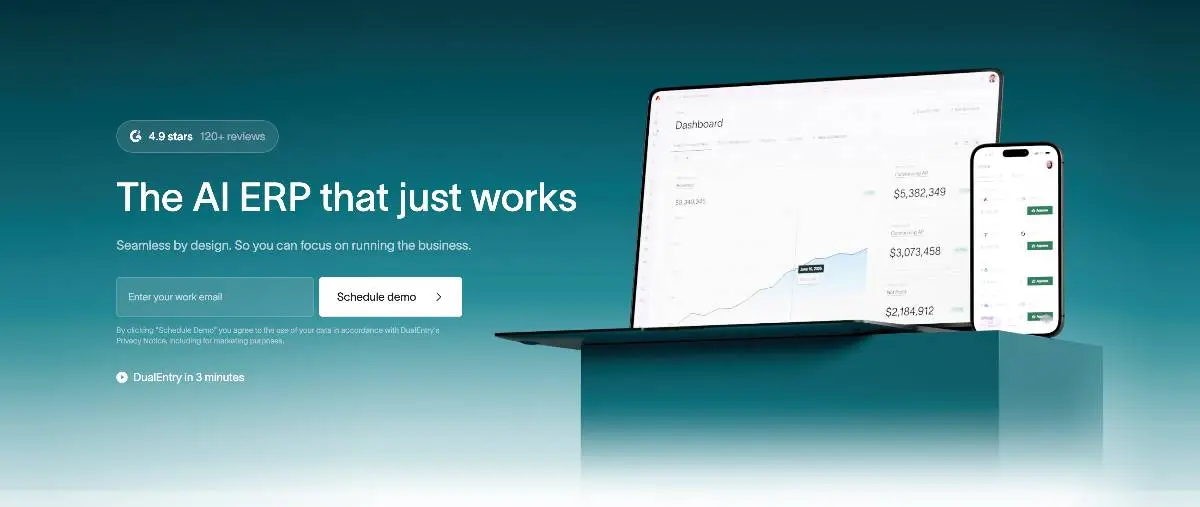
There is a window most SaaS companies get stuck in. QuickBooks is no longer keeping up, but a full NetSuite implementation feels like overkill. DualEntry as an AI-native accounting software was designed for that window specifically. The close process that drags on for 8 to 10 days on QuickBooks tends to run in 2 to 3 days here. Billing data from Stripe, HubSpot, Salesforce, Ramp, and Rippling flows into the GL natively, no developer required. Revenue recognition runs on automated ASC 606 schedules so nobody is maintaining a spreadsheet at month-end.
Core capabilities:
- Automated ASC 606 revenue recognition schedules
- Native integrations with Stripe, HubSpot, Salesforce, Ramp, and Rippling
- Multi-entity support included from day one
- AI anomaly detection and automated reconciliation
- Audit-ready reporting and real-time close dashboards
Organizational fit: SaaS finance teams between $1M and $20M ARR that have outgrown QuickBooks and need audit-grade financials without a NetSuite-scale implementation.
Advantages:
- Close process drops from 8 to 10 days to 2 to 3 days in most cases
- Multi-entity support is standard, not an add-on
- Native billing integrations remove the need for developer involvement
- Implementation timeline is weeks, not months
Limitations:
- The accountant and partner ecosystem is newer and smaller than Sage Intacct or NetSuite
- Feature depth exceeds what very early-stage companies actually need
Pricing structure: Contact for pricing.
7. Sage Intacct
.webp)
G2 rating: 4.3/5 (4,116)
Sage Intacct is the most established mid-market option for SaaS companies preparing for institutional fundraising or IPO. ASC 606 support is native and well-documented. The platform has a long track record with finance teams and auditors, which matters when you are in due diligence. The interface is older and implementation takes longer than newer platforms, but the functionality depth at $5M to $20M ARR is hard to argue with.
Core capabilities:
- Native ASC 606 revenue recognition with contract billing workflows
- Dimensional reporting by department, project, location, or custom dimensions
- Multi-entity consolidation with drill-down to transaction level
- Automated recurring journal entries and expense allocations
- AICPA-endorsed platform with strong audit trail documentation [8]
Organizational fit: SaaS companies between $3M and $20M ARR with experienced controllers who need audit-grade financials and strong compliance documentation.
Advantages:
- AICPA endorsement adds third-party credibility
- Deep functionality at the mid-market scale
- Large ecosystem of accountants and implementation partners who know the platform
- Dimensional reporting removes the need for complex chart of accounts structures
Limitations:
- Interface reflects older design patterns
- Implementation takes longer than newer platforms
- Total cost increases as modules are added
Pricing structure: Contact for pricing. Base typically starts around $400/month before modules.
(Read our complete guide on DualEntry vs Sage Intacct.)
8. Acumatica
G2 rating: 4.4/5 (2,000)
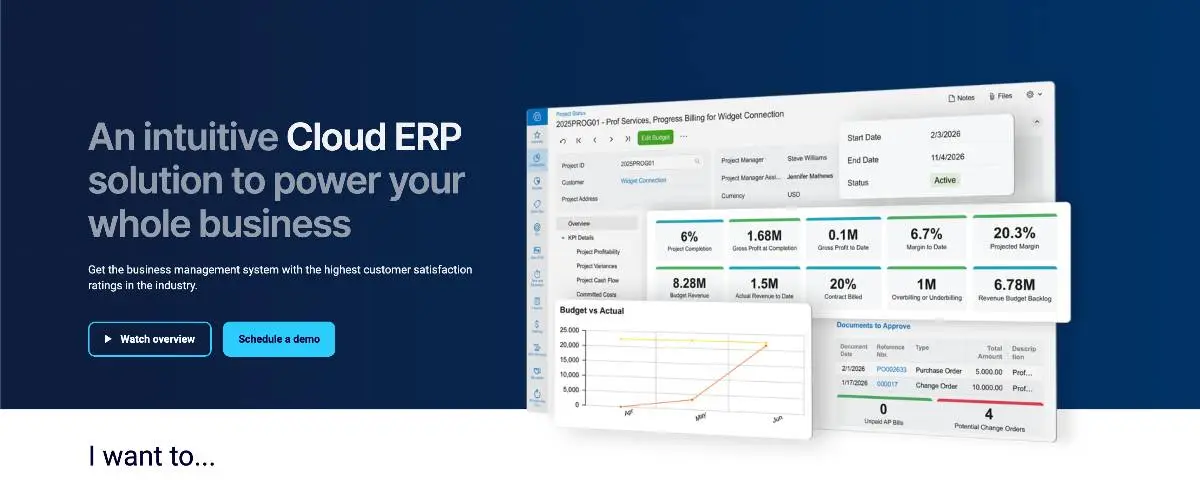
Pure-play SaaS companies rarely land on Acumatica. Where it makes more sense is when the business sits at the edge of two worlds, part software, part physical product, or when project accounting adds real complexity alongside subscription revenue. The ASC 606 module works, multi-entity is solid, and the resource-based pricing model means you are not paying per user as headcount grows.
Core capabilities:
- ASC 606 revenue recognition module
- Multi-entity consolidation and intercompany accounting
- Inventory and order management alongside financial accounting
- Project accounting with cost tracking
- API-first architecture for custom integrations
Organizational fit: SaaS businesses with physical inventory components or complex project accounting needs alongside subscription revenue.
Advantages:
- Handles inventory and SaaS revenue in one platform
- Strong multi-entity capabilities
- Flexible pricing model based on resources rather than per-user fees
Limitations:
- Requires a certified implementation partner
- Less common in pure-play SaaS, so the ecosystem is thinner for that use case
- Implementation timelines run longer than mid-market alternatives
Pricing structure: Contact for pricing.
9. NetSuite
G2 rating: 4.1/5 (4,611)
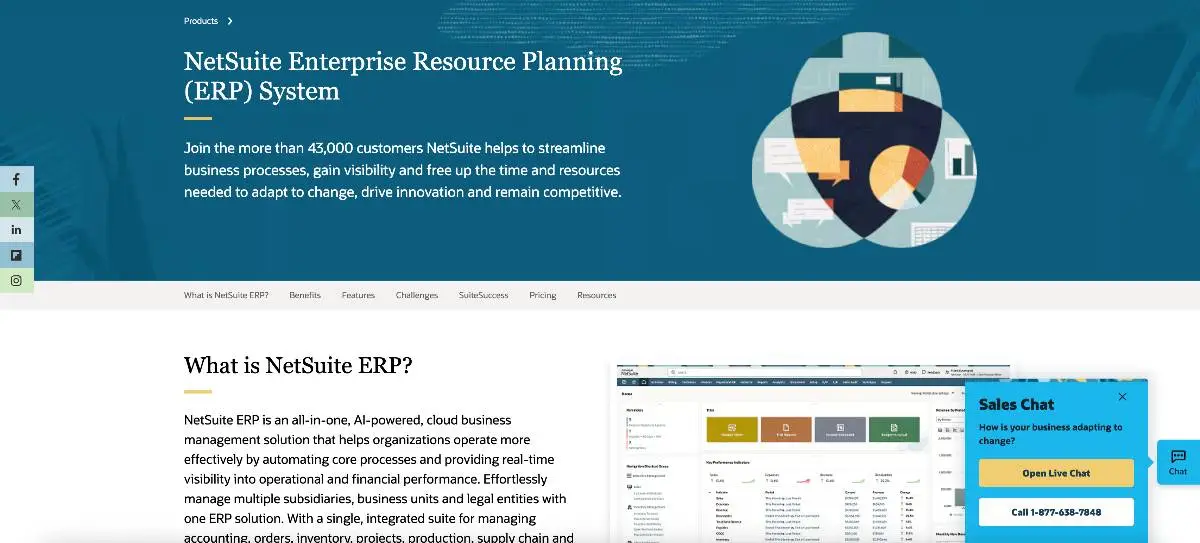
NetSuite is the most widely used ERP at enterprise SaaS scale. Multi-entity consolidation, intercompany eliminations, full GAAP and IFRS 15 compliance, and a large ecosystem of implementation partners come standard. Companies rarely choose it because it is the best product at their current stage. They choose it because their investors expect it or their audit firm requires it.
Core capabilities:
- Multi-entity consolidation with automated intercompany eliminations
- ASC 606 and IFRS 15 compliant revenue recognition
- Customizable chart of accounts with approval workflow configuration
- Real-time reporting dashboards with financial analytics
- Full ERP modules including inventory, order management, and CRM
Organizational fit: Enterprise SaaS companies above $15M ARR with multi-subsidiary structures, complex compliance requirements, or investor mandates.
Advantages:
- Handles consolidation complexity at true enterprise scale
- Large ecosystem of implementation partners and accountants
- Full ERP eliminates the need for separate financial applications
Limitations:
- Implementation costs often run six figures [9]
- Timelines are long, typically six months or more
- Interface has not kept pace with modern platforms
Pricing structure: Contact for pricing. Base subscription widely reported at $999/month plus per-user fees.
(Read our complete guide on DualEntry vs NetSuite.)
Billing Stack Compatibility Matrix
Your accounting software and your billing platform are two separate layers. Most SaaS companies need both, and the quality of the connection between them is where data problems usually start.
There are three types of integration to know about. Native sync means real-time, bi-directional data flow with no developer required. API means programmatic connection that a developer or connector tool has to set up and maintain. Manual means CSV exports on a schedule, which works at low volume and breaks down as transaction counts grow.
It is also worth knowing that some companies add a billing layer between their billing platform and their accounting tool. Platforms like Maxio and Chargebee sit in this space, handling subscription management and revenue schedules before syncing to the GL. If your billing complexity is high, that layer is worth evaluating separately from the accounting platform itself.
5 Signs You Have Outgrown Your Accounting Software
Switching accounting software is painful enough that most finance teams put it off longer than they should. These are the five signals that the cost of staying is higher than the cost of moving.
1. Your month-end close takes more than 5 business days
And most of that time is not review. It is manual data reconciliation, chasing numbers across systems, and fixing entries that did not sync correctly. A close that runs long because of volume is a capacity problem. A close that runs long because of process is a software problem.
2. Revenue recognition lives in a spreadsheet
One spreadsheet, maintained by one person. If that person takes a new job, the institutional knowledge of how your deferred revenue schedule works goes with them. That is not a process. It is a risk.
3. You cannot produce MRR or ARR without a manual export
If getting to your ARR number requires pulling a report, dropping it into a spreadsheet, and running calculations by hand, your board deck figures are always a few days stale. Investors notice. Auditors ask questions.
4. Your auditors are requesting documents your system cannot produce
Audit prep should be a review process, not a construction project. If your team is spending the weeks before an audit manually building schedules and pulling exports that the software should generate on its own, that is time and money going toward work the tool should handle. It also introduces errors that a properly configured system would never produce in the first place.
5. Your billing platform sync breaks more than once a month
A sync that needs manual review before you can trust it is not really a sync. Duplicate entries, missing transactions, and timing gaps might seem like small annoyances, but they mean your GL is something you have to verify rather than something you can rely on. That distinction matters a lot when you are trying to close the books or answer an investor question quickly.
If two or more of these sound familiar, the real question is whether you've outgrown accounting software entirely. Our guide to ERP vs. accounting software walks through exactly when it's time to switch.
Best SaaS Accounting Software FAQ
What is the best accounting software for a SaaS company?
The honest answer is that it depends on where you are. Early on, under $1M ARR, QuickBooks or Xero does the job. The problems start when you are past that mark and dealing with real investor reporting, tighter close expectations, and revenue recognition that cannot live in a spreadsheet anymore. That is where DualEntry and Sage Intacct tend to come in. Past $15M, most companies end up on NetSuite or Workday.
What accounting software do fast-growing SaaS companies use?
The pattern we see most often is that companies between $1M and $10M ARR stay on QuickBooks longer than they should, then scramble to migrate when the close process becomes a bottleneck. The ones that handle it well make the move to DualEntry or Sage Intacct before the pain gets bad enough to force it. Both were built for the kind of revenue complexity and reporting requirements that QuickBooks was never meant to handle.
What do big companies use instead of QuickBooks?
NetSuite is where most enterprise SaaS companies land, with Workday as the other common answer. It is not that either platform is particularly pleasant to use. The reason they dominate at that scale is that the underlying complexity — multiple entities, intercompany eliminations, global reporting requirements — has outgrown what any mid-market tool can reasonably manage.
What SaaS metrics should my accounting software produce automatically?
At minimum: MRR, ARR, and Net Revenue Retention, without anyone opening a spreadsheet. Rule of 40 requires clean ARR to calculate accurately — growth rate plus EBITDA margin only means something if the underlying numbers are trustworthy. If your team has to run a manual export and recalculate everything before they can use the figures, the software is adding a step it should be removing.
Conclusion
Picking accounting software is not really about features. It is about matching the tool to the stage you are actually at, not the stage you hope to reach in two years. A founder at $400K needs simple, clean books. A CFO at $6M needs a close process that does not consume the whole team and board reporting that does not require two weeks of manual prep. Same category of software, completely different requirements. For a more detailed breakdown, see our stage-by-stage ERP selection guide for tech startups.
Work through the stage framework above, then test your shortlist against how your close actually runs today and what your auditors or investors are starting to ask for. If you are somewhere in the $1M to $10M range and the current setup is already slowing you down, it is worth seeing what a purpose-built platform looks like in practice. You can see DualEntry in action in 30 minutes.
References
-
 IFRS 15 Revenue from Contracts with Customers — IFRS Foundation
-
ASC 606 Revenue from Contracts with Customers — FASB
-
Scaling to $100M: The Rule of 40 — Bessemer Venture Partners
-
Pricing — FreshBooks
-
Pricing — Zoho Books
-
Pricing — QuickBooks
-
Pricing — Xero
-
AICPA & CIMA Endorse Sage Intacct as Preferred Financial Management Solution — Sage
-
2024 ERP Report — Panorama Consulting Group
See the full power of DualEntry in 30 minutes
Woosung Chun is the CFO of DualEntry with experience in corporate finance, accounting, strategy, and acquisitions. He previously grew from scratch and led the M&A and Finance teams at Benitago, where he completed more than 12 acquisitions in 2 years. He graduated with a BS from NYU Stern. At DualEntry, Woosung writes about AI in accounting, revenue recognition, foreign currency accounting, hedge accounting, and ERP modernization for finance teams navigating complex, multi-entity environments.